
Hi, Readers.
Today I would like to talk about what is Version Data Type and how it is used in Business Central.
If you’re an end-user, version numbers don’t matter in the course of your normal work day, however; if you’re an administrator, knowing the version numbers is important for troubleshooting, development, and on-premises upgrade scenarios.
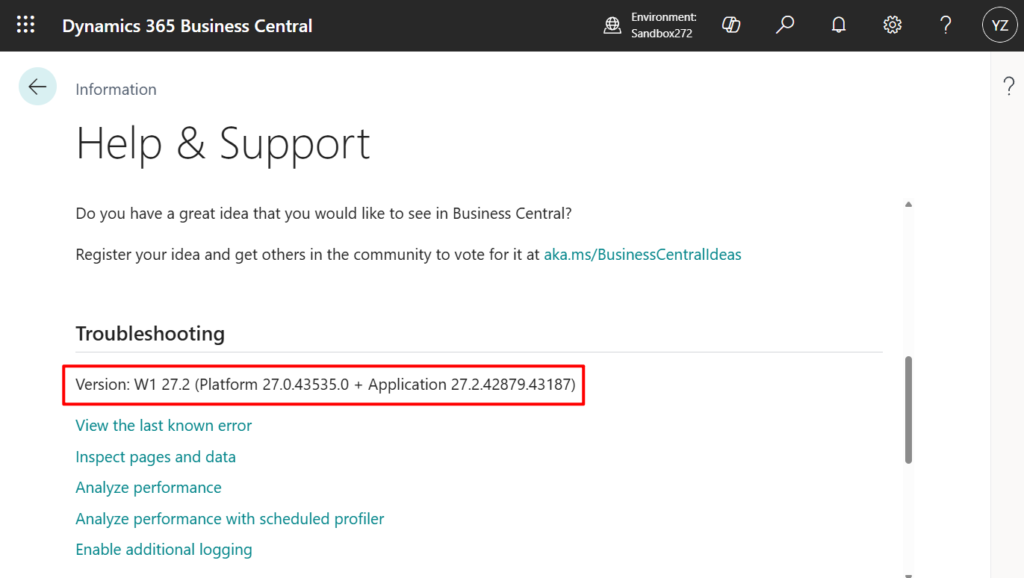
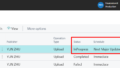
You can use the information about which version the tenant is on to help you troubleshoot an issue that a user reported, for example. This information is listed in the Troubleshooting section of the Help and Support page in Business Central in the following format:
| Version | Example | Description |
|---|---|---|
| Platform <major>.<minor>.<build>.<revision> | 27.0.12345.0 | Specifies the full platform version, which includes client and server components. |
| Application <major>.<minor>.<build>.<revision> | 27.1.23456.0 | Specifies the full version number for the application, including the major |
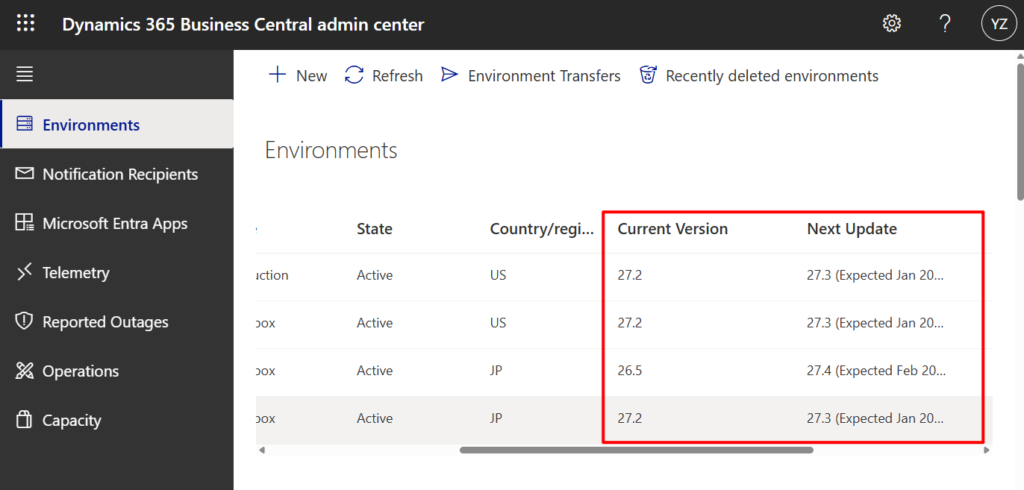
PS: In the Business Central administration center, only the <major>.<minor> version number for the application is used to administer environment updates.
If you need to store a version number in the system or display it in the UI, you might naturally think of using a text field and hardcoding the value in the code. In fact, Microsoft has prepared a special data type for developers, Version data type.
Version data type: Represents a version matching the format: Major.Minor.Build.Revision.
Static methods:
| Method name | Description |
|---|---|
| Create(Text) | Creates a version object from the provided string. The string should be in the format W.X.Y.Z, where W, X, Y and Z represent positive integers and where Y and Z are optional. If the input string is not in the expected format, an exception is thrown. |
| Create(Integer, Integer [, Integer] [, Integer]) | Creates a version object from the major, minor, build and revision numbers provided. |

Instance methods:
| Method name | Description |
|---|---|
| Build() | Gets the build number of the version. |
| Major() | Gets the major number of the version. |
| Minor() | Gets the minor number of the version. |
| Revision() | Gets the revision number from the version. |
| ToText() | Converts the value to a text. Equivalent to calling Format(value, 0, 0). |

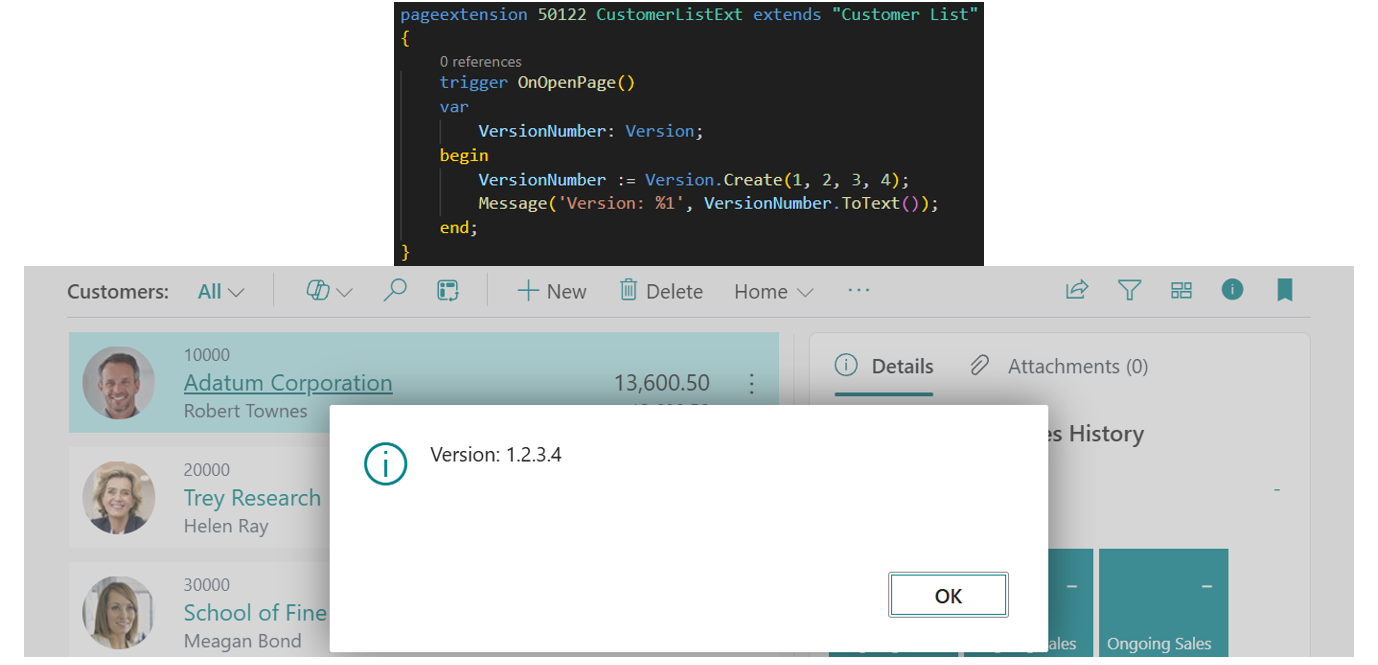
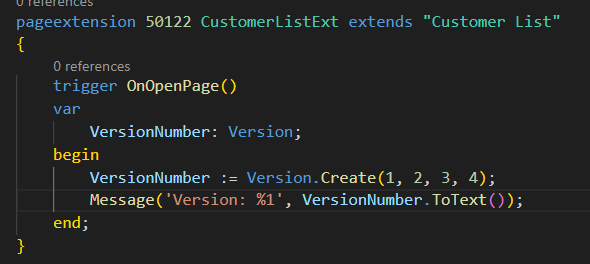
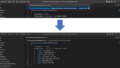
Here is a very simple example:
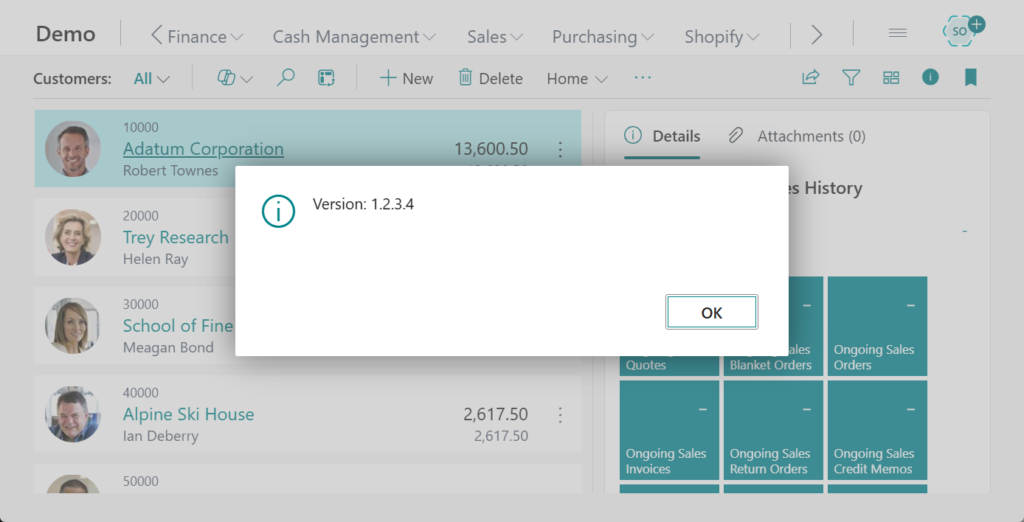
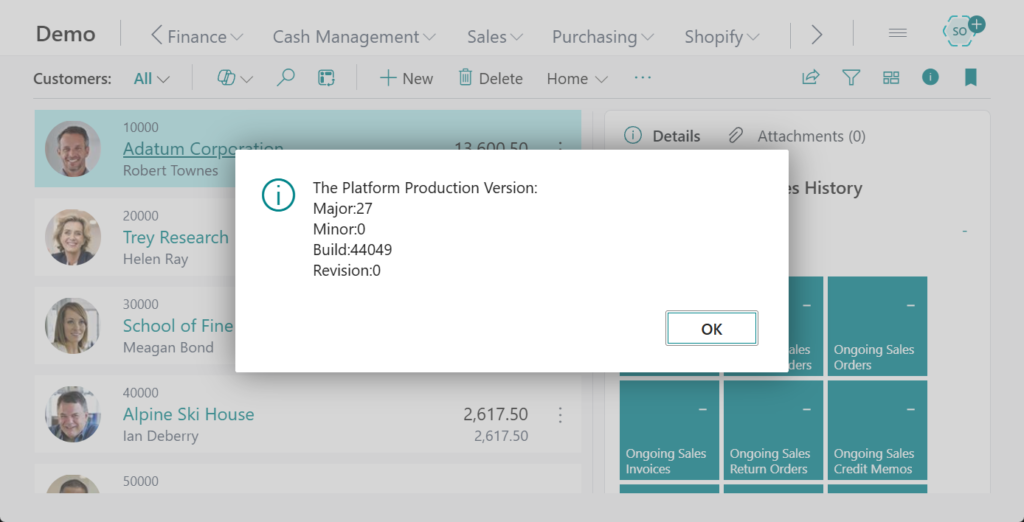
Let’s look at another example of getting the current platform version number and splitting the output.
More details: How to get current platform version number via AL (Using codeunit 9015 “Application System Constants”)

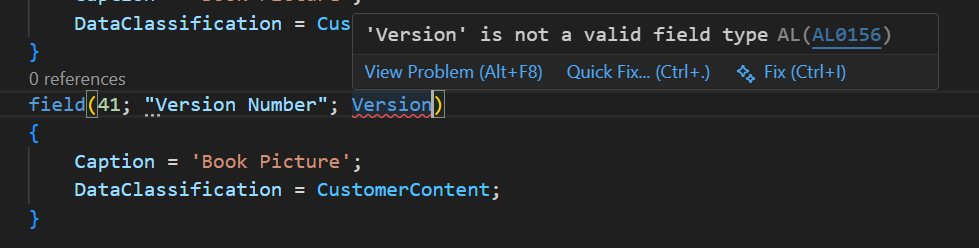
Note: “Version Data Type” cannot be directly used as a table field.
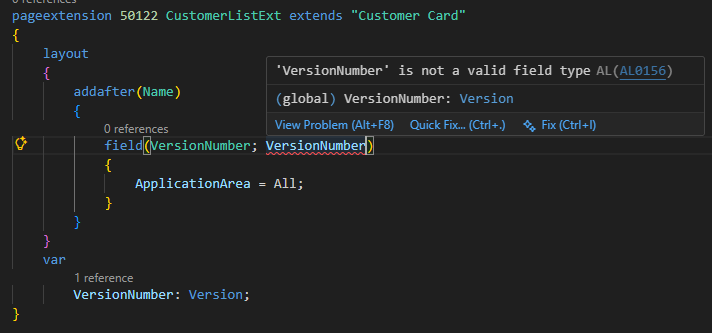
It also cannot be directly added to the page as a variable.
Very simple, give it a try!!!😁
PS:
1. Version numbers of the environment
3. How to get the full version text in Help & Support via AL (Record daily version information)
4. Business Central 2025 wave 2 (BC27): App version in “Copy error details”/”Share details via”
END
Hope this will help.
Thanks for reading.
ZHU
コメント