
Hi, Readers.
The public preview for Dynamics 365 Business Central 2026 release wave 1 (BC28) is available. Learn more: Link.
I will continue to test and share some new features that I hope will be helpful. In this post, I would like to talk about New Early Access Preview Features page (1965, List). This has not yet been mentioned in any official documentation.
Some new features are turned off when Dynamics 365 Business Central is updated to a newer version. These features are optional for a period of time until they are automatically enabled for all users in a later software update.
You can prepare in advance by enabling these features for all users on the right environment at the right time that suits your schedule.
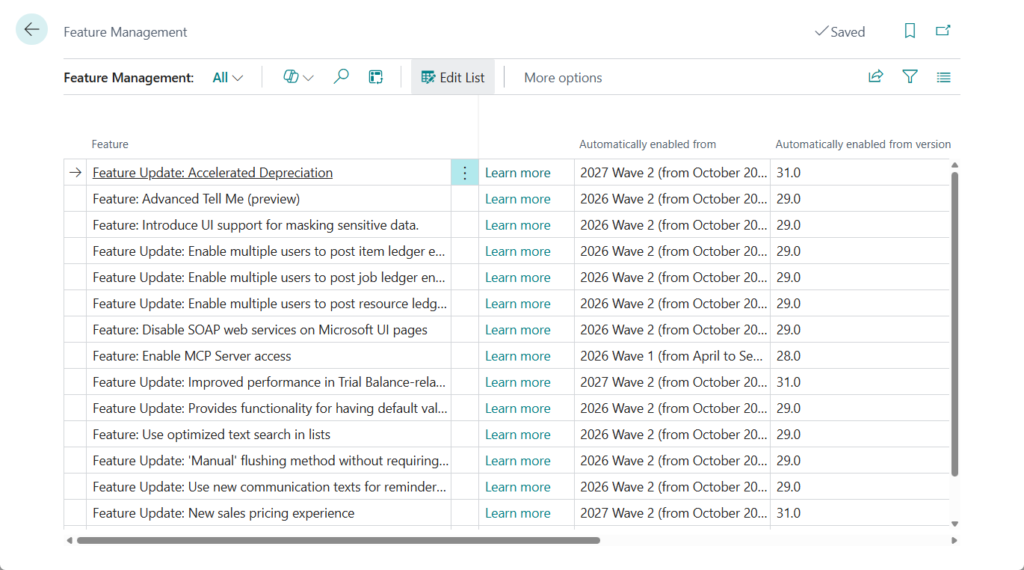
Users as well as administrators can learn about these features in the release plans, and administrators can enable each individual feature from the Feature Management page inside Business Central. Once a feature is enabled, it becomes available for all users on that environment no matter how they access Business Central. More details: Feature Management in Dynamics 365 Business Central
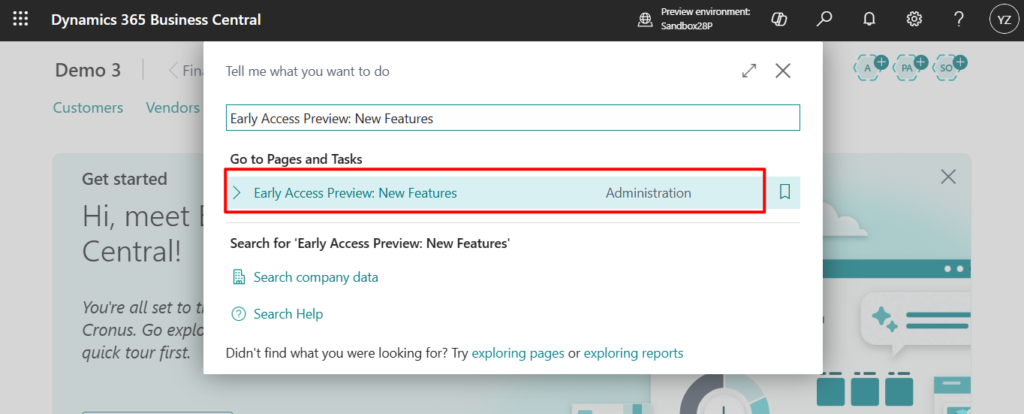
With this wave (BC28), Microsoft has introduced a new page: Early Access Preview: New Features.
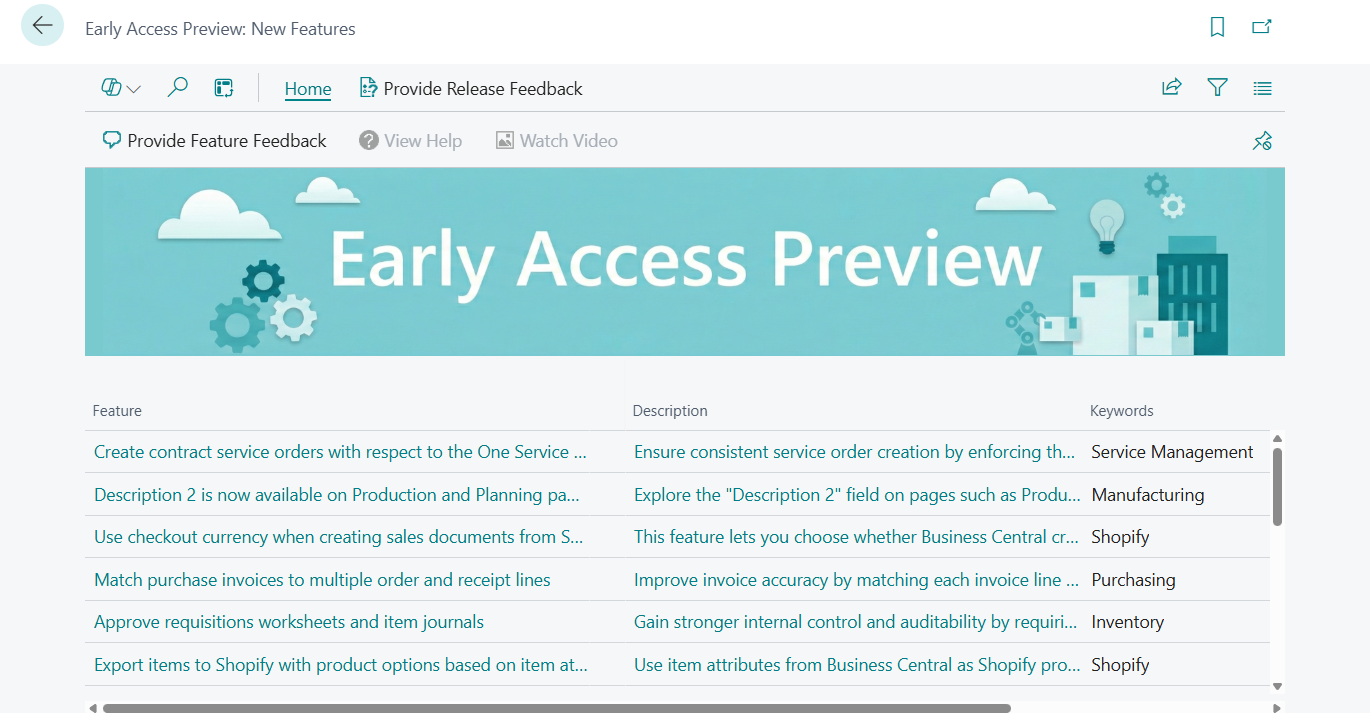
This page lists some of the new features in 2026 release wave 1 (BC28).
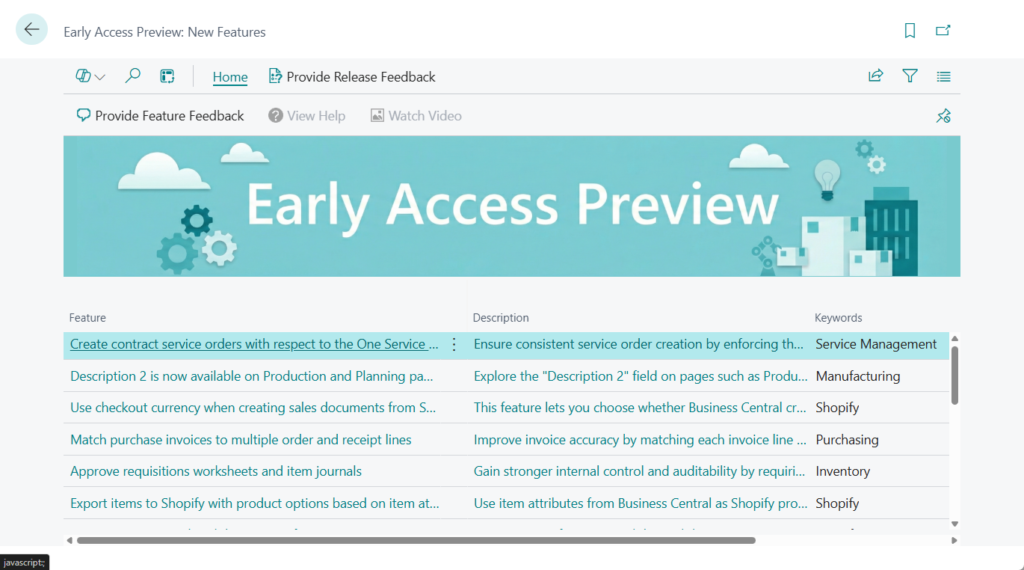
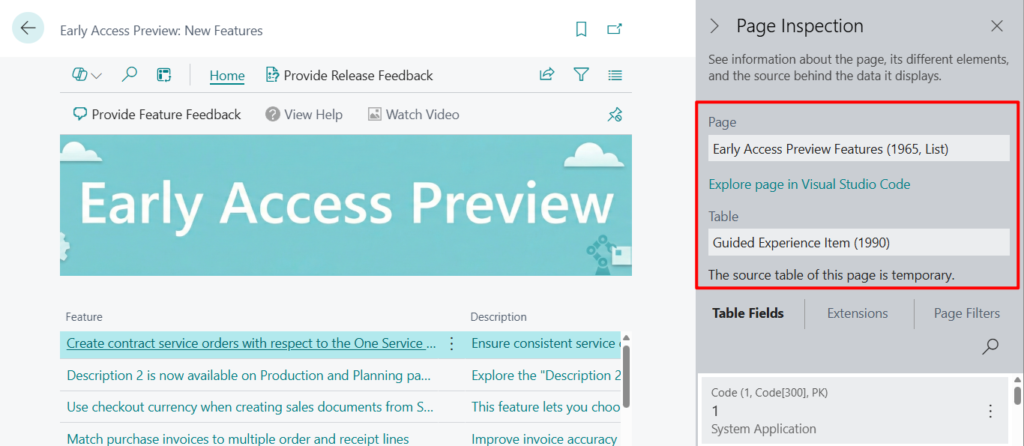
Page info:
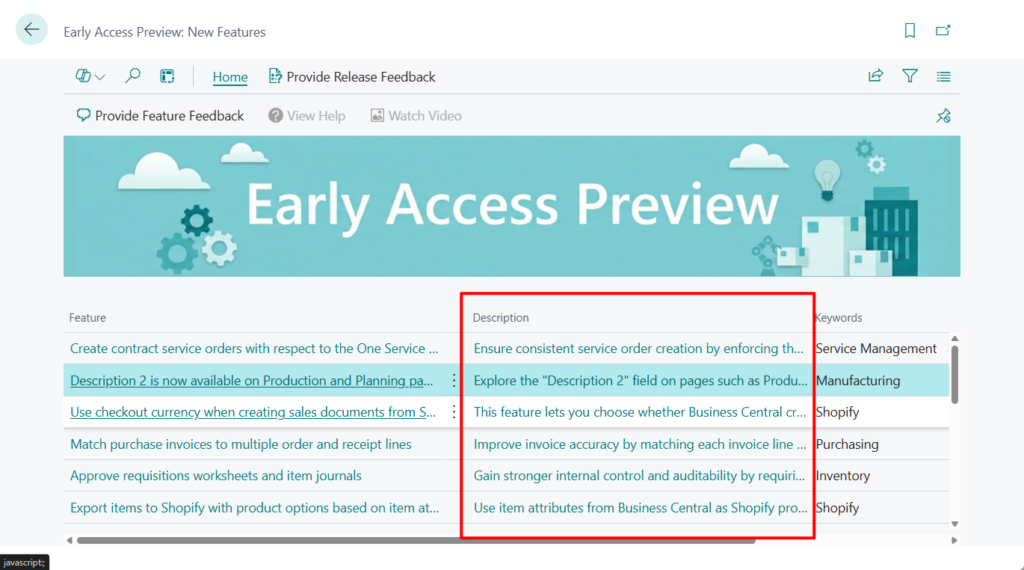
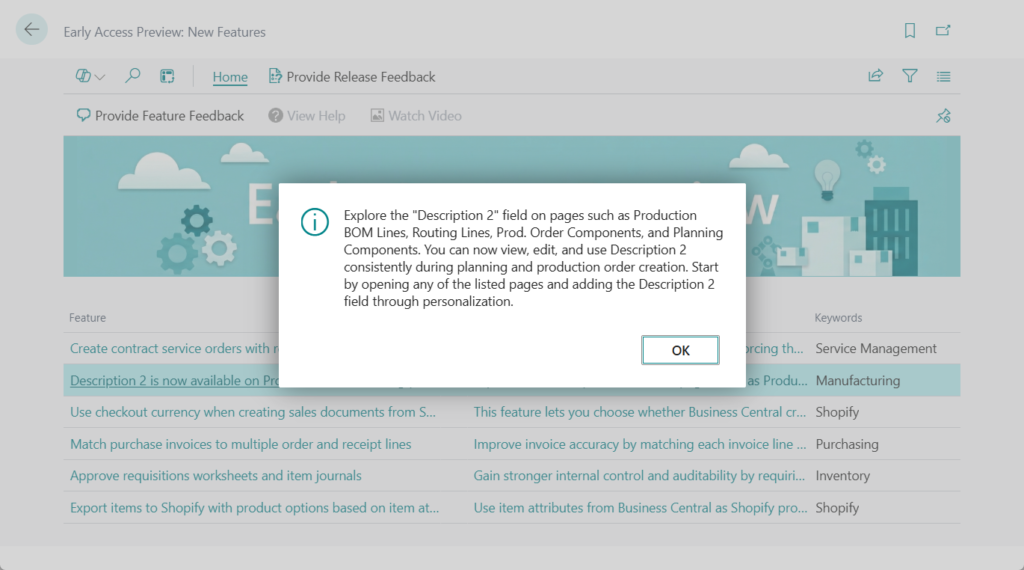
Click the Description field to view detailed information.
We can provide feedback on the currently selected feature.
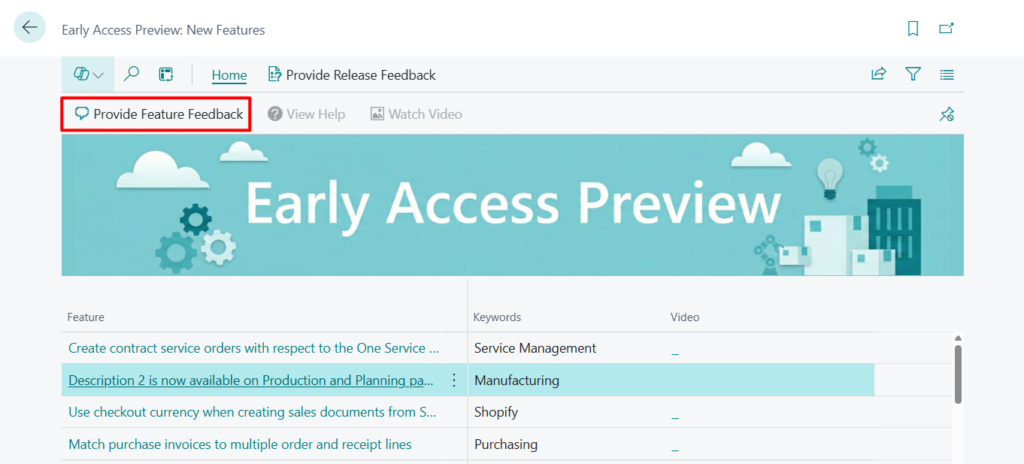
There are three options.
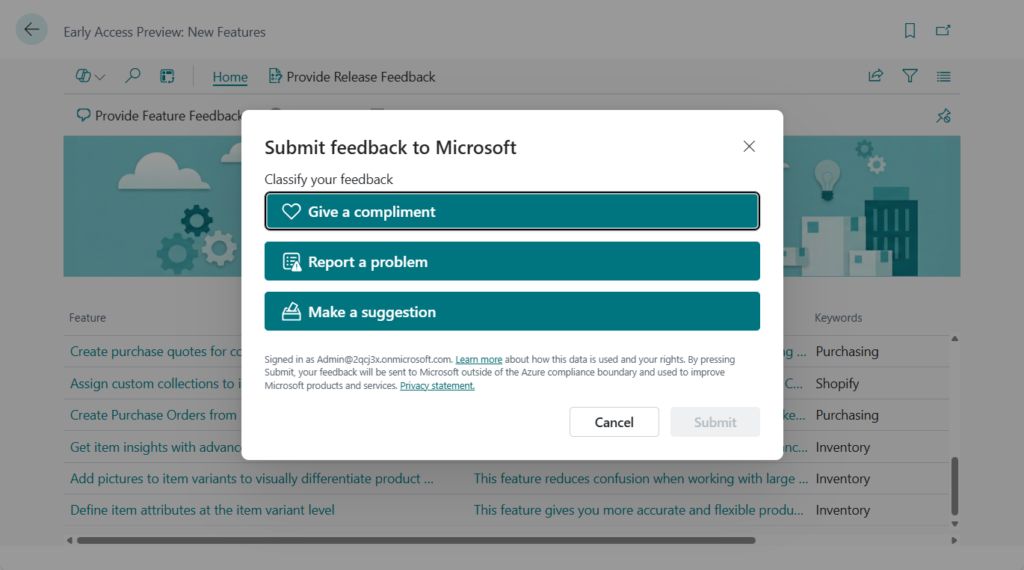
Give a compliment: What did you like?
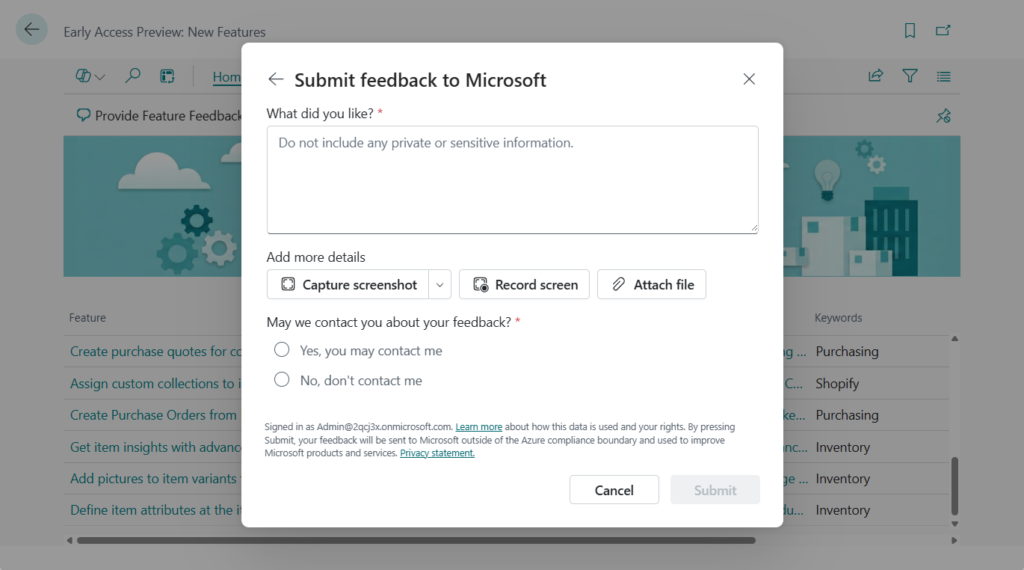
Report a problem: What did you dislike?
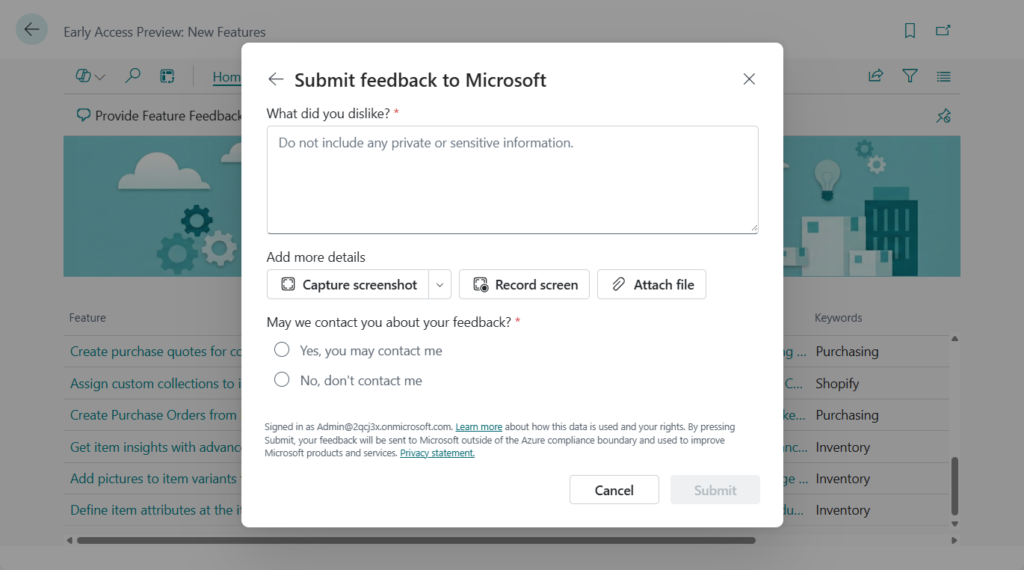
Make a suggestion: What can we do better?
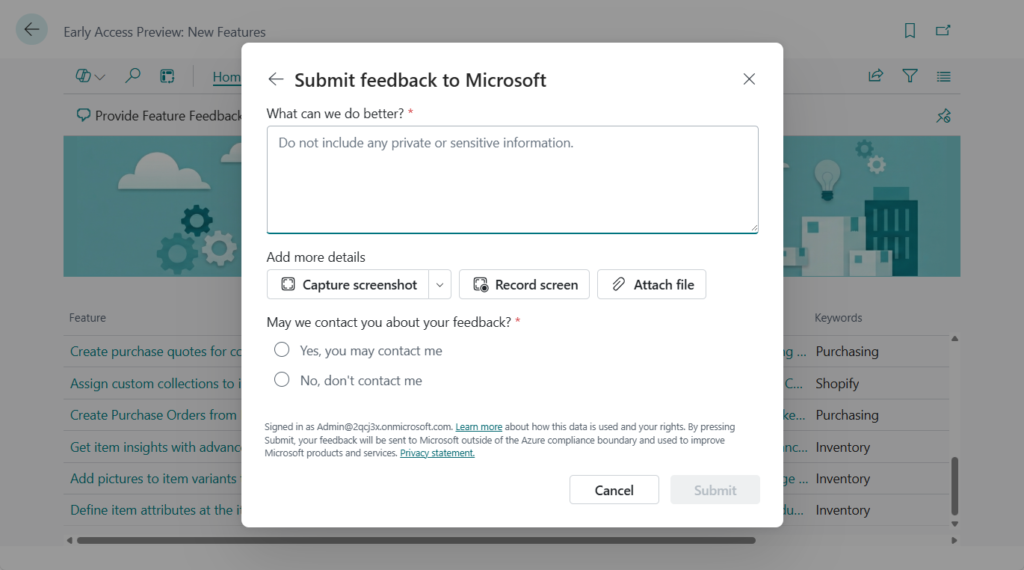
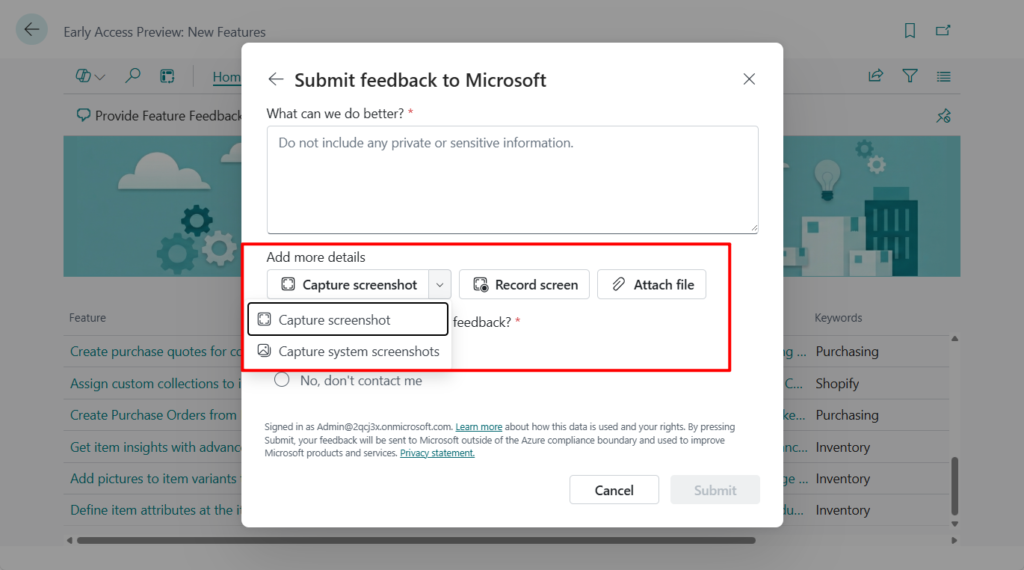
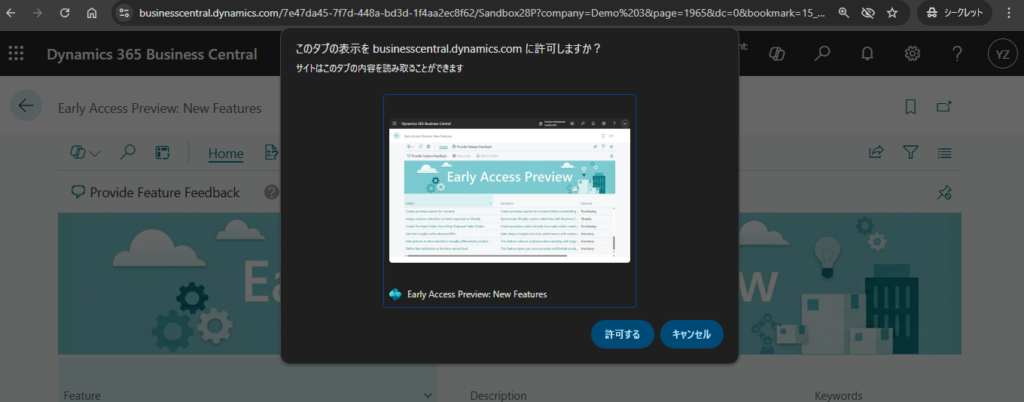
Additionally, the feedback submission now supports capturing screenshots, screen recording, and file attachments.
Excluding file attachments, these two features are new to the BC UI and might be expanded to other areas in the future.
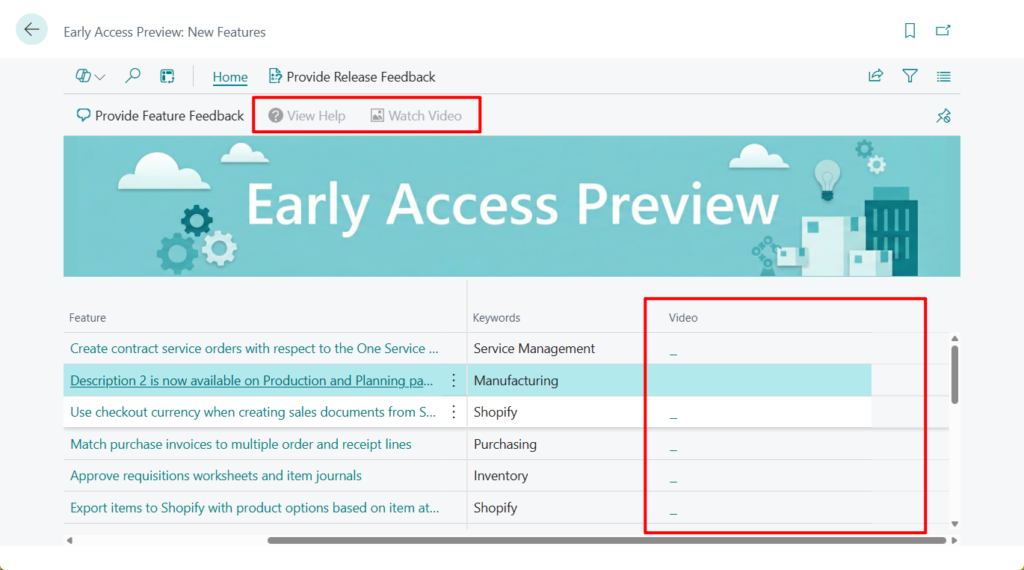
This page also features ‘View Help’ and ‘Watch Video’ actions, likely because the official release plan and launch event have not yet been made public. In the future, we might be able to view feature details directly within this page.
Great, give it a try!!!😁
END
Hope this will help.
Thanks for reading.
ZHU
コメント