
Hi, Readers.
Minor update 21.1 for Business Central 2022 release wave 2 has been released last week. Learn more: Link.
Today I would like to share a new feature “Support for global and workspace launch configuration” from BC 21.1.
PS: This information is not mentioned in What’s new and planned for update 21.1, but is recorded in AL Language Changelog version 10.1 (AL Release Notes).
Support for global and workspace launch configuration
AL developers are now able to add a
launchproperty to theircode-workspaceorsettings.jsonfile and it will be taken into account. A locallaunch.jsonfile overrides the workspace and global configuration. A workspacelaunchconfiguration overrides thelaunchconfiguration specified in the globalsettings.jsonfile.In case that the local
https://marketplace.visualstudio.com/items/ms-dynamics-smb.al/changeloglaunch.jsonfile doesn’t contain a valid AL launch configuration, we’ll try to find one in thecode-workspacefirst, and then in thesettings.jsonfiles. However, if thelaunchproperty is specified in thecode-workspacefile even without specifying a valid AL configuration, the globalsettings.jsonfile will not be able to override it.
Let’s see more details.
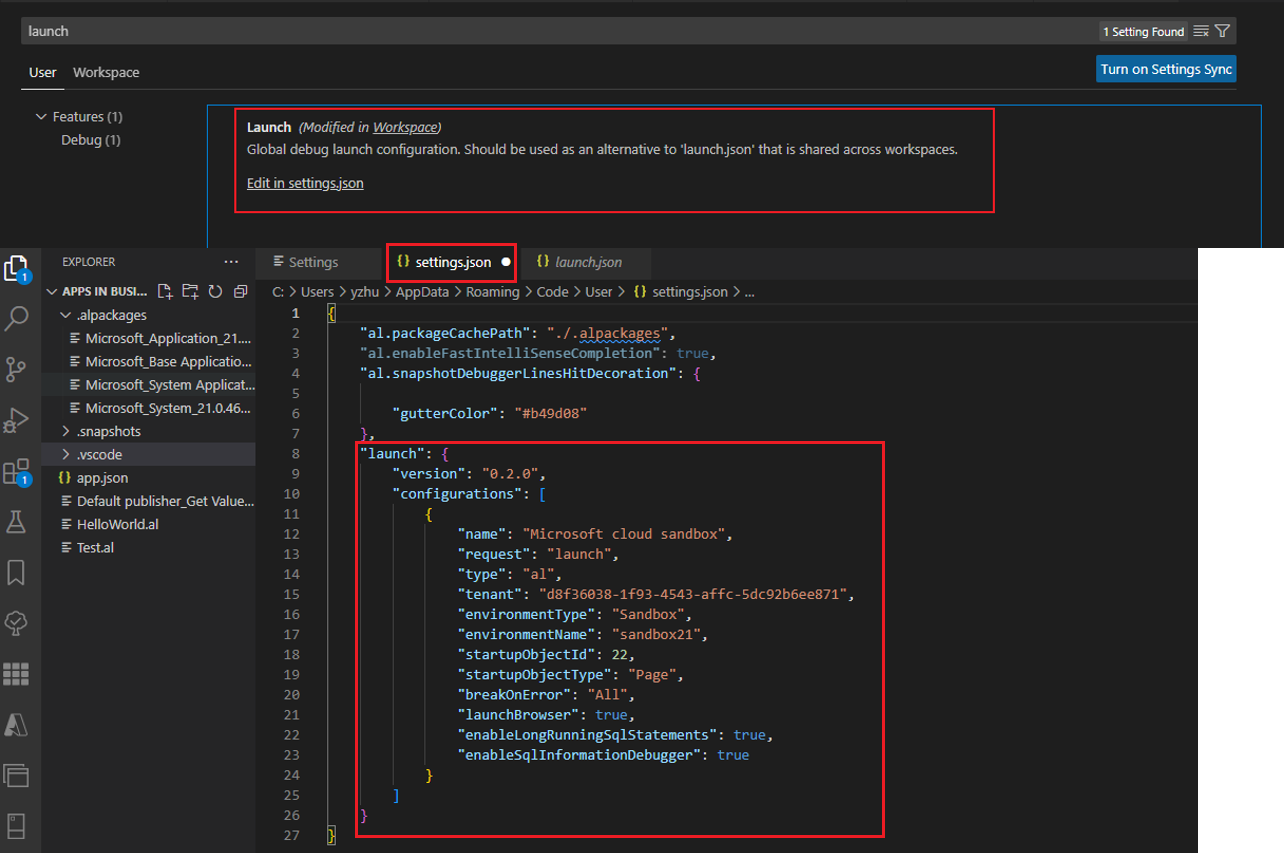
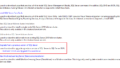
Now you can find Launch setup in VS Code Settings.
Launch
Global debug launch configuration. Should be used as an alternative to ‘launch.json’ that is shared across workspaces.
User settings:

Workspace settings:

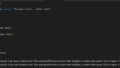
Choose Edit in settings.json to open settings.json file.
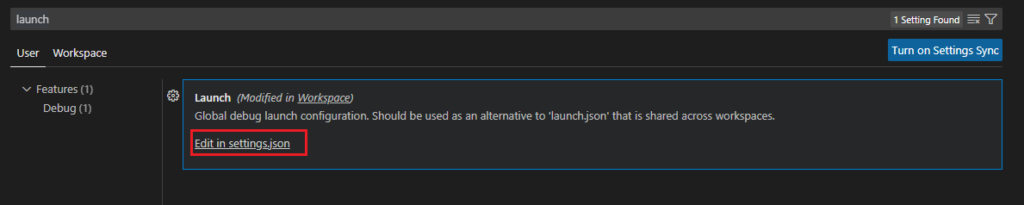
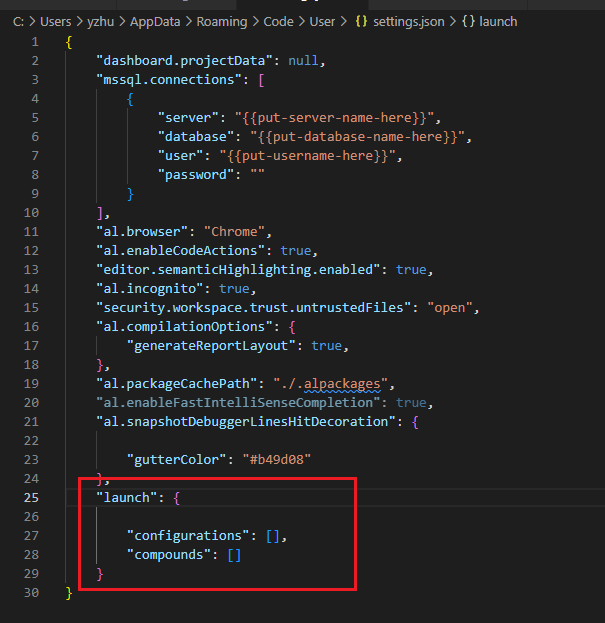
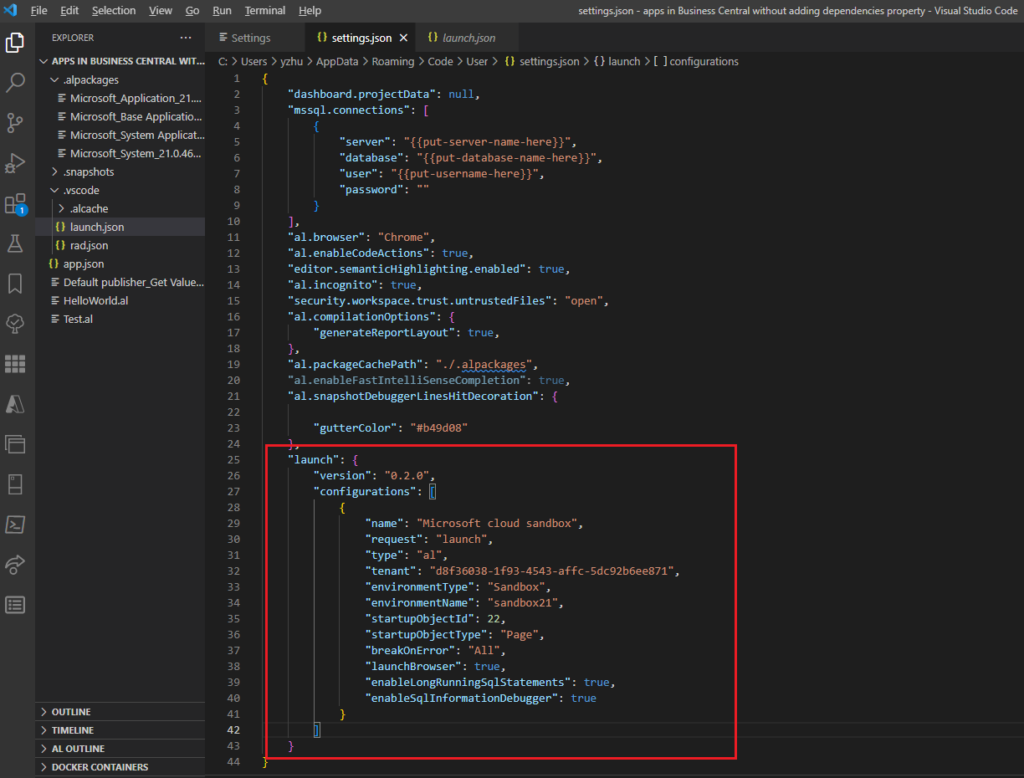
Yes, now, we can add the launch configuration to settings.json, no need to repeat the settings every project.👏🎉
Priority:

Test Video:
Give it a try!!!😁
END
Hope this will help.
Thanks for reading.
ZHU
コメント