

Hi, Readers
Today I would like to talk about some of the information Microsoft recently released about the cost of the Copilot/Agent features in Business Central, hoping it will be helpful to you.
Copilot is an AI-powered assistant that helps spark creativity, boost productivity, and eliminate tedious tasks. Copilot in Business Central is the world’s first AI-powered assistant across all lines of business. With Copilot in Business Central, small and medium-sized organizations empower their workers through intuitive AI tools that boost creativity and save time.
First of all, is Copilot in Business Central free?
Yes, Copilot in Business Central is included with your Business Central license at no extra cost. However, fair-use policies, quotas, or pricing might be introduced later.
https://learn.microsoft.com/en-us/dynamics365/business-central/copilot-overview?wt.mc_id=DX-MVP-5004336#is-copilot-free

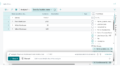
With this wave (BC27), a new Billing Type column is added in the Copilot and Agent Capabilities page.
More details: Business Central 2025 wave 2 (BC27): Understand how each Copilot and agent capability is billed (Billing Type)
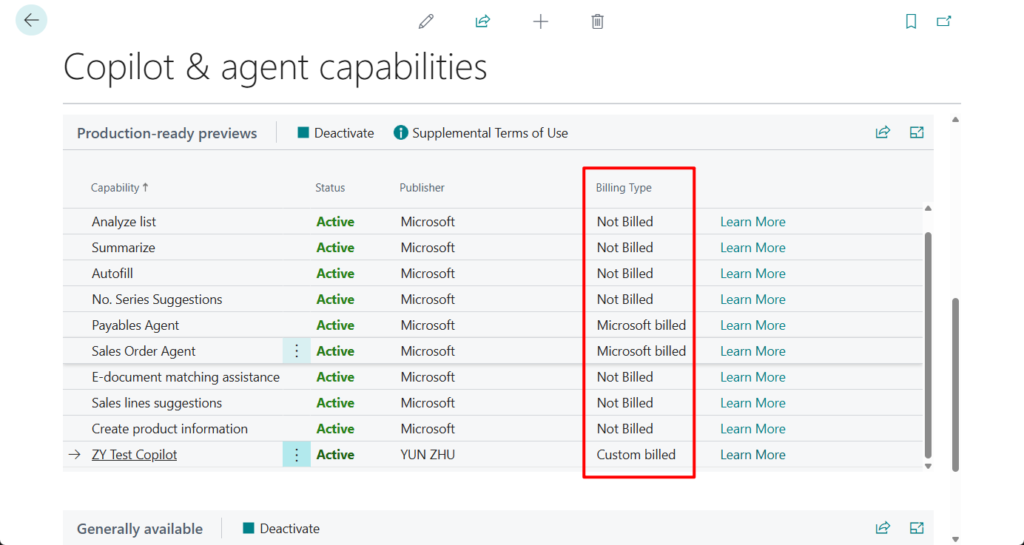
Currently, the Billing Type for the two Agent functions is Microsoft billed.
This is the Level 3 Copilot feature mentioned by Microsoft at BC Tech Days (12 & 13 June 2025 Antwerp Belgium).


Sales Order Agent overview: Sales Order Agent helps Business Central users automate capturing sales orders.
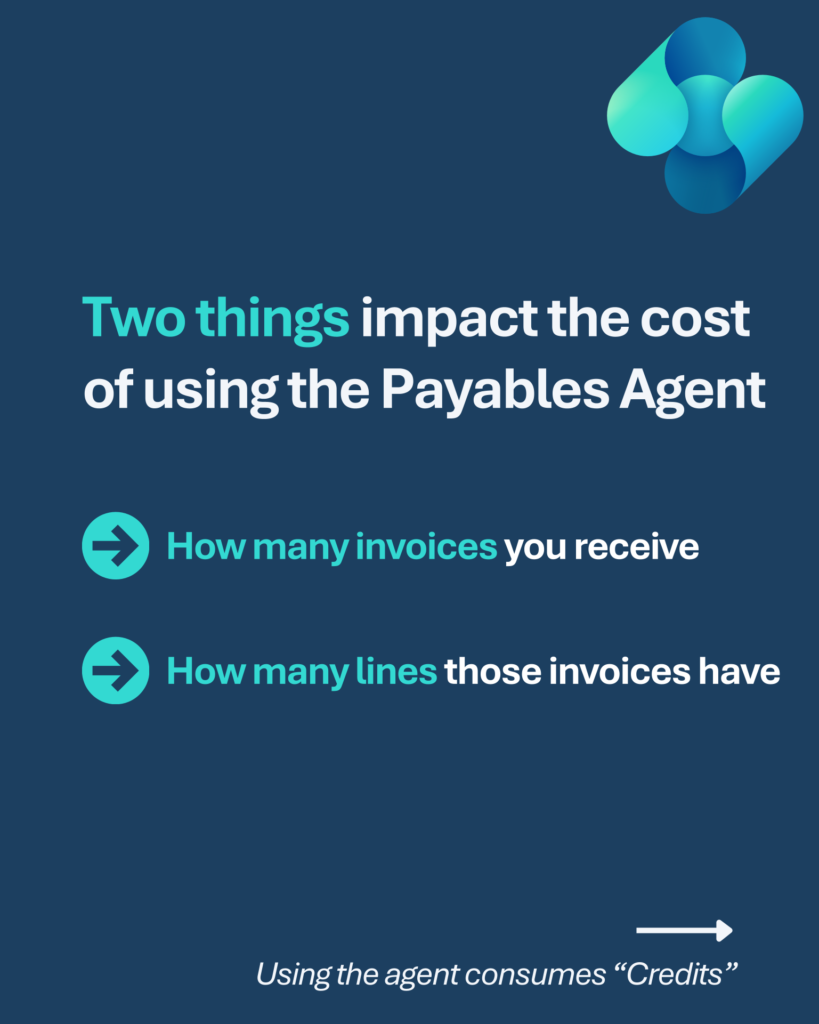
Payables Agent overview: The Payables Agent solves a decade-old challenge: end-to-end processing of vendor invoices. Processing vendor invoices often creates bottlenecks and relies on accounting knowledge and mapping data and business rules to register invoices correctly.


Microsoft recently released some pricing details for the Business Central agent capabilities. More details: Manage consumption-based billing for agent capabilities
Lst’s see more details.
Selected agent capabilities in Business Central use consumption-based billing, charging per use. These capabilities use Copilot Credits for AI interactions and tasks, like retrieving information and responding to prompts.
Billable agent capabilities:
Billable agent capabilities in Business Central use the Generative answer and Agent action event scenarios to bill for consumption as they complete their tasks.
Below is the details of Sales Order Agent billing:
PS: Billing events for the Payables agent will be announced in a future update.
Sales Order Agent billing:
The Sales Order Agent connects to a shared mailbox that processes customer requests for sales quotes and orders. The following table shows how the Business Central scenarios performed by the Sales Order agent are mapped to Copilot Studio events.
| Feature | Copilot Studio event scenario | Copilot Credits |
|---|---|---|
| Analyze incoming email | Generative answer | 2 |
| Process email attachment, no sales data detected (per attachment*) | Generative answer | 2 |
| Process email attachment, sales data detected (per attachment*) | Agent action | 5 |
| Check for items availability | Agent action | 5 |
| Create or update sales quote | Agent action | 5 |
| Create or update sales order | Agent action | 5 |
| Generate response email | Generative answer | 2 |
A typical Sales Order Agent process flow includes:
- One generative answer to analyze the incoming email (2 Copilot Credits)
- One agent action to check for items availability (5 Copilot Credits)
- One agent action to create or update a sales quote or order (5 Copilot Credits)
- One generative answer to generate the response email (2 Copilot Credits)
For example, assume that:
- 50% of emails include an attachment with usable sales data for making quotes, like a purchase order in PDF format. Each such email attachment triggers an agent action at cost of 5 Copilot Credits.
- Average usage is 100 requests per month.
The estimated monthly cost is calculated as: [2 + 5 + 5 + 2 + (5 × 0.5)] x 100 = 1,650 Copilot Credits/month
Update: Payables Agent billing
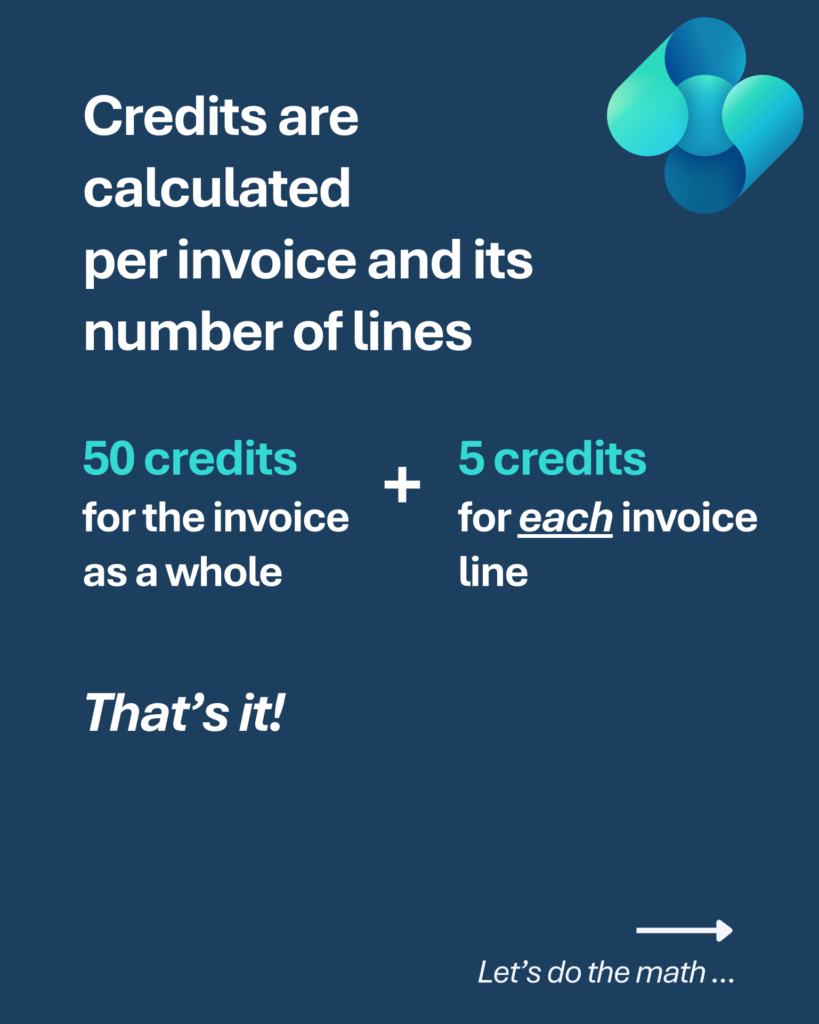
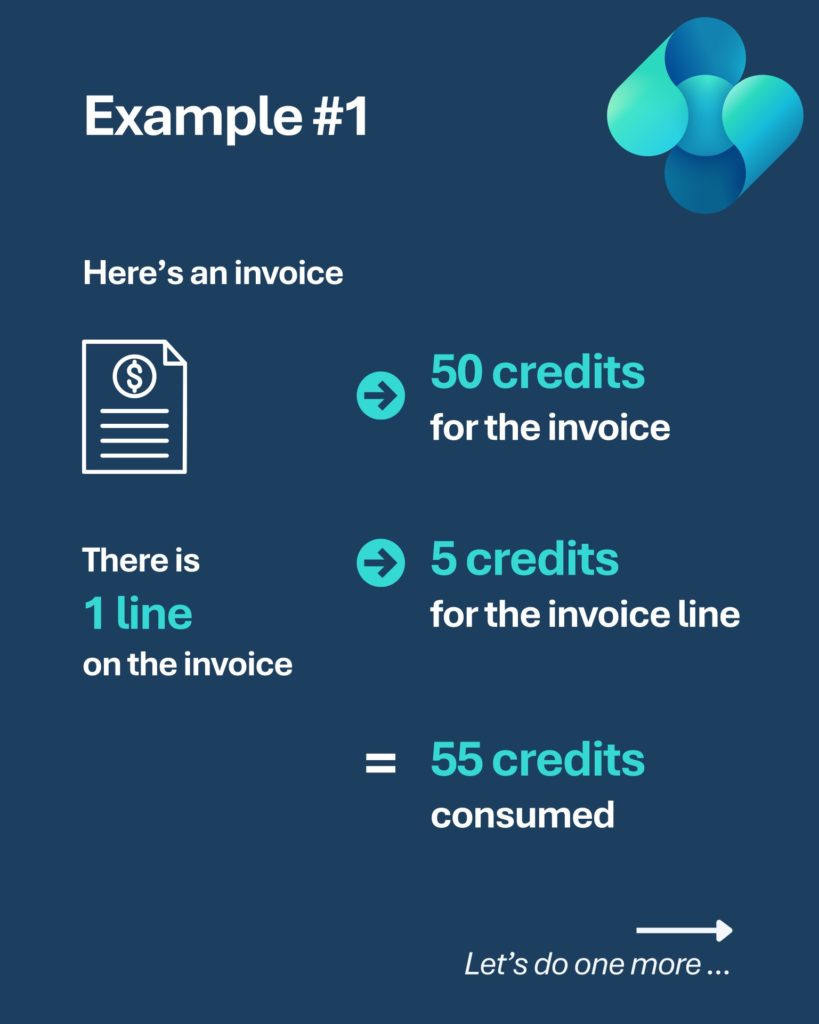
| Feature | Copilot Studio event scenario | Copilot Credits |
|---|---|---|
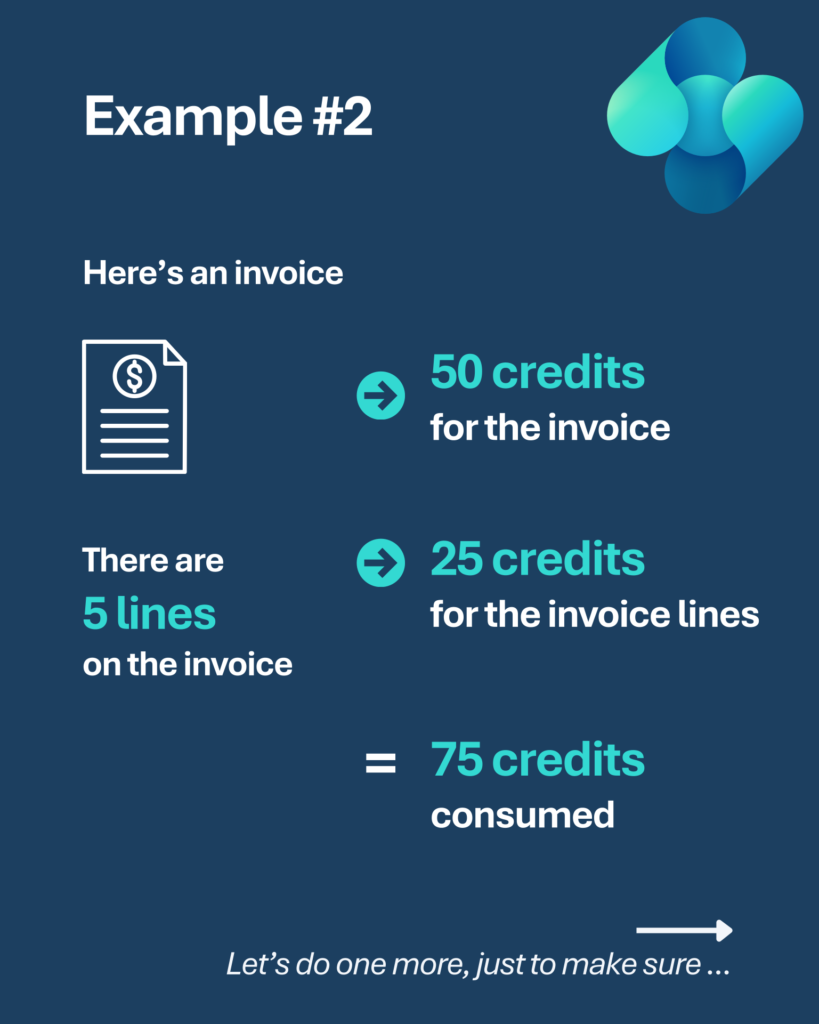
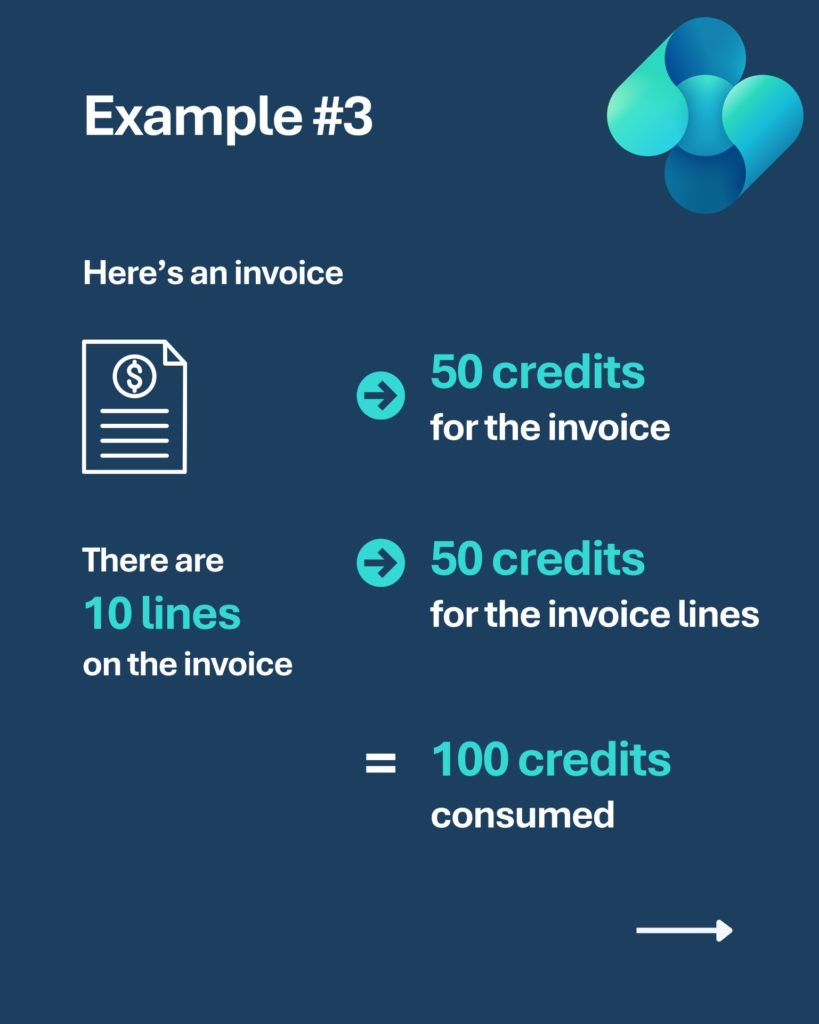
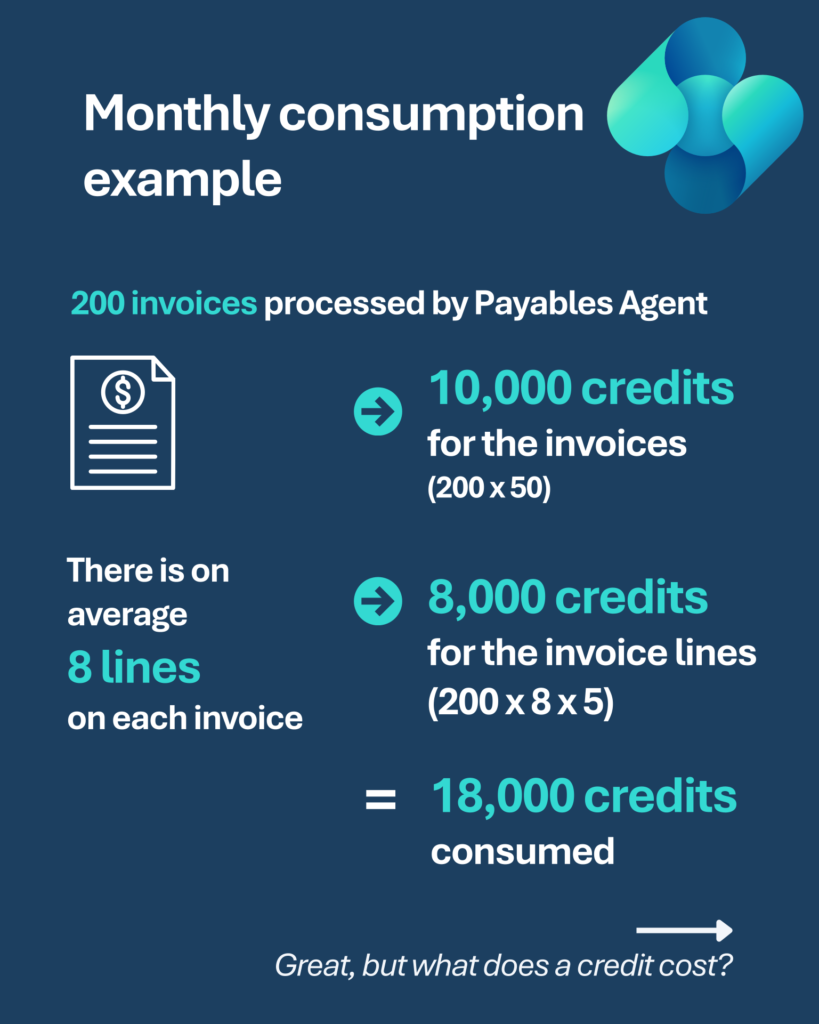
| Process invoice | Agent action x 10 | 50 |
| Process invoice line | Agent action | 5 |
There is a concept here that has never been heard of in the Business Central field, Copilot Credits.
Copilot Credits are the billing units that measure usage. The number of Copilot Credits consumed by an agent depends on the design of the agent, how often customers interact with it, and the features they use. Learn more about Copilot Credits in Billing rates and management.
Microsoft Copilot Studio pricing:
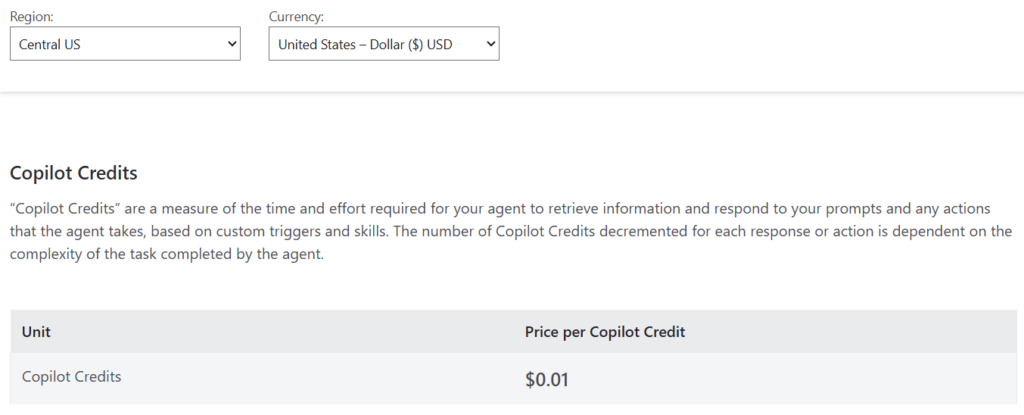
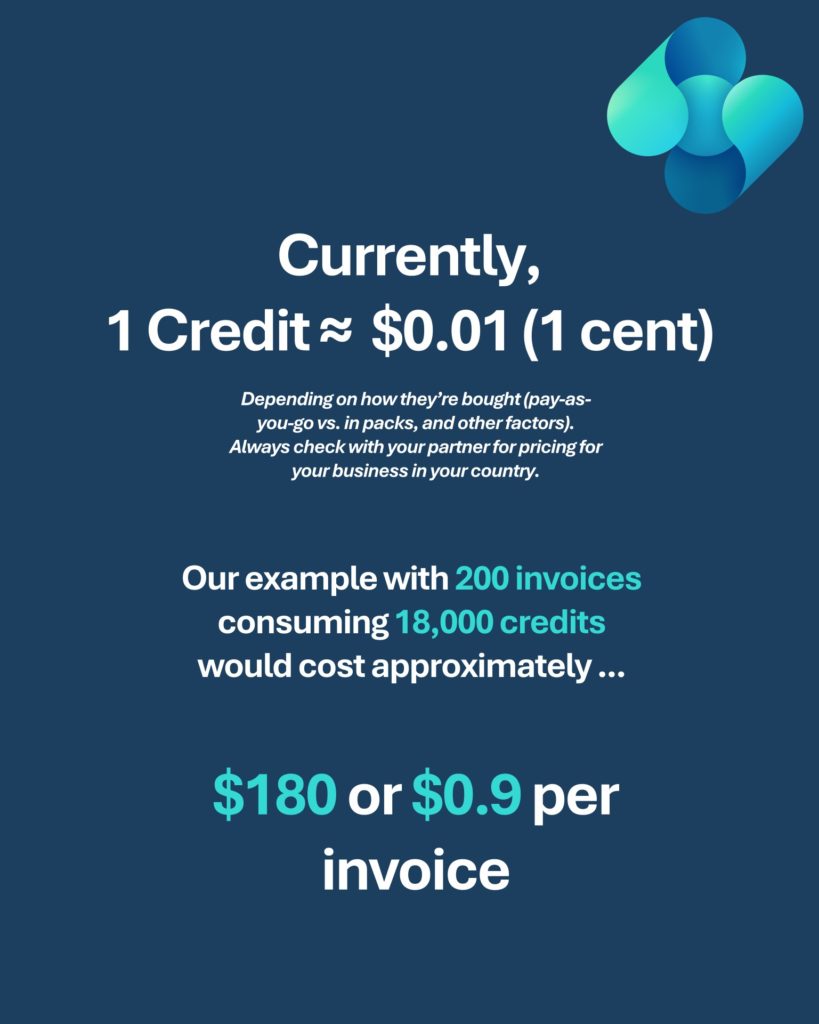
In the example above, that’s $16.50 per month.
This usage details can be confirmed in Power Platform admin center.
- Sign in to the Power Platform admin center.
- On the navigation pane, select Licensing.
- In the Licensing pane, under Products, select Copilot Studio.
- Select the Summary tab.
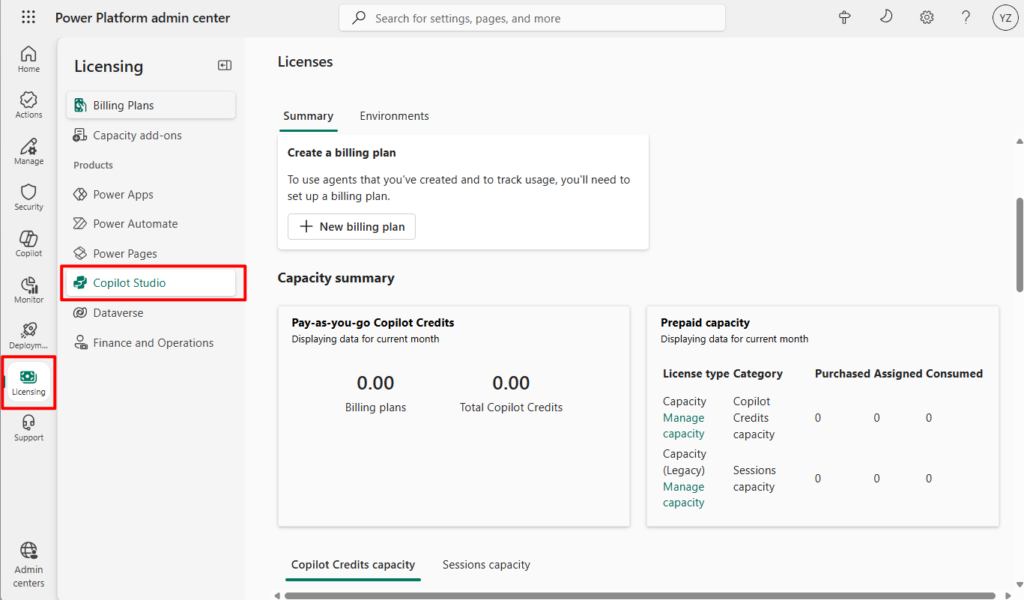
In addition to Prepaid capacity, Microsoft has also prepared a “Pay-as-you-go” solution, which is mentioned in detail in the official video below.
Billing agents in Business Central – configure “Pay as You Go”:
- Pay-as-you-go: $0.01 per Copilot Credit.
- With the pay-as-you-go meter, at the end of each month, your organization pays only for the actual number of Copilot Credits its agents use during the month. No up-front license commitment is needed, so your organization can scale usage and ensure business continuity for mission-critical business processes. For more information about setting up the pay-as-you-go meter, see Set up pay-as-you-go.
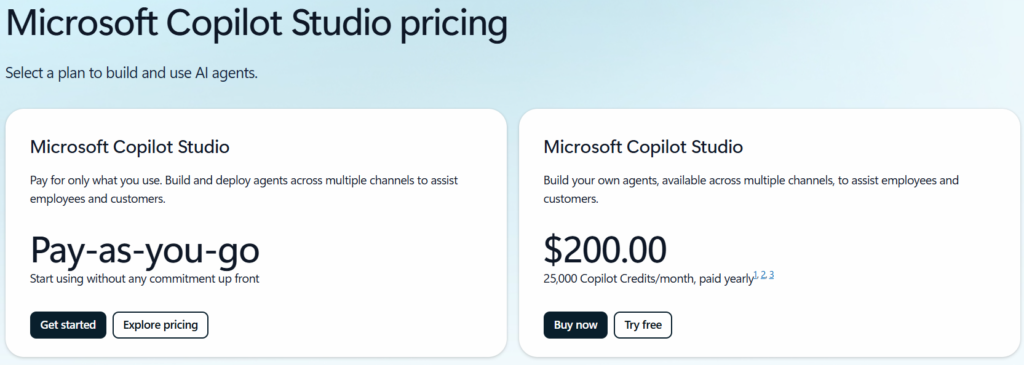
Next question, are there free Copilot Credits included with the license? I did some research and found that the Microsoft 365 Copilot license includes 25,000 Copilot Credits. More details: Copilot Studio use rights included with Microsoft 365 Copilot license
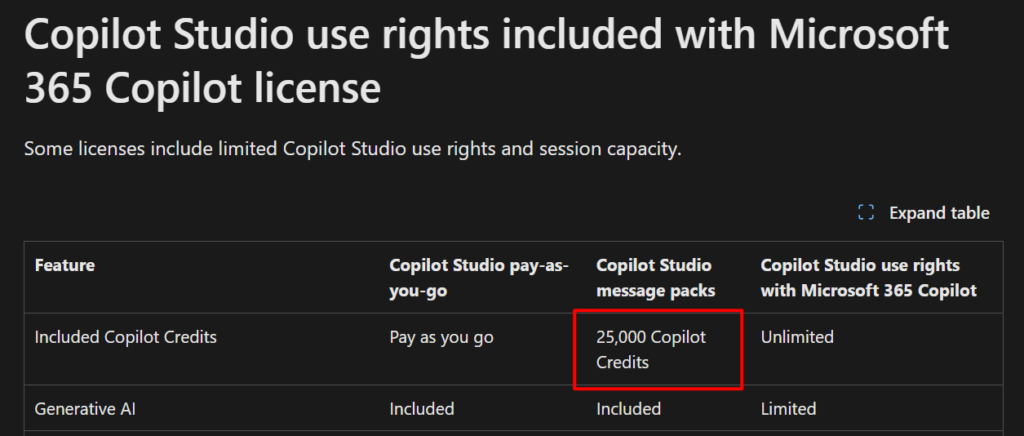
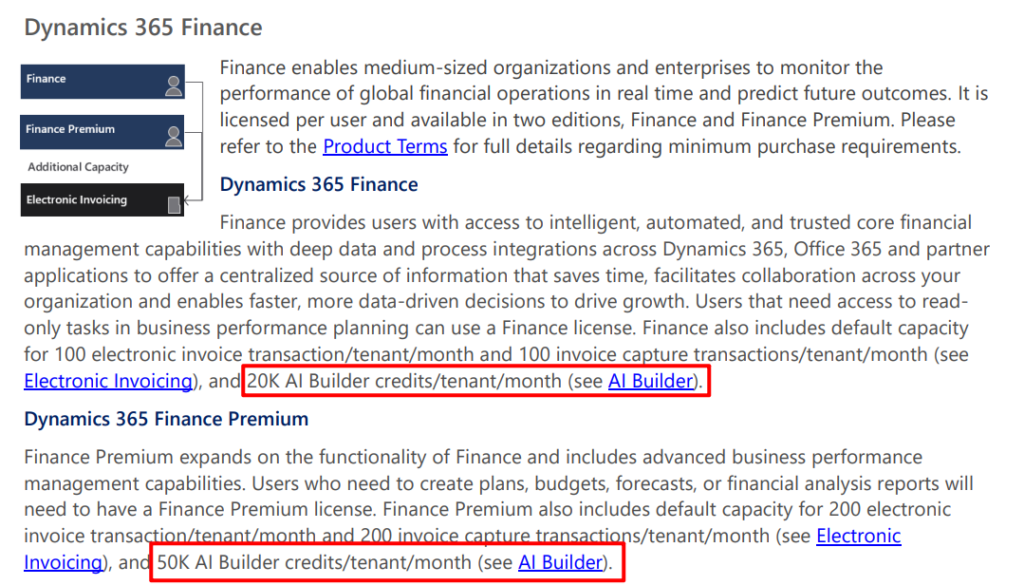
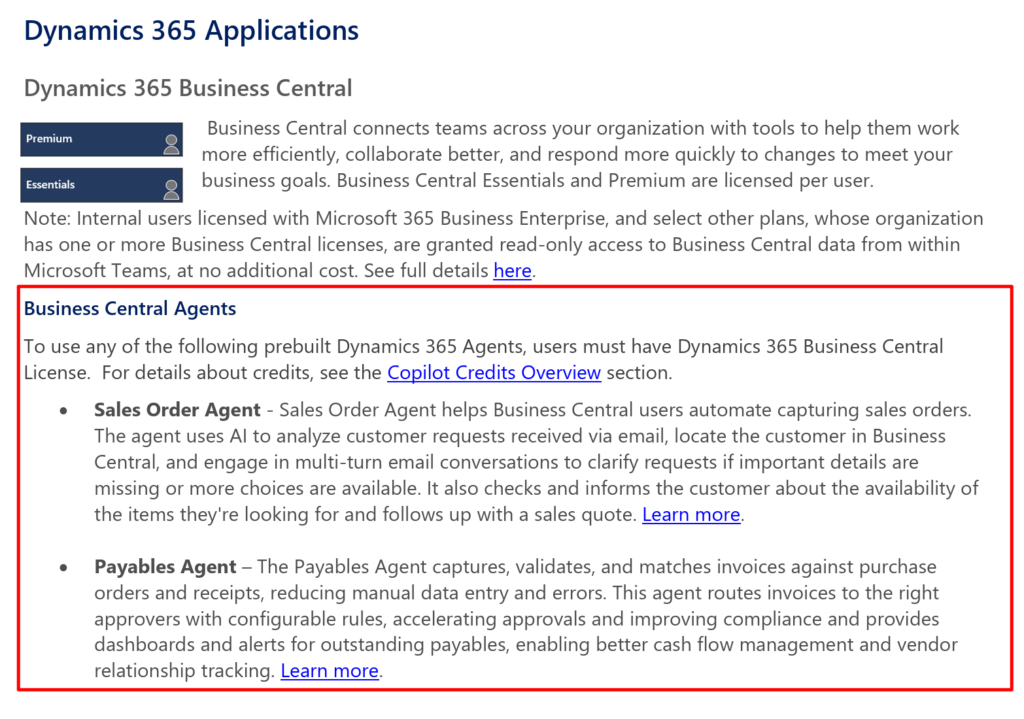
I checked the latest Dynamics 365 Licensing Guide October 2025 released this month and there is no mention of Copilot Credits being included in Business Central licenses.
Dynamics 365 | Licensing Guide: (Dynamics 365 Finance licenses do include AI Builder credits, but I’m not sure if they are the same thing)
In addition, I heard that the environment created in CDX for partner testing also includes 25,000 Copilot Credits.
So here I just want to remind you that if your customers need to use the Agent features provided by Microsoft in the future, please pay attention to the cost calculation issue. I will continue to update if there is new news
PS: Take Control of Agent Costs
Update: https://go.microsoft.com/fwlink/?LinkId=866544&clcid=0x409
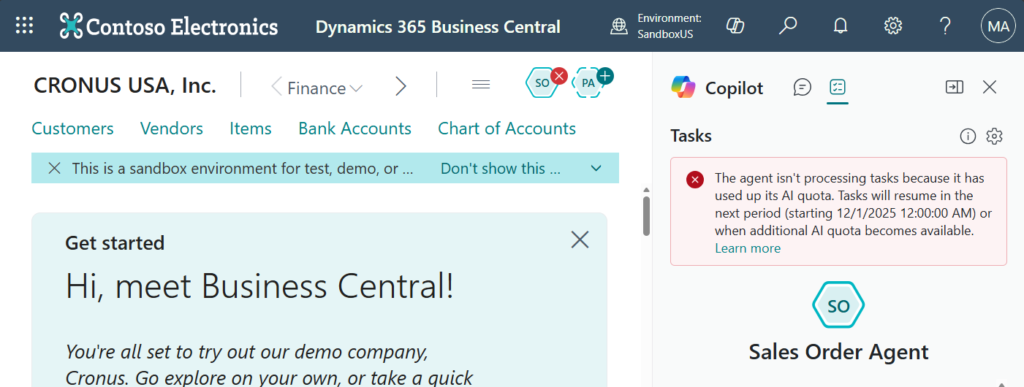
If you exceed your quota, the following message will be displayed.
The agent isn’t processing tasks because it has used up its AI quota. Tasks will resume in the next period (starting 12/1/2025 12:00:00 AM) or when additional AI quota becomes available. Learn more
Update from Søren Friis Alexandersen: Link
END
Hope this will help.
Thanks for reading.
ZHU

コメント