

Hi, Readers.
We discussed Automatically create Lot/Serial No. Information card on posting (No customization) before, today I’d like to share another tip for serial or lot numbers, how to record extra serial or lot number information.
As you know, companies may want to keep track of items from the moment they enter the company. In this situation, the purchase order is often the central document, although item tracking may be handled from any inbound document and its posted entries displayed in the related item ledger entries.

If you need to link special information to an item tracking number, for example, for quality assurance, you can do so on a serial or lot number information card.
First, we need to create a new Lot/Serial No. Information card. You can create it automatically or manually. Below is an example of a Lot No.:
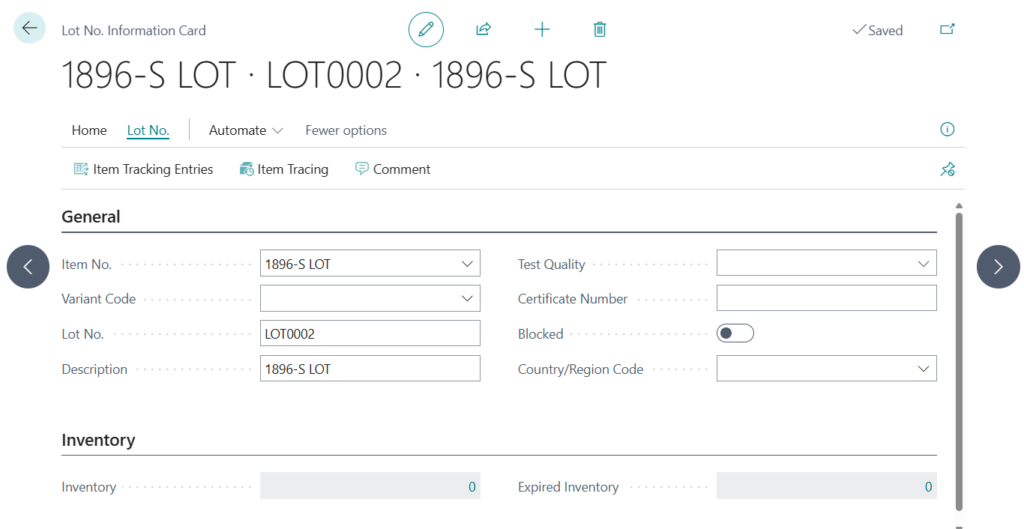
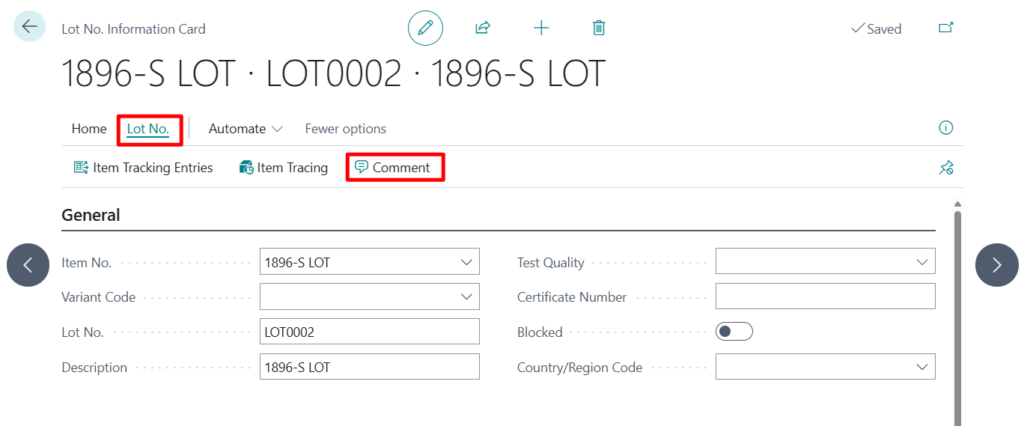
When you need to enter additional information, you can choose Lot No. -> Comment.
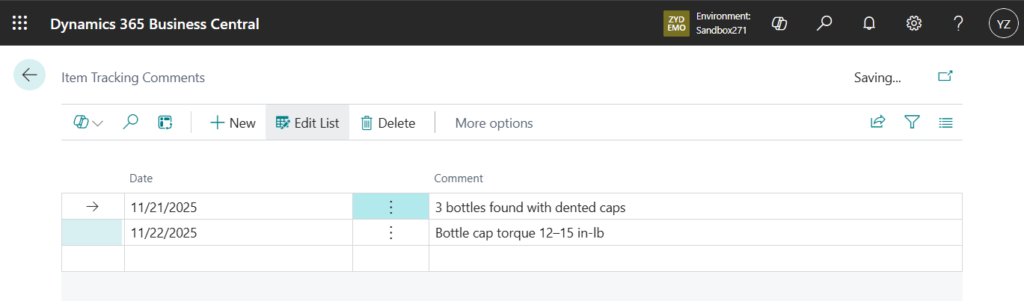
On the Item Tracking Comments page, select Date and enter any Comment.
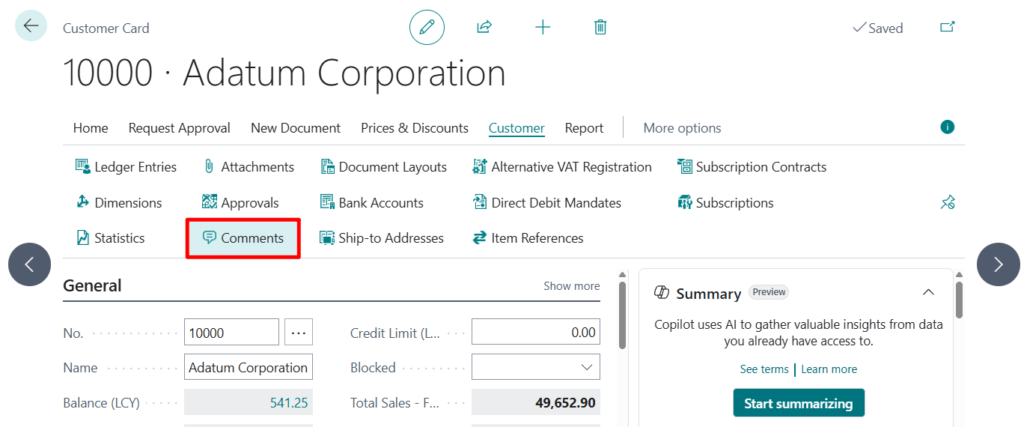
PS: Practically all cards and document have a Comments action, which opens the Comment Sheet page where you can write or read comments. For example, customers card:
The advantage of this method is that it requires no customization and supports an unlimited number of comments.
And it uses a dedicated table, Item Tracking Comment (6506), to manage these comments, making them relatively easy to access during custom development.
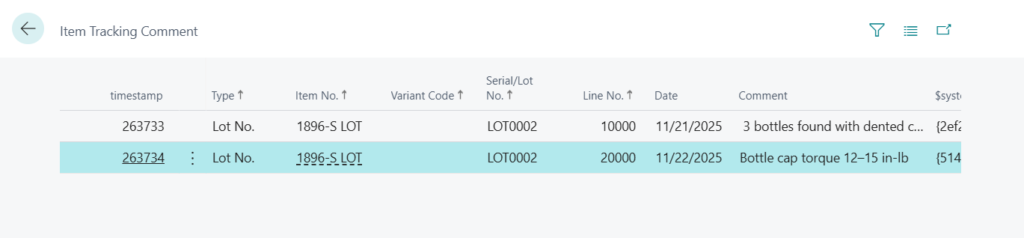
Very simple, give it a try!
PS:
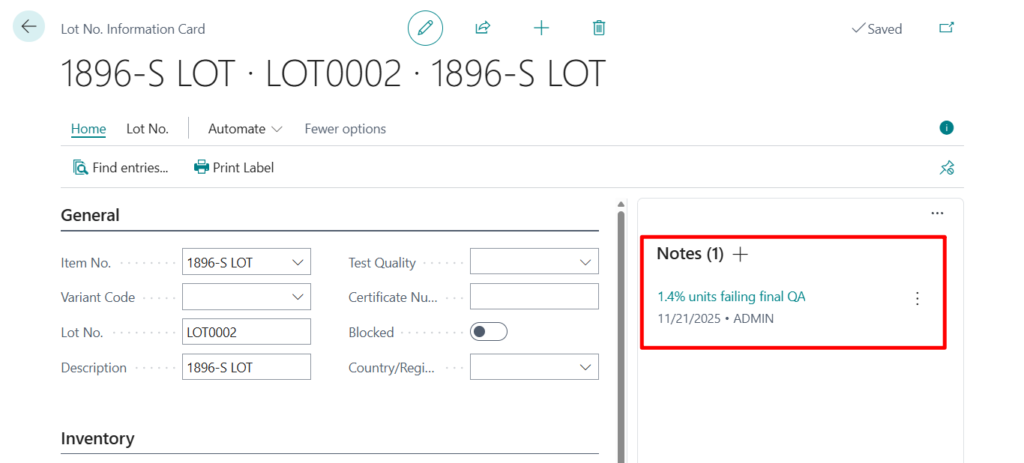
1. You can also manage these comments using Notes from the system part.
| Notes | Allows the user to write a note on the record shown in the page. For example, when creating a sales order, a user can add a note about the order. The note appears with the item when it’s viewed. |
2. Dynamics 365 Business Central: Copy Comments from Customer to Sales Document – Customization
3. To record extra serial or lot number information
END
Hope this will help.
Thanks for reading.
ZHU
コメント