
Articles in this series:
- How to add Attachments, Links, Notes Factbox to any pages
- How to import Links and Notes (System Parts) – Customization
- How to export Links and Notes (System Parts) – Customization
- How to copy Links and Notes (System Parts) – Customization
- How to copy Links and Notes to Posted Documents (such as from Sales Order to Posted Sales Invoice) – No customization
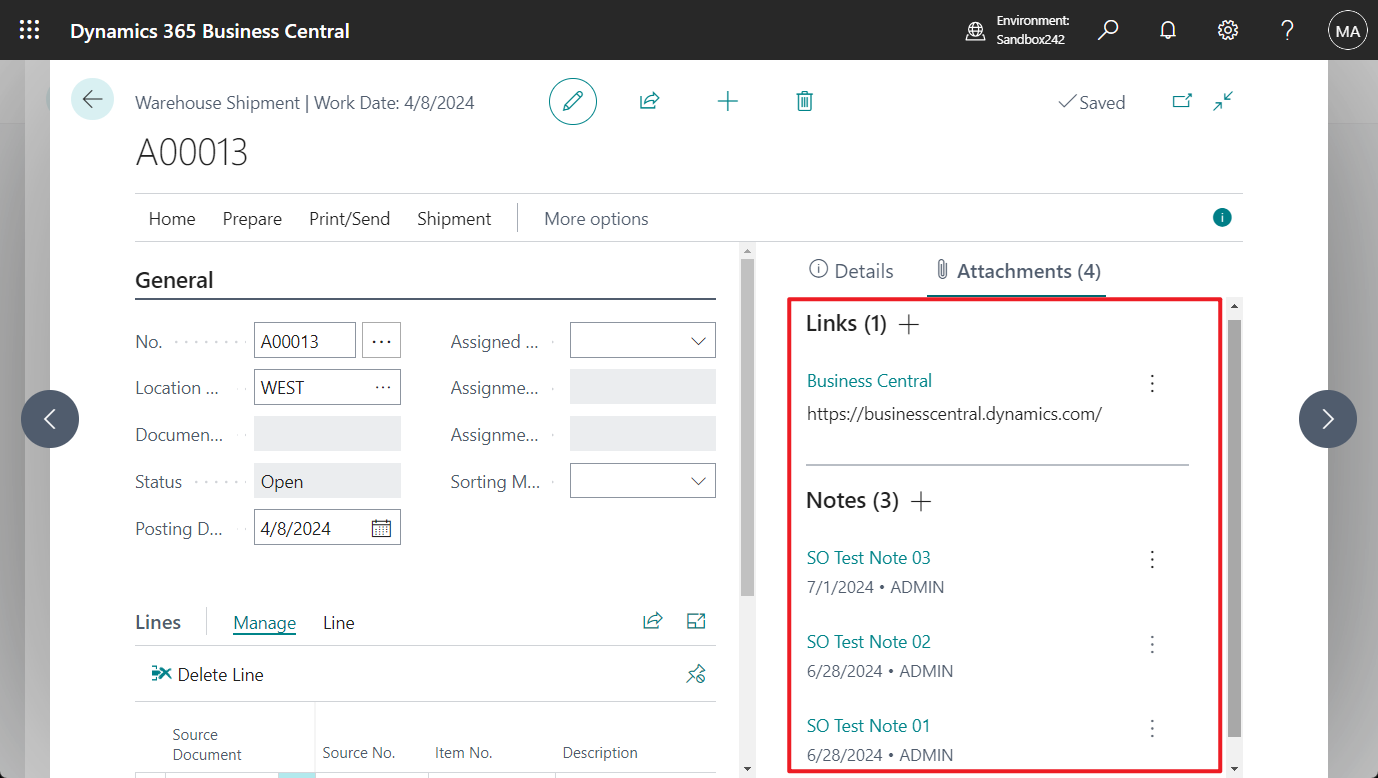
- How to copy/flow Links and Notes from Sales order to Warehouse shipment
- How to copy/flow Links and Notes from Purchase order to Warehouse receipt
- Remove Orphaned Record Links
How to add Attachments, Links, Notes Factbox to any pages
How to add Attachments, Links, Notes Factbox to any pages
How to import Links and Notes (System Parts) – Customization
How to import Links and Notes (System Parts) – Customization

How to export Links and Notes (System Parts) – Customization
How to export Links and Notes (System Parts) – Customization
How to copy Links and Notes (System Parts) – Customization
How to copy Links and Notes (System Parts) – Customization
How to copy Links and Notes to Posted Documents (such as from Sales Order to Posted Sales Invoice) – No customization
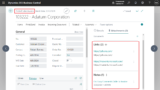
How to copy/flow Links and Notes from Sales order to Warehouse shipment
How to copy/flow Links and Notes from Sales order to Warehouse shipment
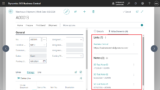
How to copy/flow Links and Notes from Purchase order to Warehouse receipt
How to copy/flow Links and Notes from Purchase order to Warehouse receipt

コメント