

Hi, Readers.
Today I’d like to briefly talk about how to set a PDF password for the report in Business Central (Password protect the document using a user and admin passwords) – No control add-in and APIs.
As you might know, we can add PDF password protection with the Adobe Acrobat online tool. By adding a password to your PDF file, only people with the password can view the file content.
Can a password be added to a report exported from Business Central? Yes. We can use OnPreRendering (Report) trigger.
OnPreRendering (Report) trigger: Runs when a report dataset has been finalized and before the output artifact has been rendered. (Available or changed with runtime version 15.0 – Business Central 2025 release wave 1)
The OnPreRenderingtrigger allows the develop to:
- Append PDF documents to the output stream
- Attach one or more files to the PDF stream, where one of the files can be declared as the alternative invoice document (primary document) for electronic invoicong using the ZugFerd / Facturex standard (version 2.3)
- Password protect the document using a user and admin passwords.
PS: Sample code that shows how use the OnPreRendering report trigger to manage PDF attachments for electronic invoicing in Business Central is available in the BCTech repository.
In this post, we will only discuss password protection.
| protection\user | Defines the user password that is required to open the document. |
| protection\admin | Defines the admin password that gives full access to the document. Notice that if this element is empty, the platform will apply the user password to this field. |
| Intent/Action | Protect |
|---|---|
| Save | X |
| Schedule | – |
| Preview | – |
| Print (universal) | – |
| Print (browser) | X |
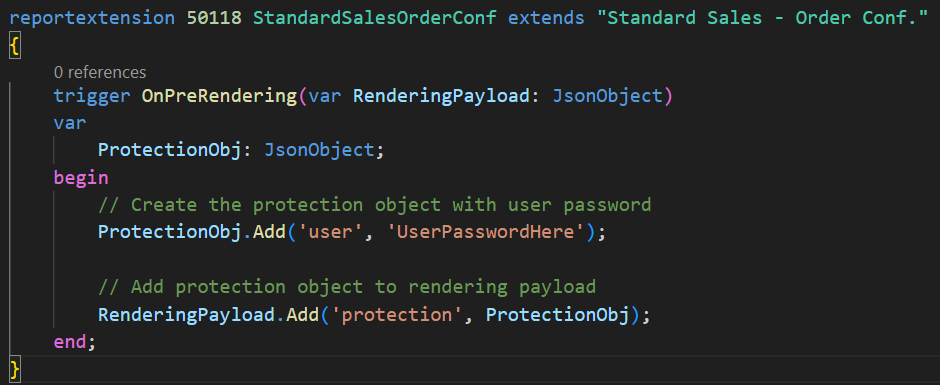
Let’s look at a very simple example. Add a user password to the standard report 1305 “Standard Sales – Order Conf.”.
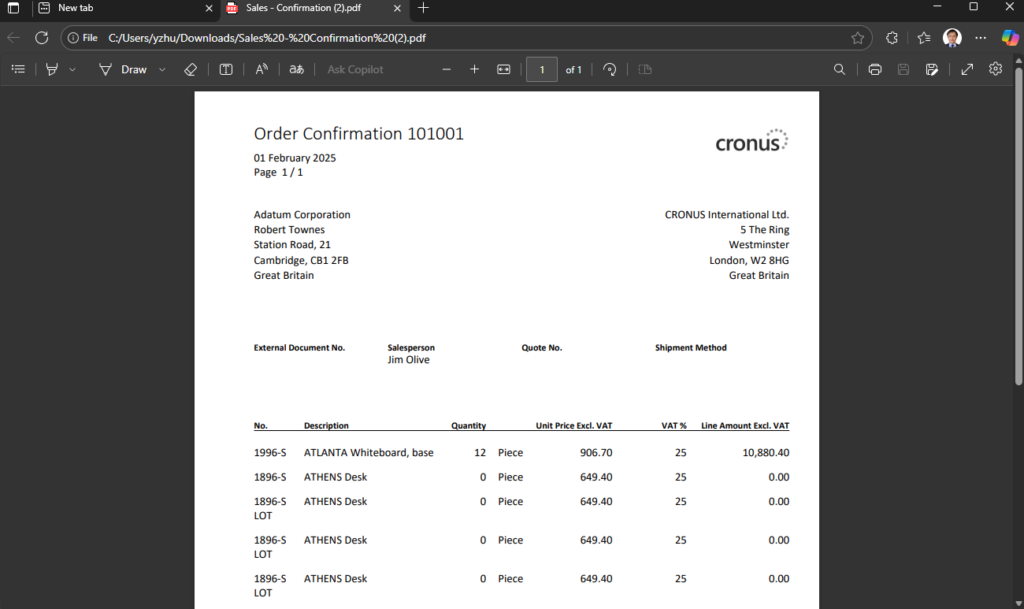
Then export the PDF from BC.
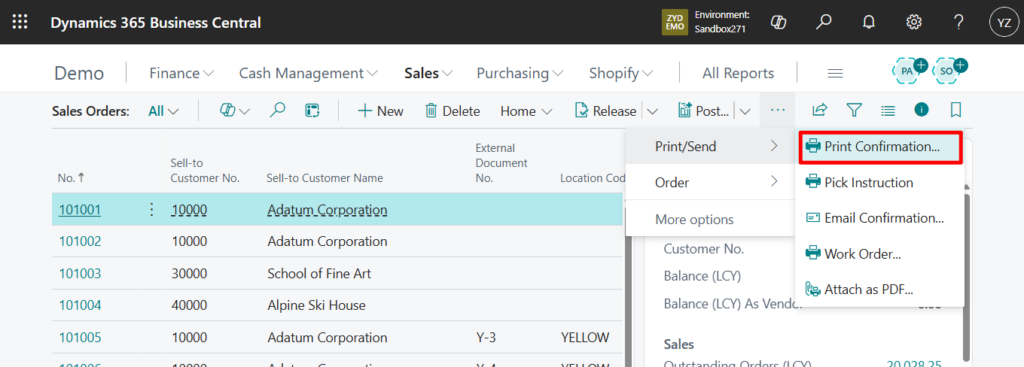
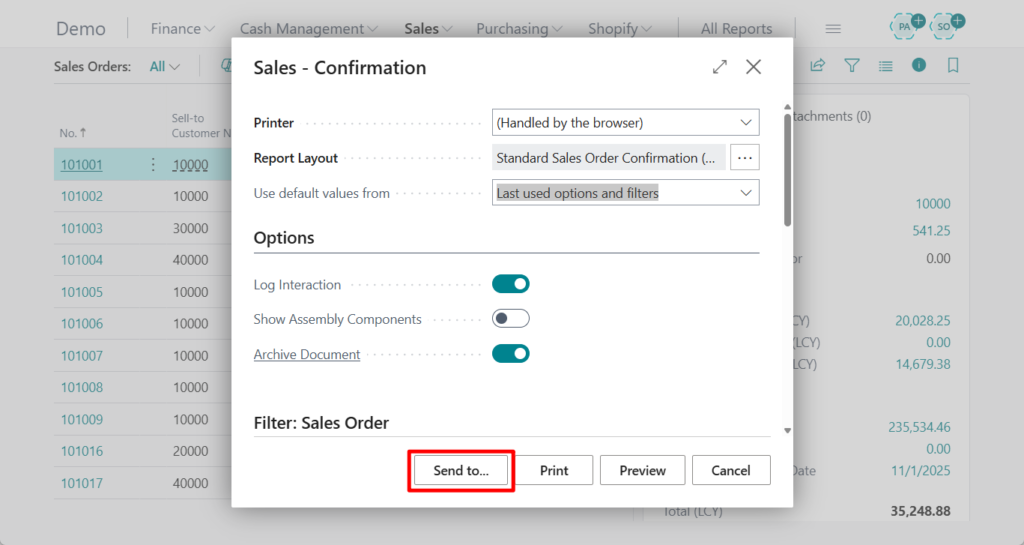
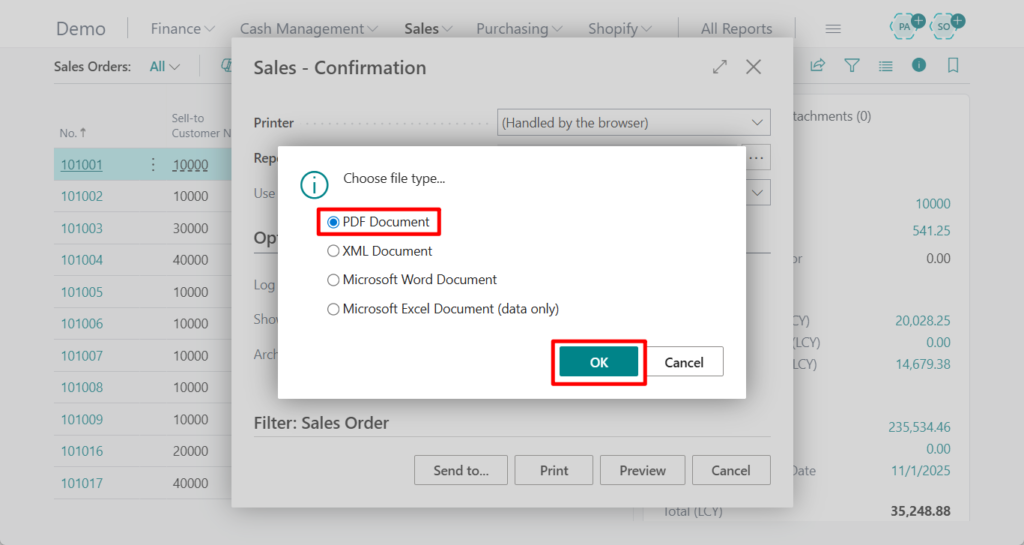
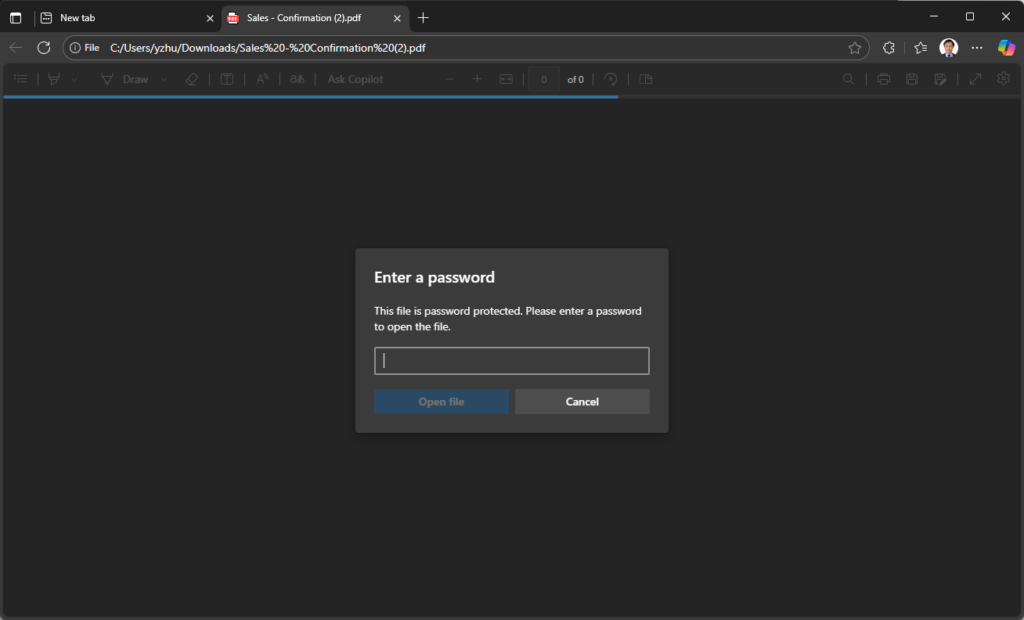
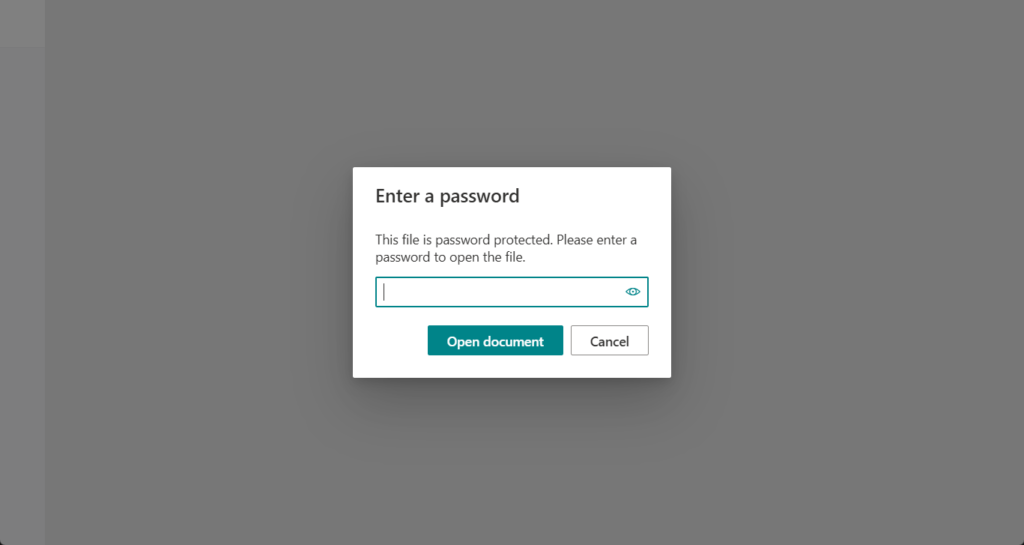
We need to enter a password to view the PDF content.
Test video:
Very simple.
Test code:
reportextension 50118 StandardSalesOrderConf extends "Standard Sales - Order Conf."
{
    trigger OnPreRendering(var RenderingPayload: JsonObject)
    var
        ProtectionObj: JsonObject;
    begin
        // Create the protection object with user password
        ProtectionObj.Add('user', 'UserPasswordHere');

        // Add protection object to rendering payload
        RenderingPayload.Add('protection', ProtectionObj);
    end;
}
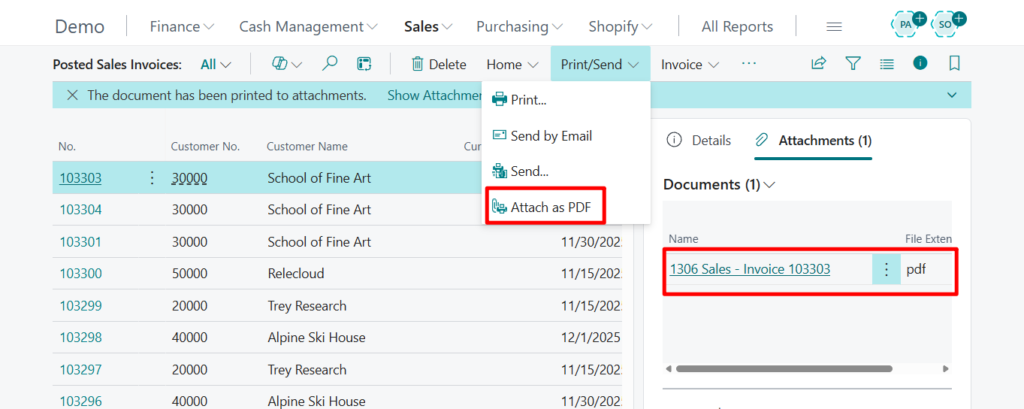
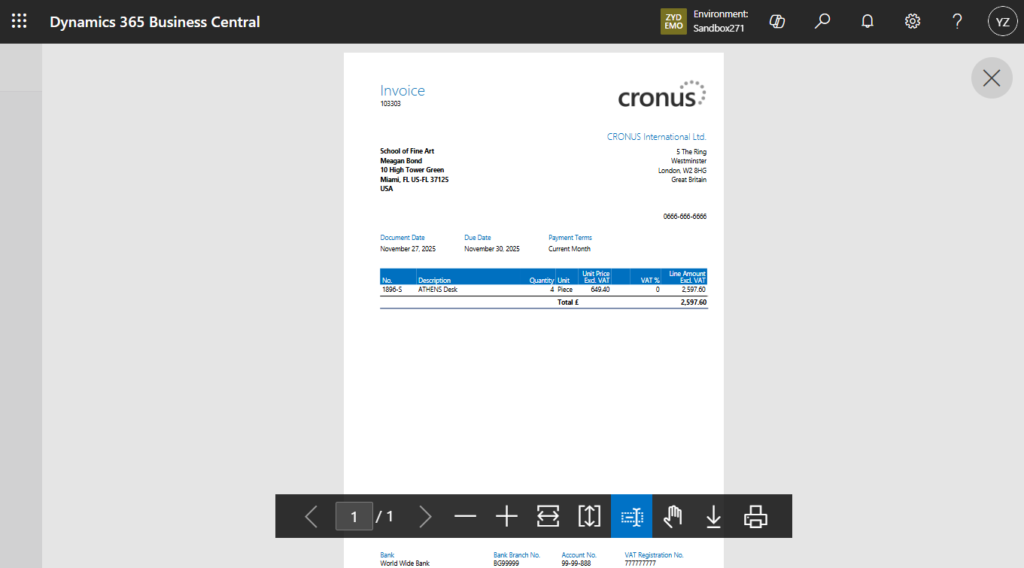
Additionally, this also works for the Attach as PDF feature.
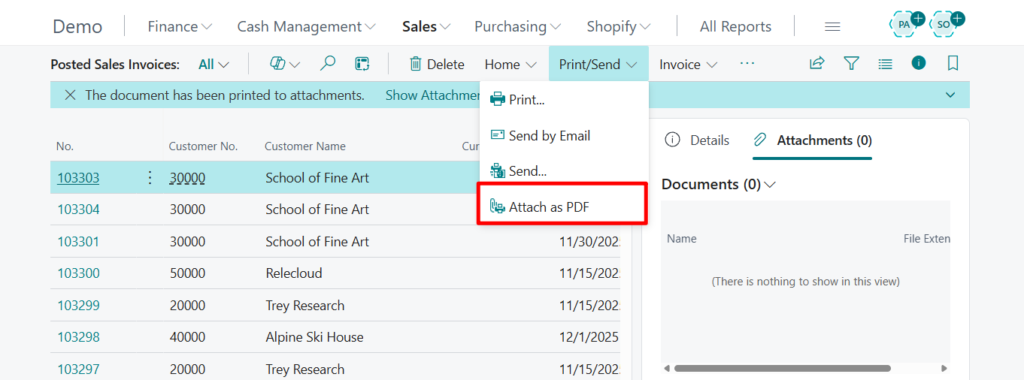
For example,
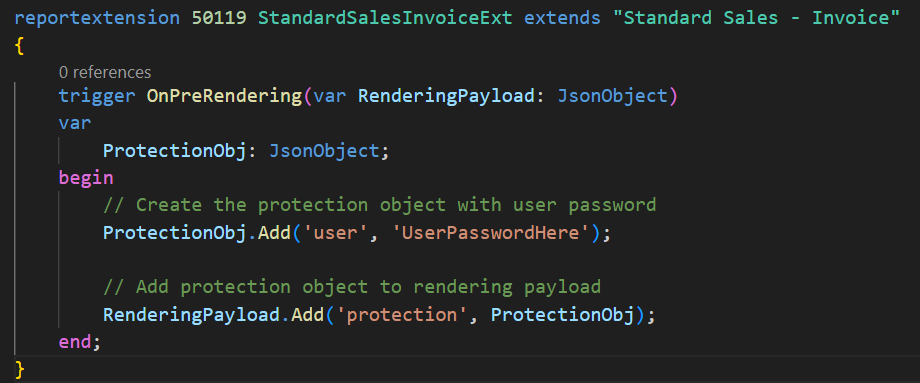
Test video:
Test code:
reportextension 50119 StandardSalesInvoiceExt extends "Standard Sales - Invoice"
{
    trigger OnPreRendering(var RenderingPayload: JsonObject)
    var
        ProtectionObj: JsonObject;
    begin
        // Create the protection object with user password
        ProtectionObj.Add('user', 'UserPasswordHere');

        // Add protection object to rendering payload
        RenderingPayload.Add('protection', ProtectionObj);
    end;
}
Give it a try!!!😁
END
Hope this will help.
Thanks for reading.
ZHU
コメント