

Hi, Readers.
Today I would like to briefly talk about the question I saw in the Business Central forum before, “There is nothing to post because the journal does not contain a quantity or amount” when posting a Recurring General Journal, more details: Recurring journals. This isn’t the first time I’ve seen this question, so I wanted to share it briefly.
A recurring journal is a general journal with specific fields for managing transactions that you often post with few, if any, changes. For example, transactions for expenses such as rent, subscriptions, electricity, and heat. Using recurring journals lets you post fixed and variable amounts, and specify automatic reversal entries for the day after the posting date.
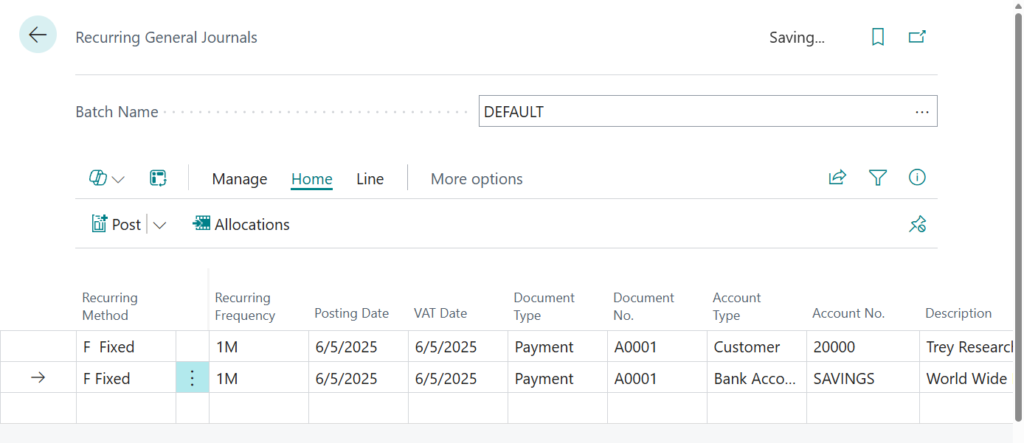
PS: Allocation keys let you divide the recurring entries among various accounts. Learn more at Allocating Recurring Journal Amounts to Several Accounts and Use General Ledger Allocations to distribute costs and revenue more efficiently (Allocation Account)
This is a great feature for users who post the same details regularly. But have you ever encountered the following error (Message)? There are clearly detailed lines, but the system prompts that there is nothing to post.
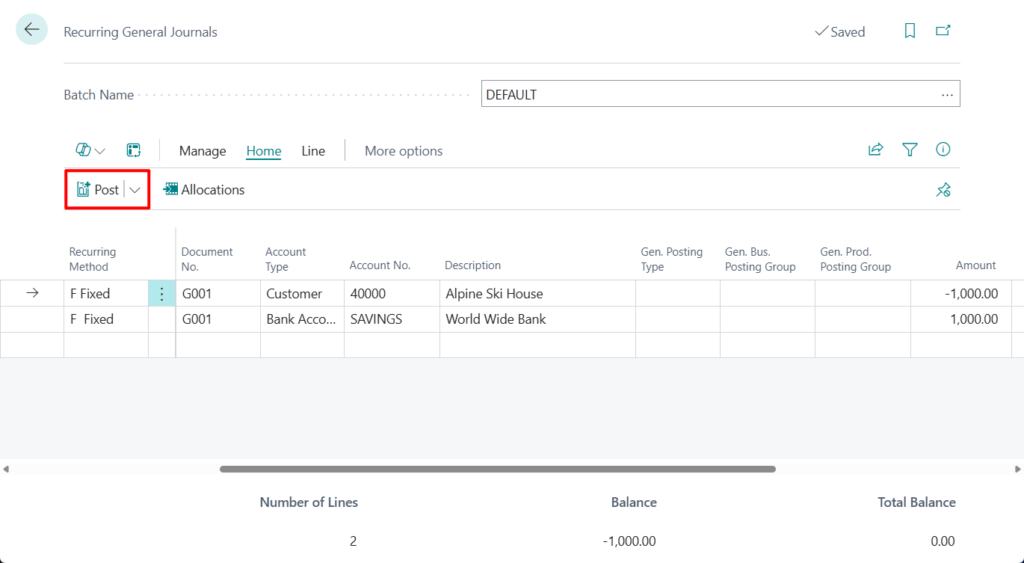
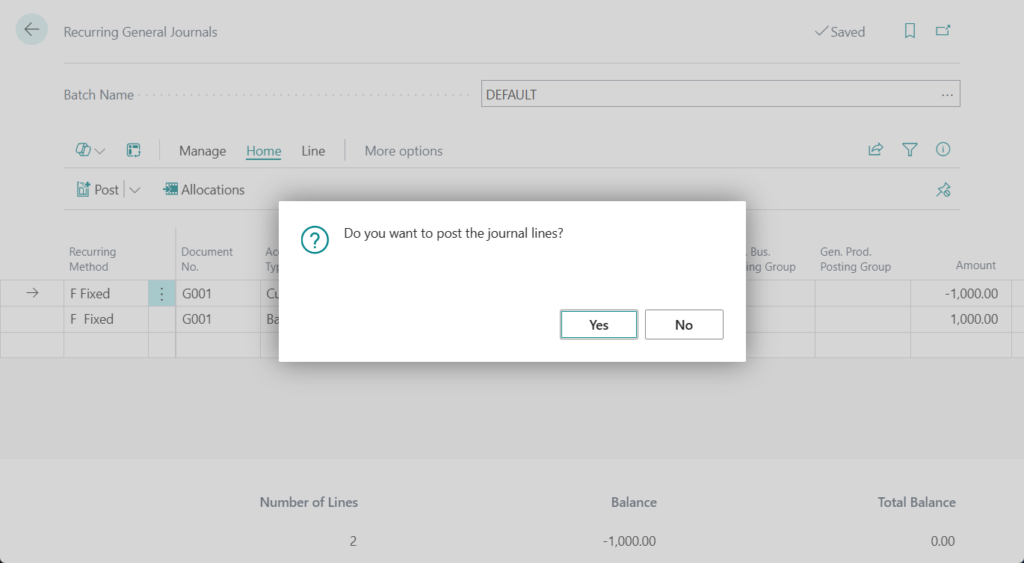
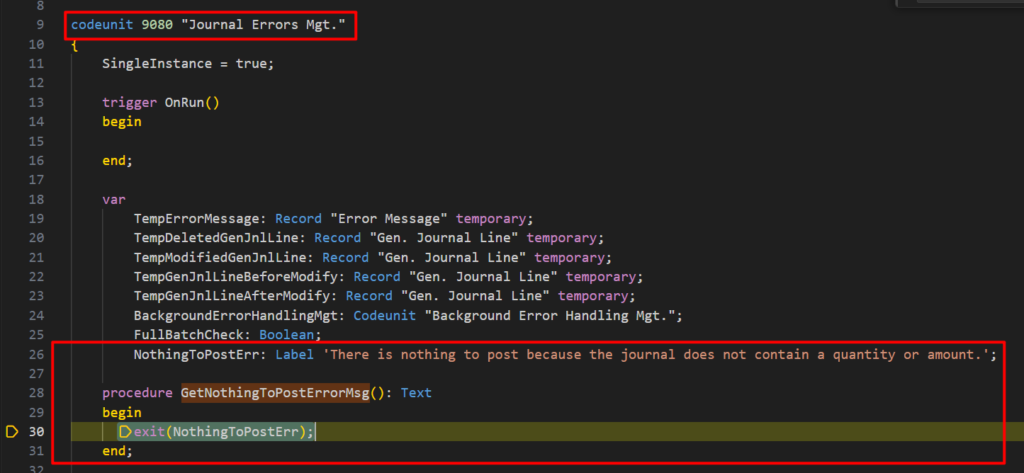
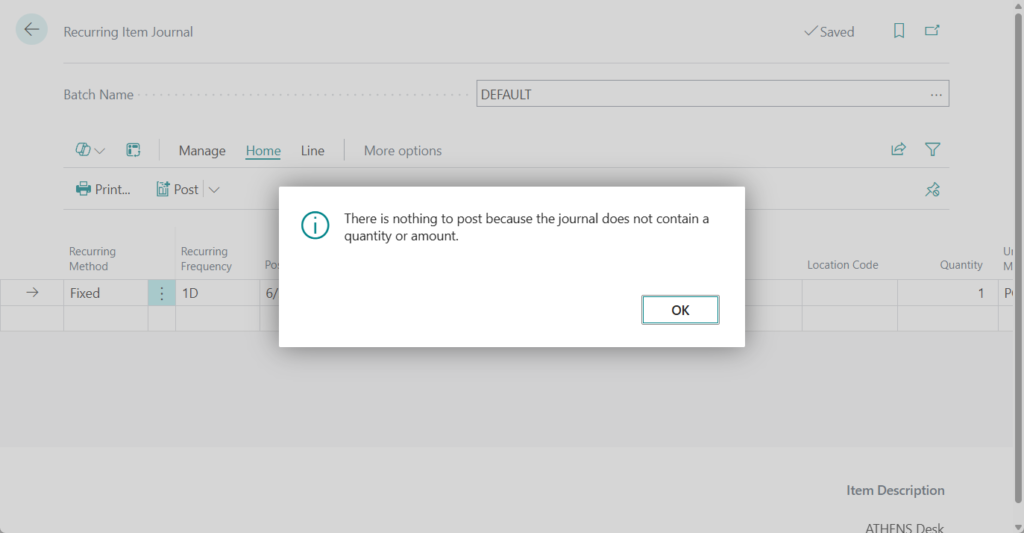
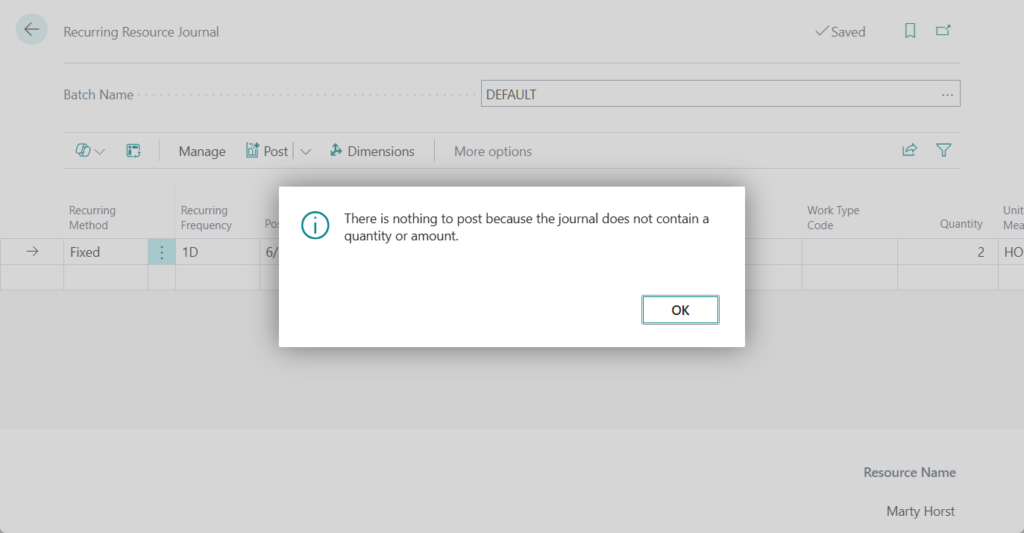
There is nothing to post because the journal does not contain a quantity or amount.
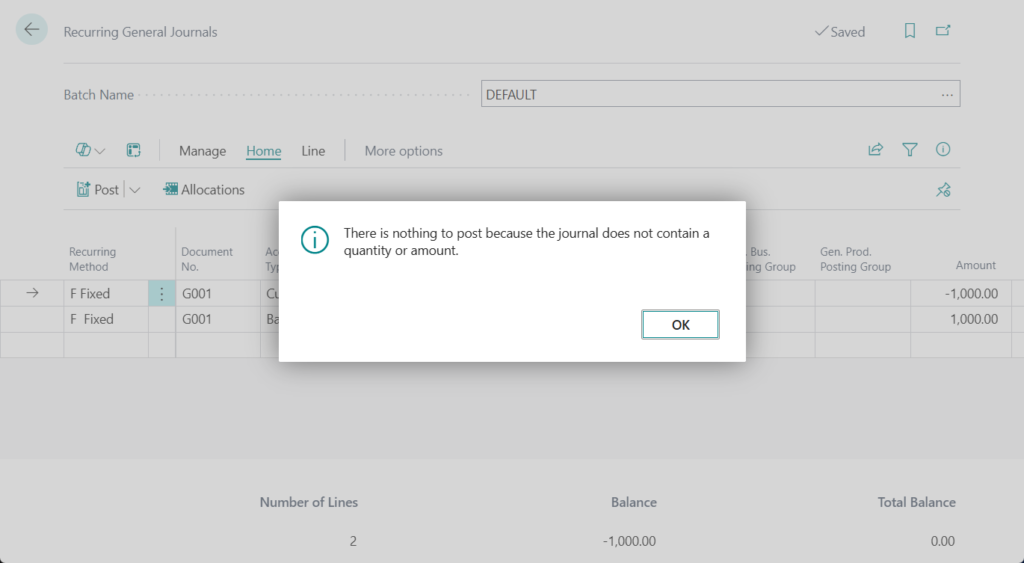
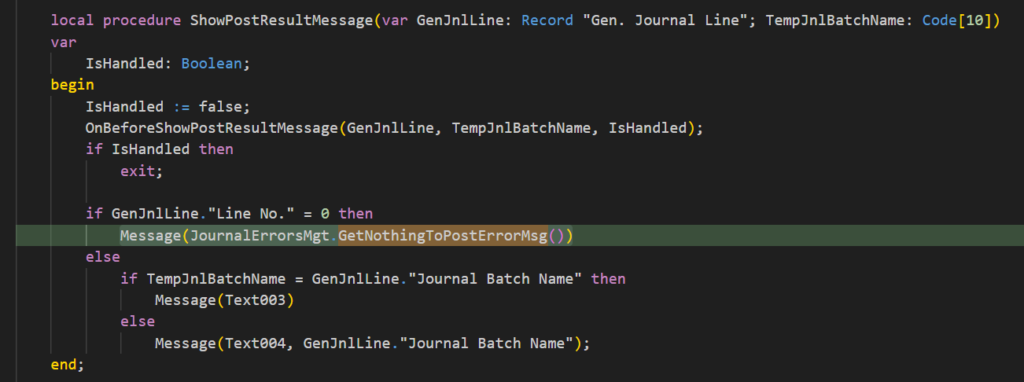
Why? Let’s look at the standard code. This message can be found in the following codeunit by debugging.
codeunit 231 “Gen. Jnl.-Post”:
codeunit 9080 “Journal Errors Mgt.”:
Then the control is in the following codeunit:
codeunit 13 “Gen. Jnl.-Post Batch”: Posting Date = 0D.. WorkDate()
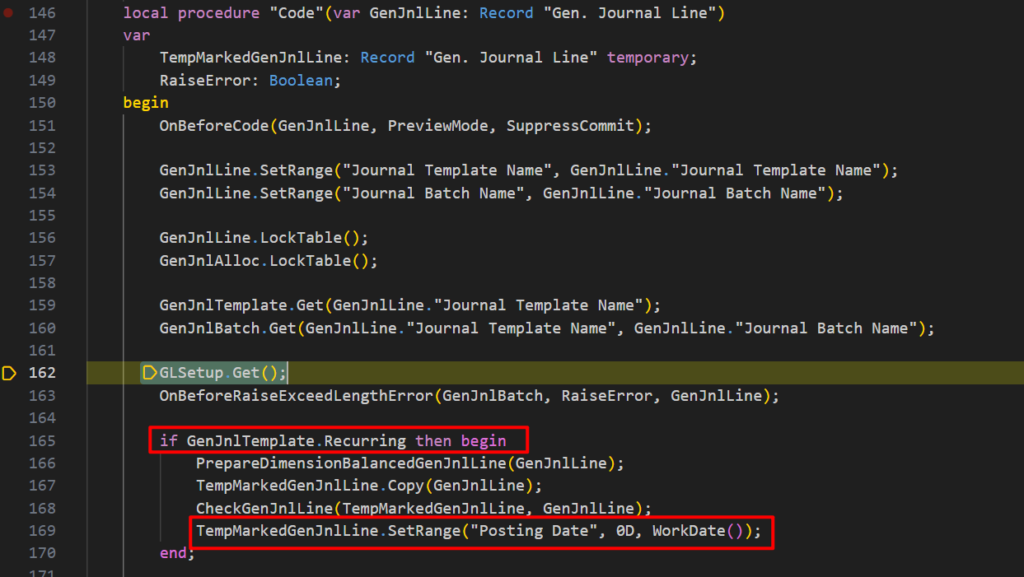
Here’s the problem. When you post Recurring General Journals, the system will add a filter where the Posting Date of the details is from 0D to Work date.
Let’s go back to the system and confirm that the Posting Date is 6/5/2025 and the Work Date is 6/4/2025. Therefore, when posting, the details in Recurring General Journals were filtered out. So the above message is displayed.
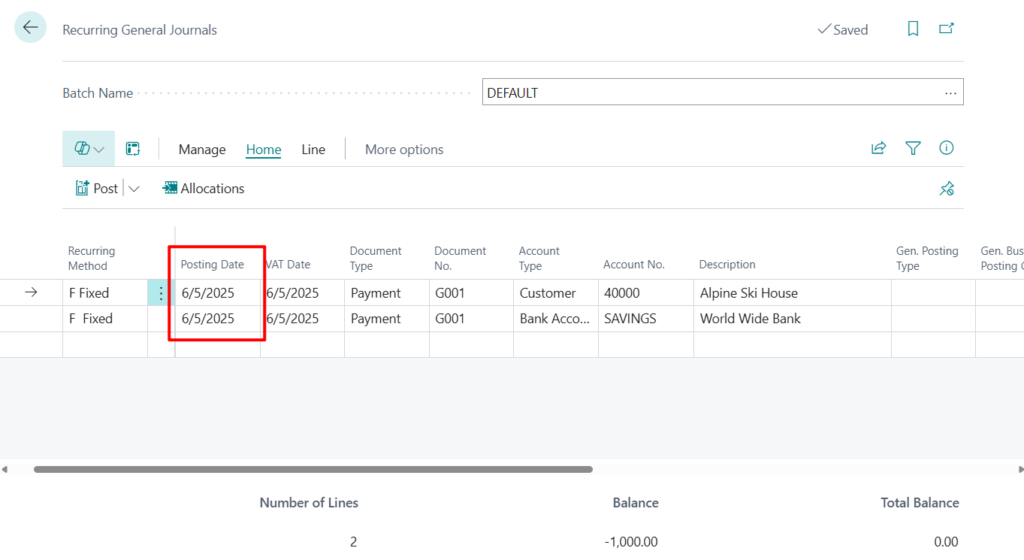
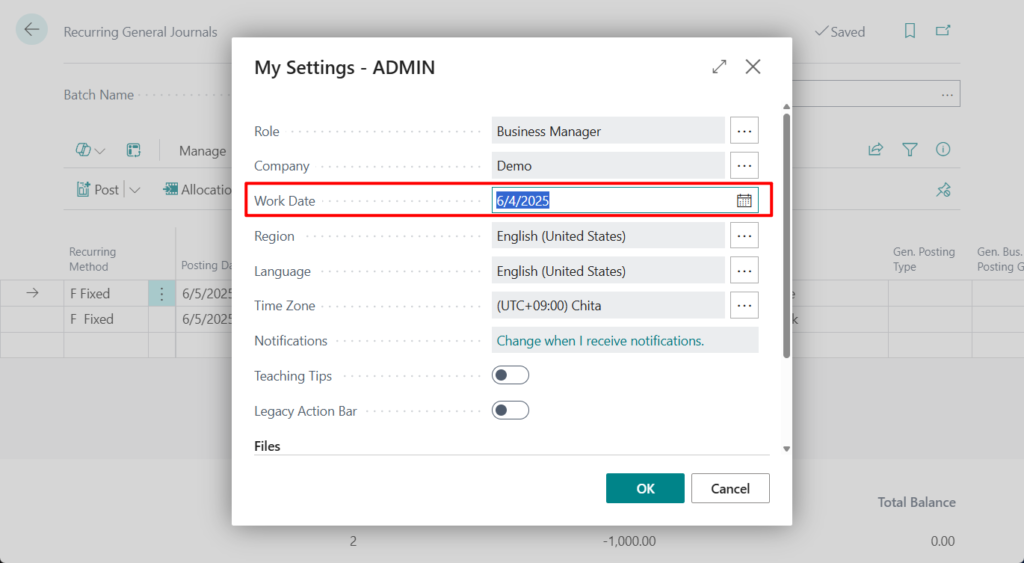
The solution is also very simple. Just change your Work Date.
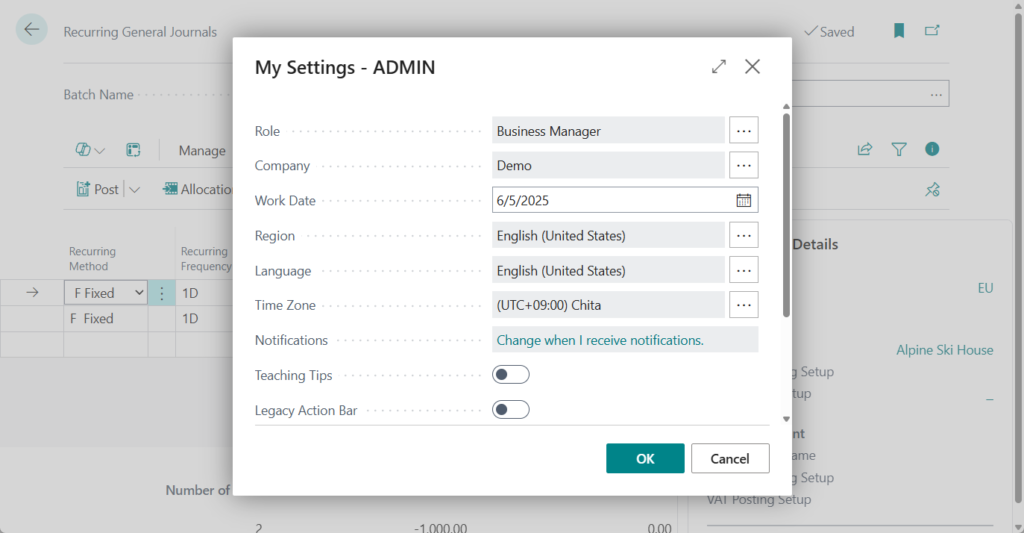
These details can then be posted.
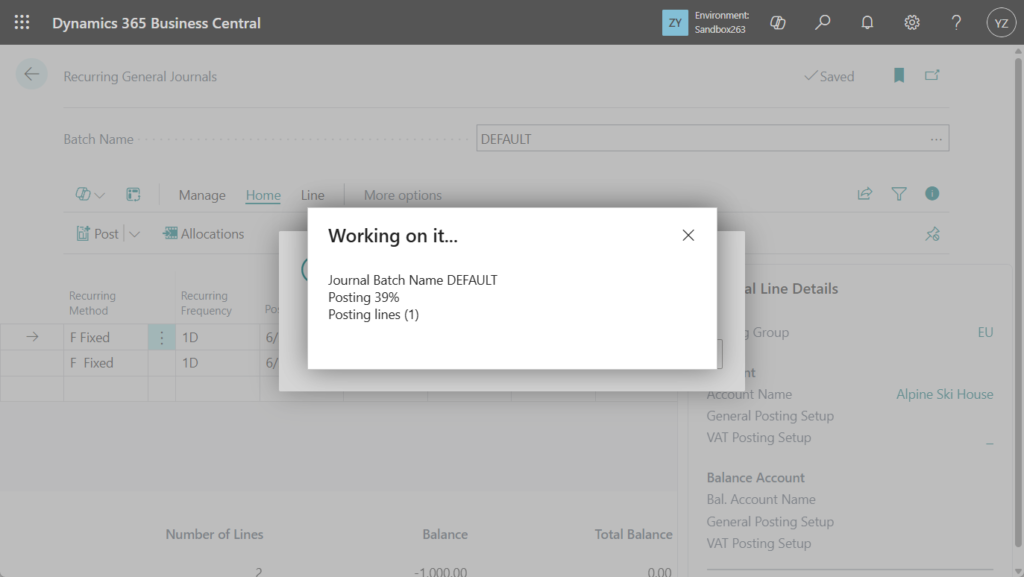
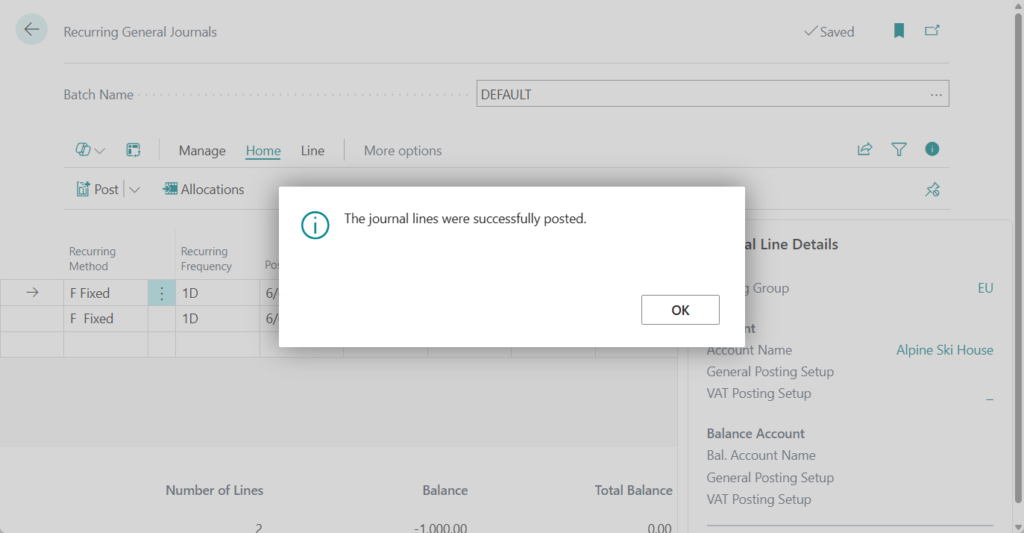
This is in itself a protection measure for BC, not to post Recurring General Journals with future dates, but I personally feel that this message should be updated with more human words, it is very difficult to understand.
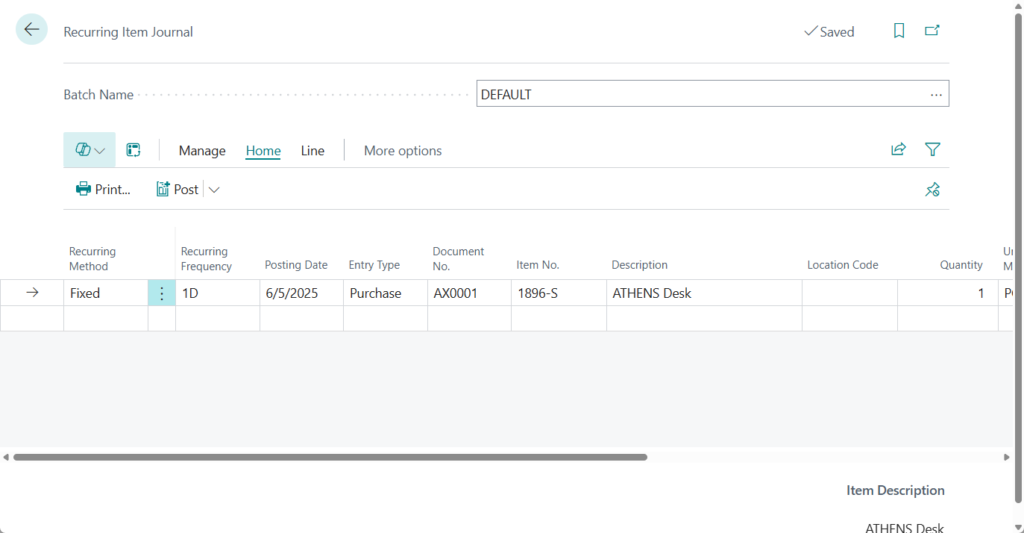
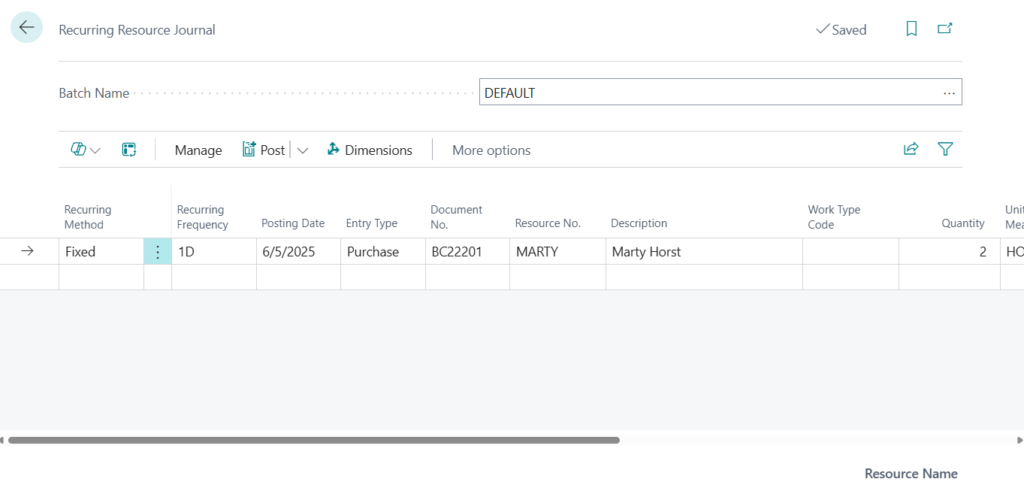
So the next question is, do other Recurring Journals, such as Recurring Item Journal, Recurring Resource Journal, etc. also have this problem? Yes, the same when processing. For example,
Recurring Item Journal:
Recurring Resource Journal:
Great, give it a try!!!😁
PS:
1. Dynamics 365 Business Central: Set the Document No. with dynamic dates in Recurring General Journals
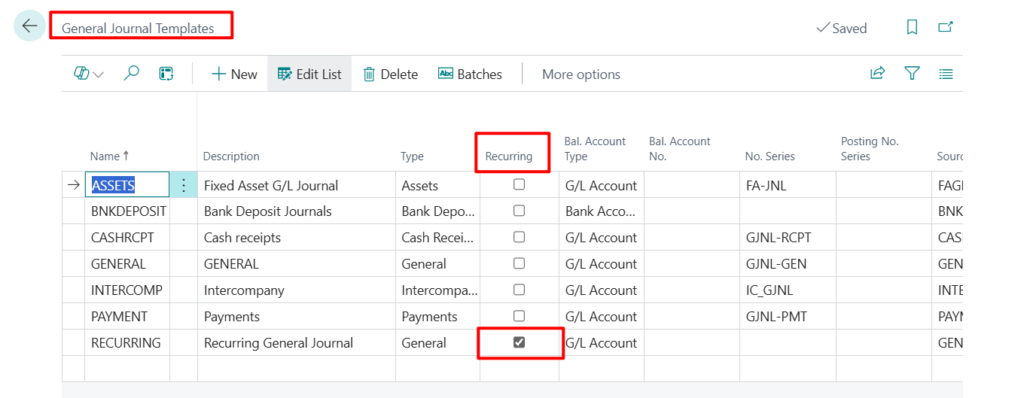
2. Even if you cancel the Recurring option in the General Journal Templates, you will not be able to post as long as you have set the Recurring Method.
Recurring Method must be equal to ‘ ‘ in Gen. Journal Line: Journal Template Name=RECURRING, Journal Batch Name=DEFAULT, Line No.=10000. Current value is ‘F Fixed’.
END
Hope this will help.
Thanks for reading.
ZHU
コメント