

Hi, Readers.
Today I would like to share another mini tip about Business Central, how to check if a string contains particular strings (if a string is substring of another).
I was asked this question before.
How can we find the value if the string is found in any string
Actually i want to check the selected file from Folder including the texts of the document no.
This is actually not difficult. Below, I will briefly introduce two solutions that I hope will be helpful.
1. Using Text.StrPos(Text, Text) Method
Text.StrPos(Text, Text) Method: Searches for the first occurrence of substring inside a string.
The StrPos method returns the position of the first occurrence of the substring. If SubString cannot be found, then the method returns zero.
If String or SubString is empty, then the method returns zero.
Let’s look at a simple example.
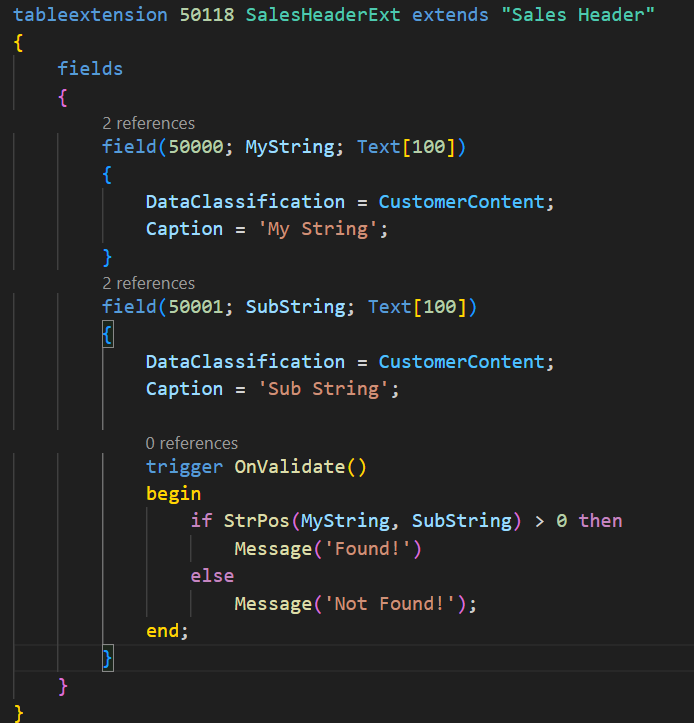
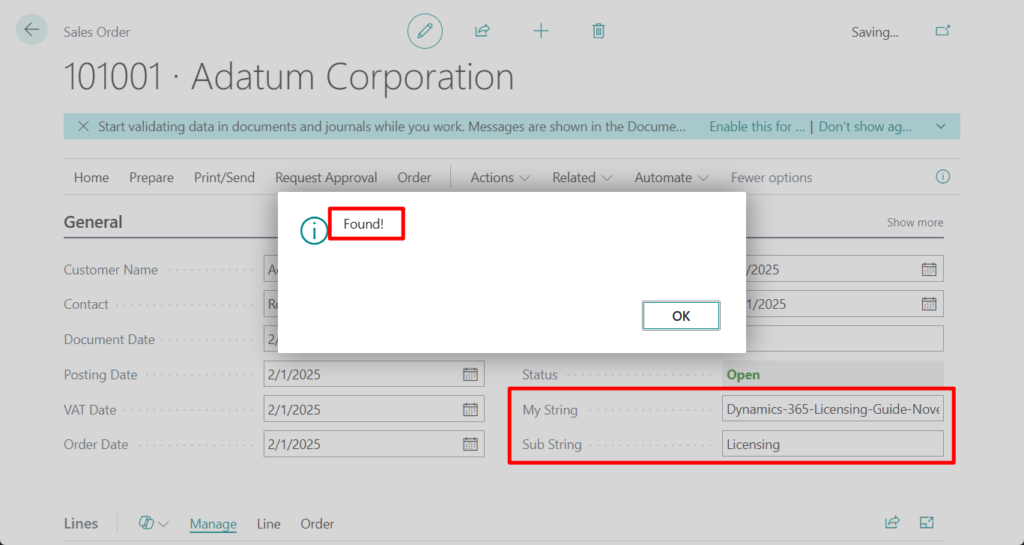
Test code:
tableextension 50118 SalesHeaderExt extends "Sales Header"
{
    fields
    {
        field(50000; MyString; Text[100])
        {
            DataClassification = CustomerContent;
            Caption = 'My String';
        }
        field(50001; SubString; Text[100])
        {
            DataClassification = CustomerContent;
            Caption = 'Sub String';

            trigger OnValidate()
            begin
                if StrPos(MyString, SubString) > 0 then
                    Message('Found!')
                else
                    Message('Not Found!');
            end;
        }
    }
}
2. Using Text.Contains(Text) Method
Text.Contains(Text) Method: Returns a value indicating whether a specified substring occurs within this string.
This is also very simple.

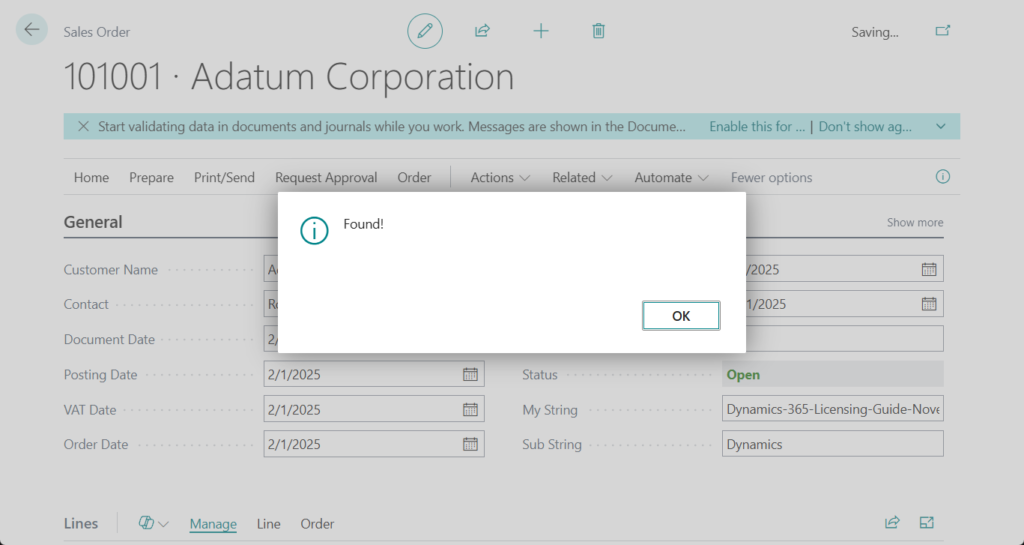
Test code:
tableextension 50118 SalesHeaderExt extends "Sales Header"
{
    fields
    {
        field(50000; MyString; Text[100])
        {
            DataClassification = CustomerContent;
            Caption = 'My String';
        }
        field(50001; SubString; Text[100])
        {
            DataClassification = CustomerContent;
            Caption = 'Sub String';

            trigger OnValidate()
            begin
                if MyString.Contains(SubString) then
                    Message('Found!')
                else
                    Message('Not Found!');
            end;
        }
    }
}
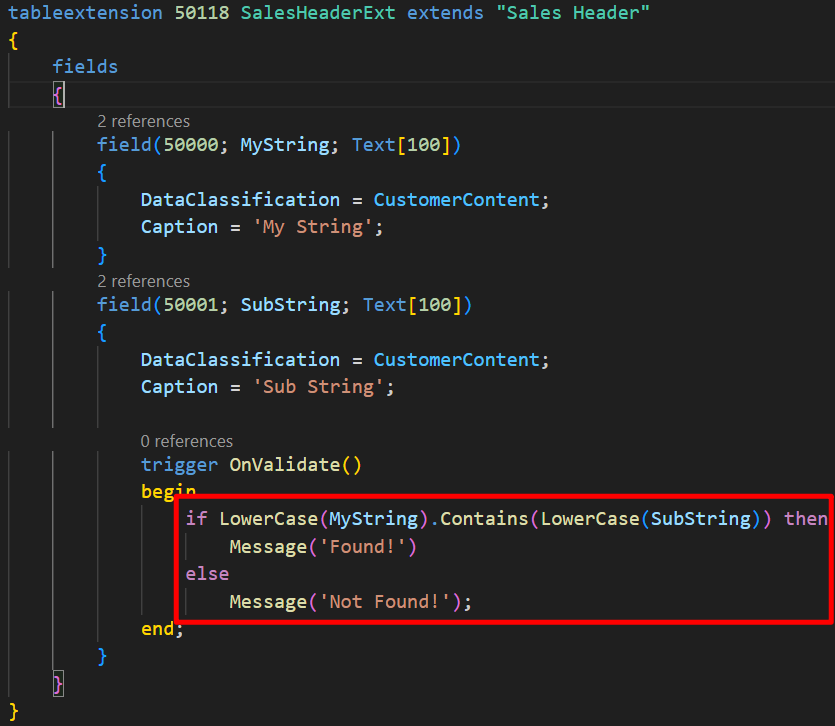
PS: If you want to perform a case-insensitive search, you need to use Text.LowerCase(Text) Method or Text.UpperCase(Text) Method to convert it first. For example,
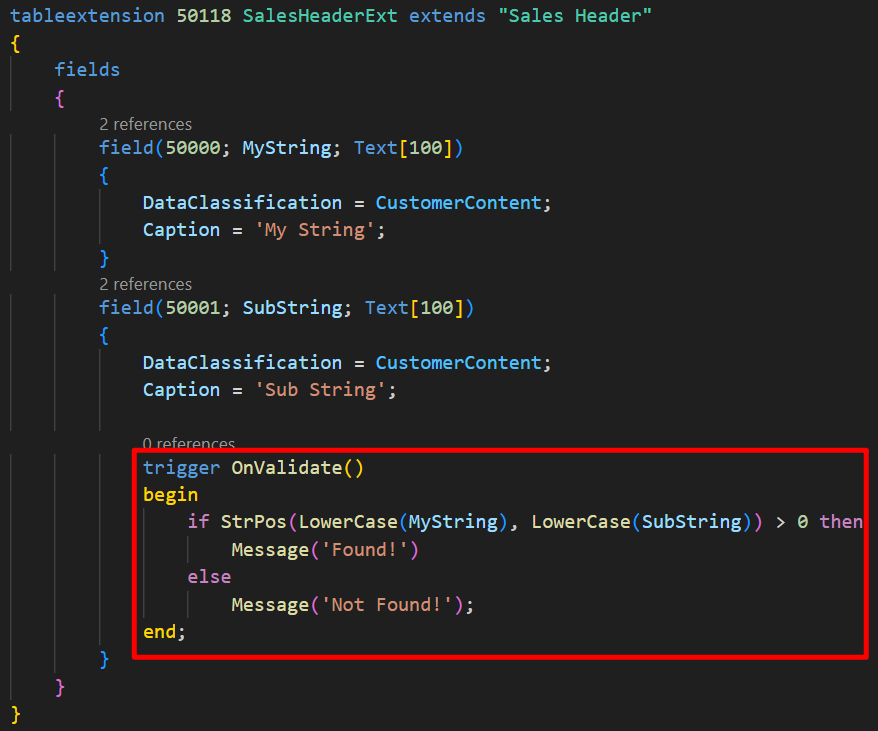
Or
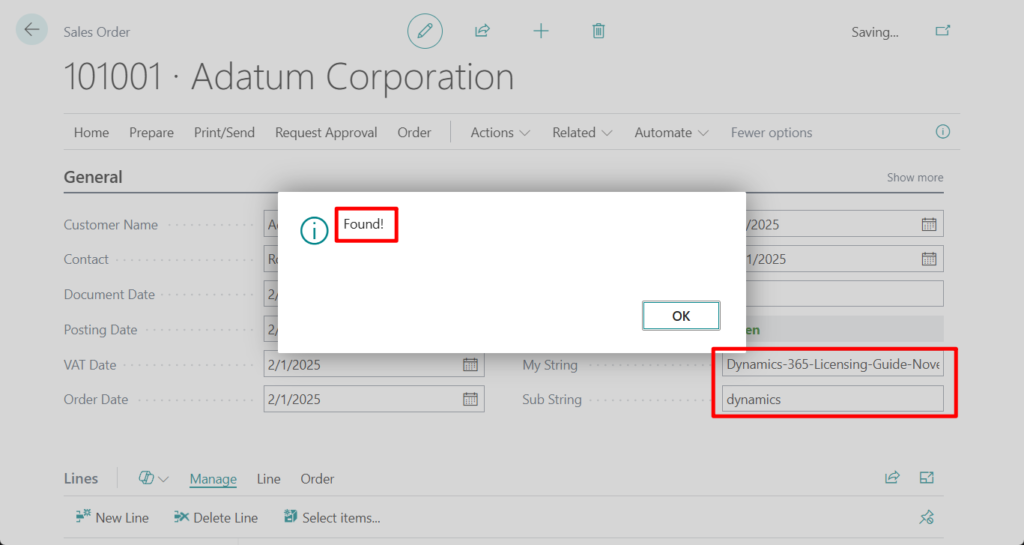
Very simple, give it a try!!!😁
END
Hope this will help.
Thanks for reading.
ZHU

コメント