
Hi, Readers.
The public preview for Dynamics 365 Business Central 2026 release wave 1 (BC28) is available. Learn more: Link.
I will continue to test and share some new features that I hope will be helpful. In this post, I would like to talk about New template for getting started with creating agents.
This new feature is mentioned in AL Language extension changelog.
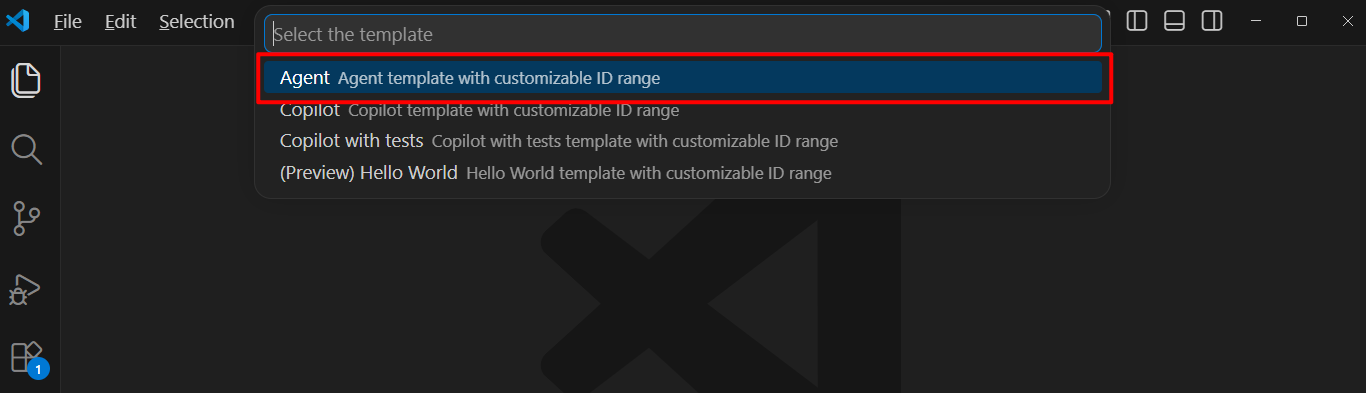
A new template for creating Business Central agents is now added. You can access it via the
Changelog | Visual Studio MarketplaceAL: New Projectcommand by choosing the templateAgent. The template comes with instructions on how to get started.

Microsoft have added a new command AL.NewProject in Business Central 2025 wave 1 (BC26). From this it is possible to start a new project from a template. More details: Business Central 2025 wave 1 (BC26): New Command in VS Code to start a new project from a template (AL: New Project)


With this wave (BC28), a new template for creating Business Central agents is now added, Agent. Let’s see more details.
First, execute AL: New Project command.

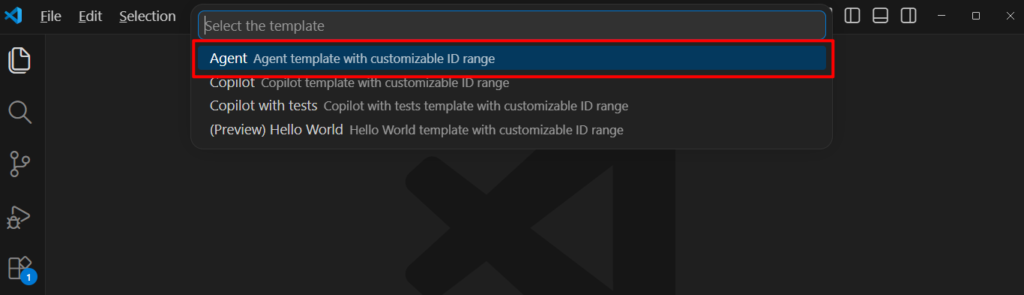
The, you can see the new template, Agent (Agent template with customizable ID range)
Choose a path to a new empty folder.

Enter the starting ID for your objects.

Choose the server.

Download the symbol files.
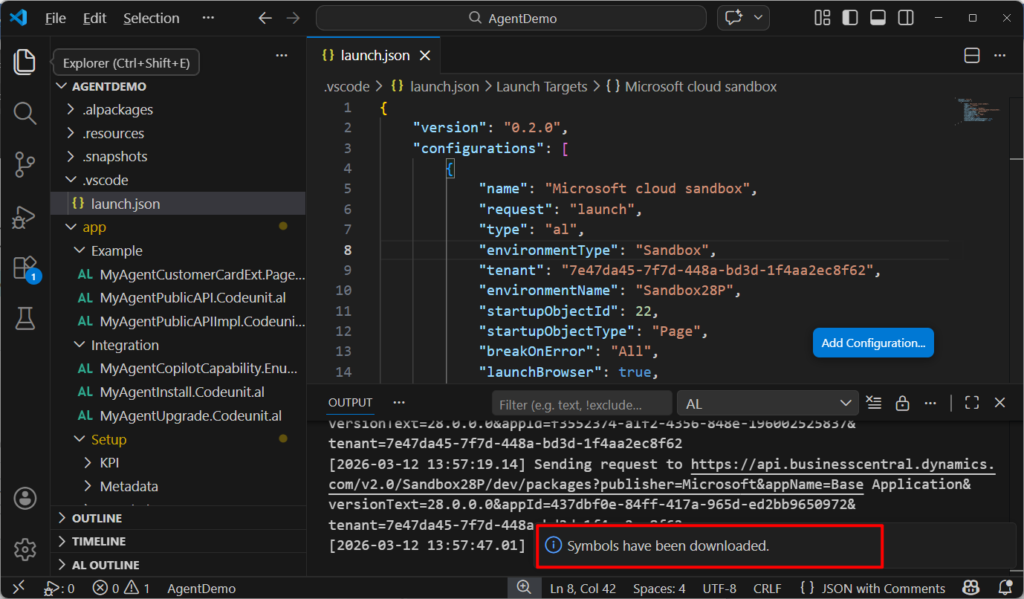
Done.
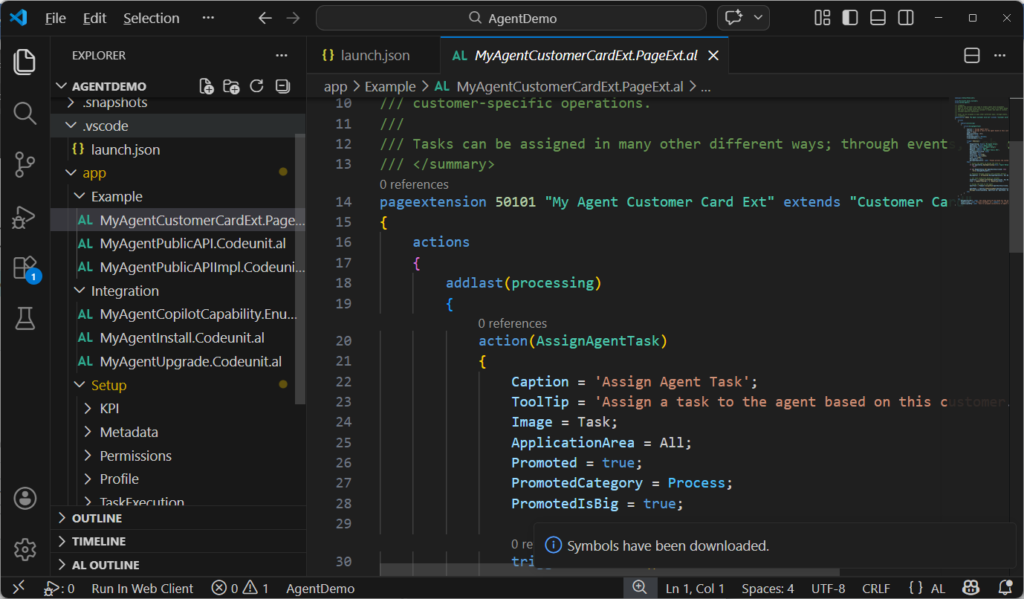
You can easily design and code agents using this template. Give it a try!!!😁
PS:
1. Designing and coding agents in Business Central (preview)
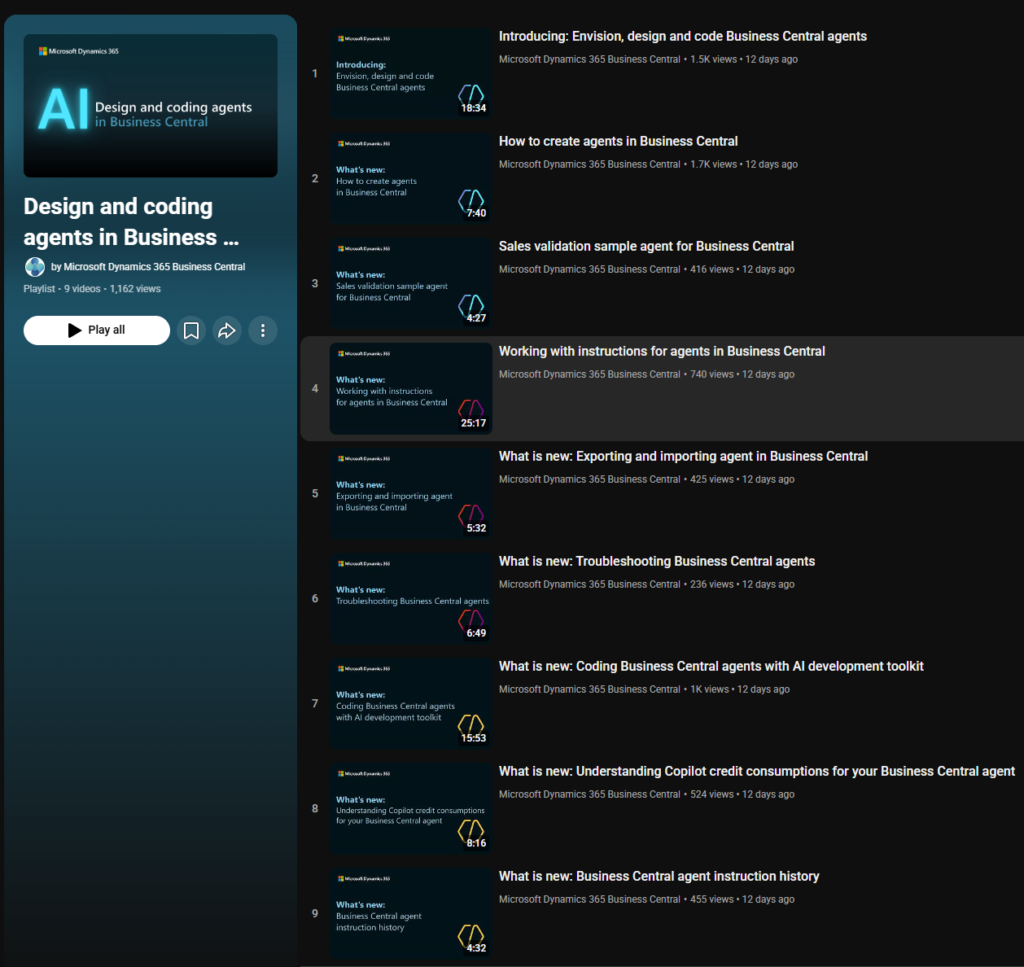
2. Youtube Playlist: Design and coding agents in Business Central
END
Hope this will help.
Thanks for reading.
ZHU
コメント