

Hi, Readers.
Today I’d like to briefly talk about how to automatically archive sales orders via AL.
In Business Central, you can archive sales, purchase, and service orders, quotes, return orders, and blanket orders. If you’re using Project Management features, you can also archive your projects. You can archive documents and projects several times. A different archived version saves each time.

PS: For sales documents, if the original still exists and isn’t posted, you can use the Restore action to overwrite it with an archived version.

You can automate archiving to create a new version of the archived document when someone does the following things:
- Changes the status or deletes a document or project.
- Prints, downloads, or sends a document by email.
- Converts a quote to an order or invoice.
- Posts an order.
For example,
- Select Search (Alt+Q)
 in the upper-right corner, enter Sales & Receivables Setup, and then choose the related link.

- On the Archiving FastTab, specify whether to turn on automatic archiving for the various types of sales documents. Hover over a field to read a short description.

And we can manually archive a sales order.
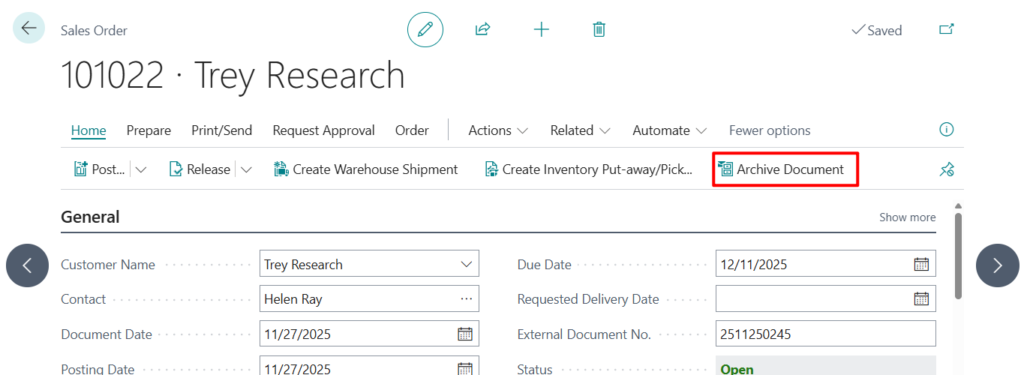
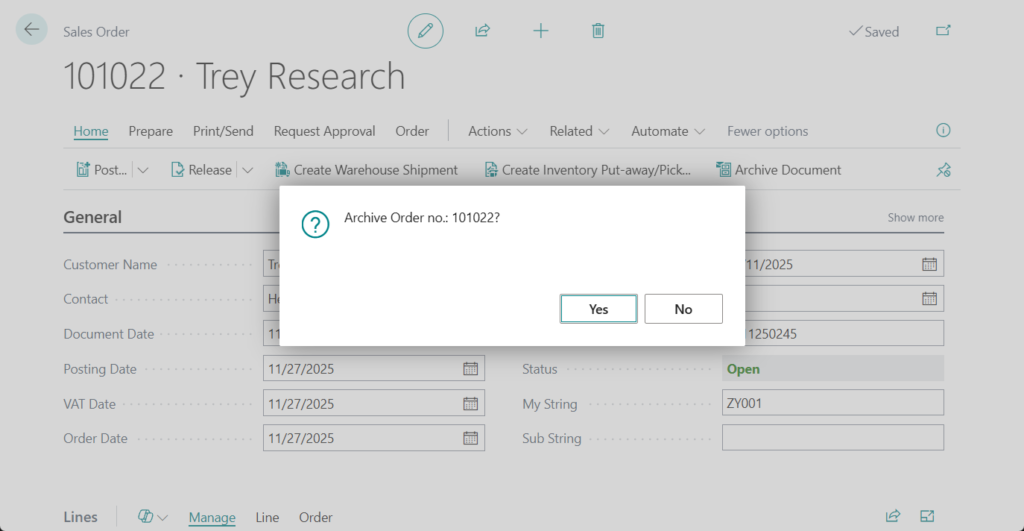
The sales order is archived. You can view it on the Archived Sales Orders page.

There is a small issue here, if we want to add additional timings for automatic archiving, how should we handle it? For example, if I want the document to be automatically archived when the order is released as well. This cannot be done in the standard and requires customization. However, if we refer to the Archive Document action on the Sales Order page, it displays a confirmation message, so it cannot be made fully automatic.
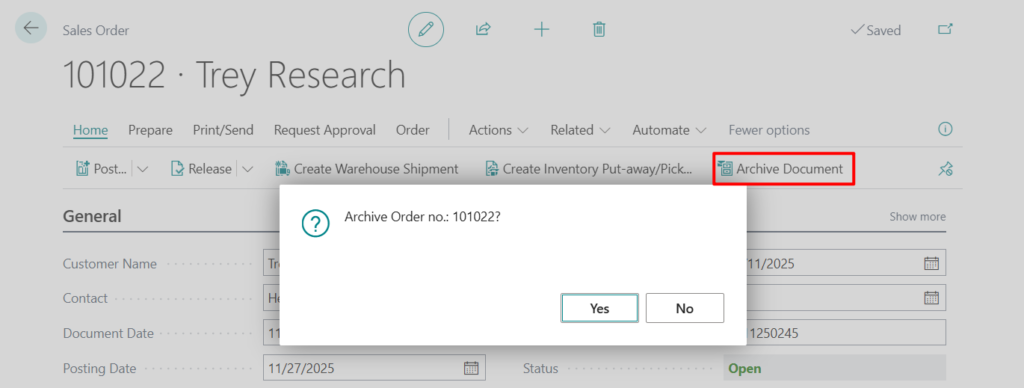
But it’s not difficult. This time, we can use the following standard method.
codeunit 5063 ArchiveManagement -> StoreSalesDocument
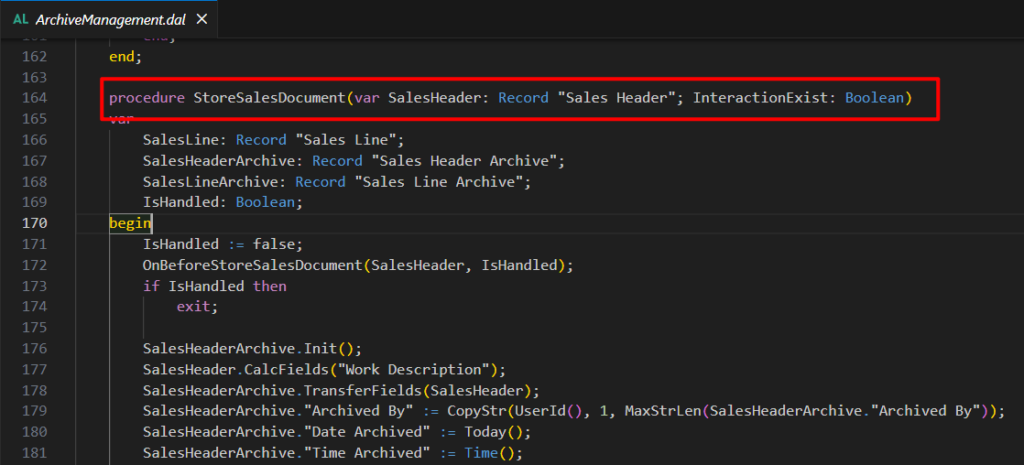
Let’s look at a simple example.
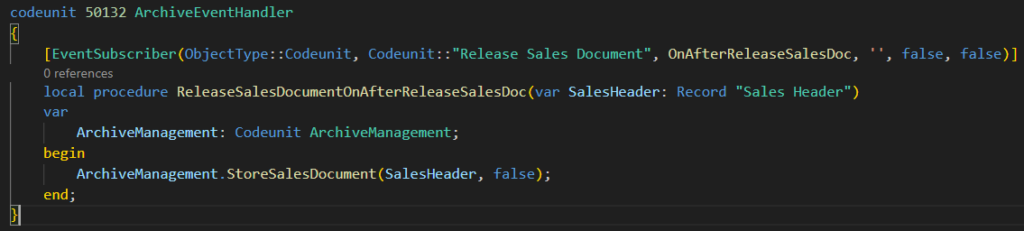
Source Code: GitHub (Please note that the source code is for reference only, you can improve it according to your own needs)
codeunit 50132 ArchiveEventHandler
{
    [EventSubscriber(ObjectType::Codeunit, Codeunit::"Release Sales Document", OnAfterReleaseSalesDoc, '', false, false)]
    local procedure ReleaseSalesDocumentOnAfterReleaseSalesDoc(var SalesHeader: Record "Sales Header")
    var
        ArchiveManagement: Codeunit ArchiveManagement;
    begin
        ArchiveManagement.StoreSalesDocument(SalesHeader, false);
    end;
}
Test: Released twice
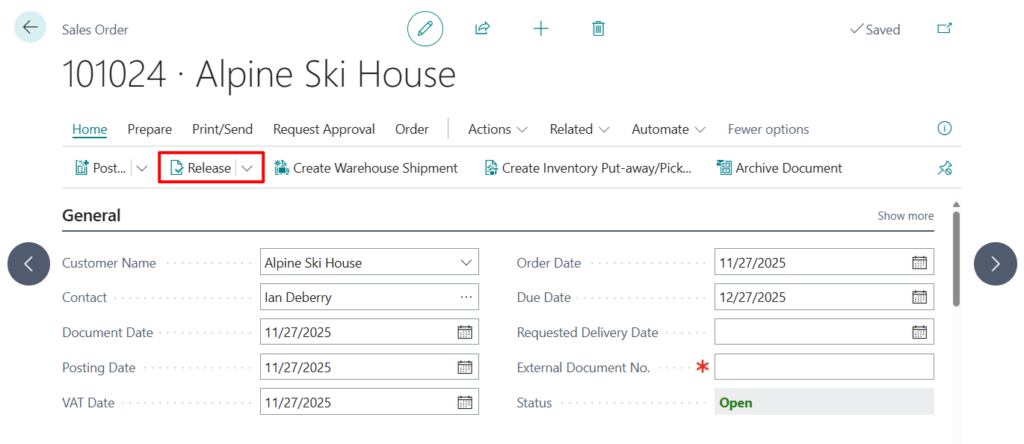
Great.
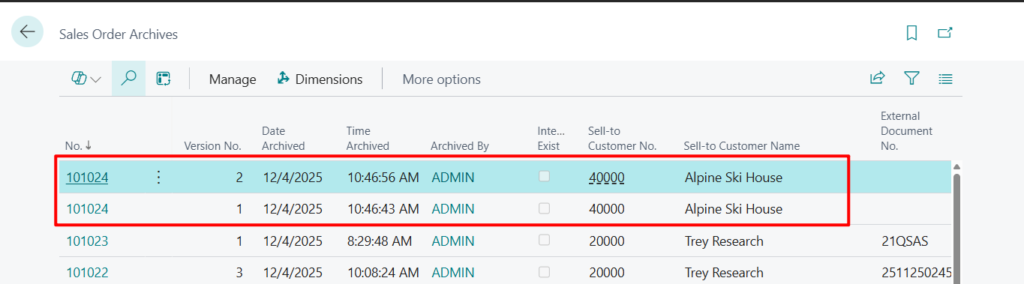
Test video:
Very simple, give it a try!!!😁
END
Hope this will help.
Thanks for reading.
ZHU
コメント