

Hi, Readers.
Dynamics 365 Business Central 2025 wave 2 (BC27.1) is generally available. More details: Cumulative Update Summary for Microsoft Dynamics 365 Business Central (November, 2025).
I will continue to test and share some new features that I hope will be helpful. In this post, I would like to talk about Demo analytics with new enhanced demo data.
Demo analytics with new enhanced demo data:
Business value:
https://learn.microsoft.com/en-us/dynamics365/release-plan/2025wave2/smb/dynamics365-business-central/demo-analytics-new-enhanced-demo-data?wt.mc_id=DX-MVP-5004336
The new module in the Contoso Demodata tool expands your demo environment with realistic sample data for key sales and purchasing documents, including quotes, orders, invoices, and returns. This enriched dataset enables you to showcase end-to-end business processes, test scenarios, and train users in a safe, risk-free environment. By simulating real-world transactions, teams can better understand workflows, validate configurations, and demonstrate system capabilities to stakeholders. These demonstrations accelerate onboarding, improve decision-making, and enhance the quality of customer presentations.
In Business Central 2022 wave 1 (BC20), to help partners demonstrate the premium capabilities of Business Central, Microsoft made the demo tool and demo data available for manufacturing scenarios. More details: Demo tool and demo data for manufacturing scenarios (Contoso Coffee Demo Dataset)
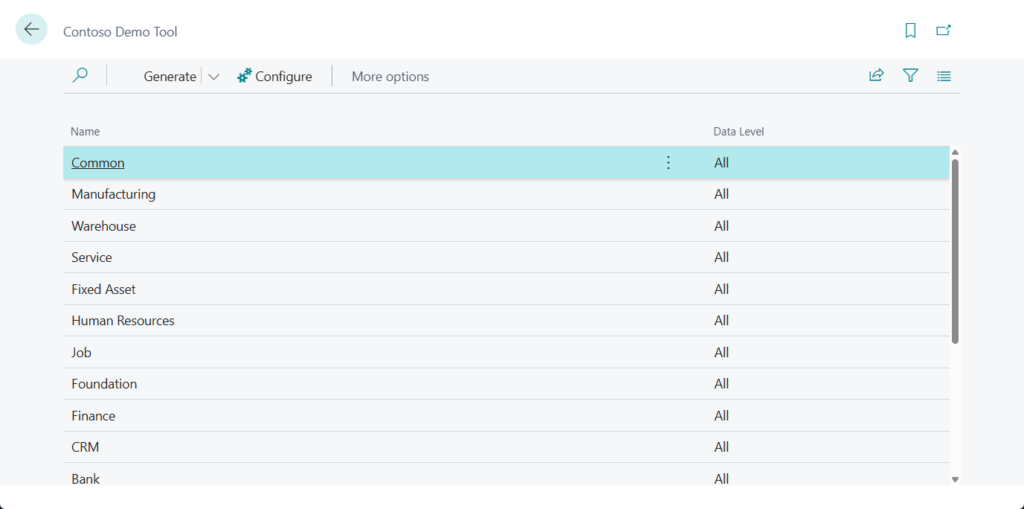
New demo data was then added gradually.
- Business Central 2023 wave 1 (BC22): Demo tool and data for warehouse and inventory scenarios (Contoso Coffee Whse Demo Data)
- Business Central 2023 wave 2 (BC23): Demo tool and data for service scenarios (New demo data)
And in Business Central 2024 wave 2 (BC25.3), the method of creating demo/sample data using Configuration packages was deprecated. More details: Business Central 2024 wave 2 (BC25.3): Configuration packages for setup and evaluation data has been deprecated (The method of creating demo/sample data has changed)

With this update, Microsoft is introducing a new module in the Contoso Demo data tool to make it easier to demonstrate Power BI apps, Excel reports, and data analysis for sales and purchases.
The new module adds demonstration data for the following types of documents.
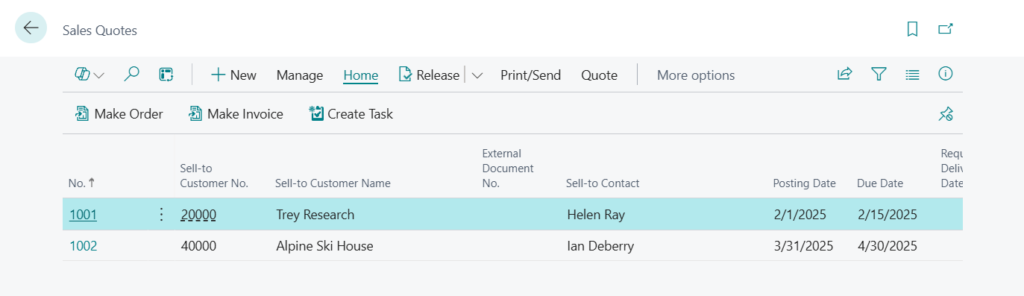
- Sales quotes
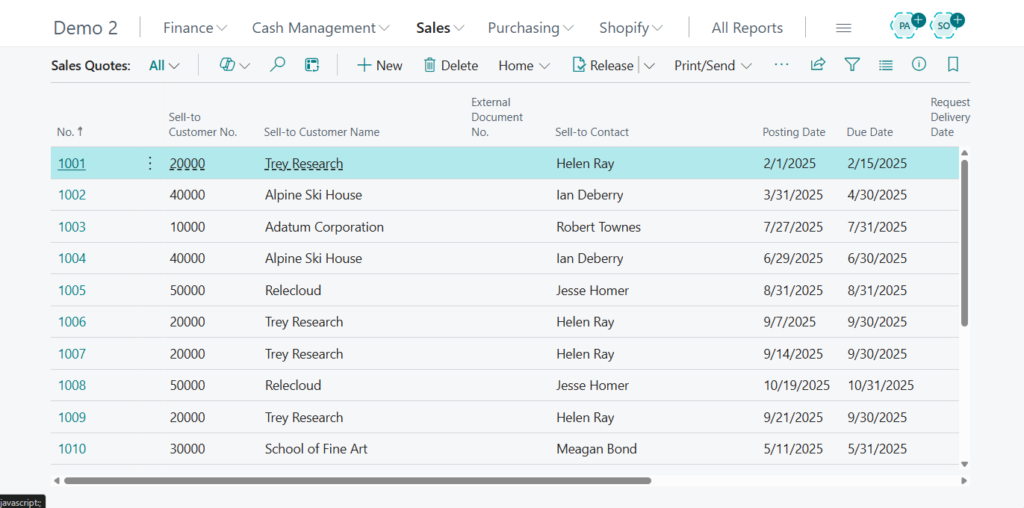
In previous versions:
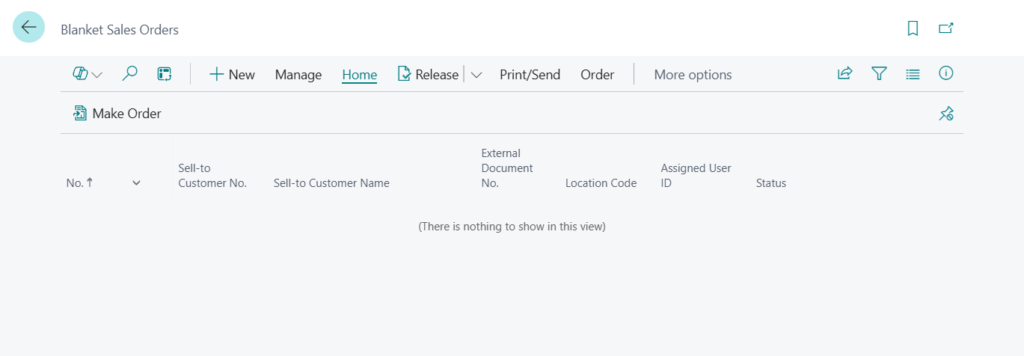
- Blanket sales orders
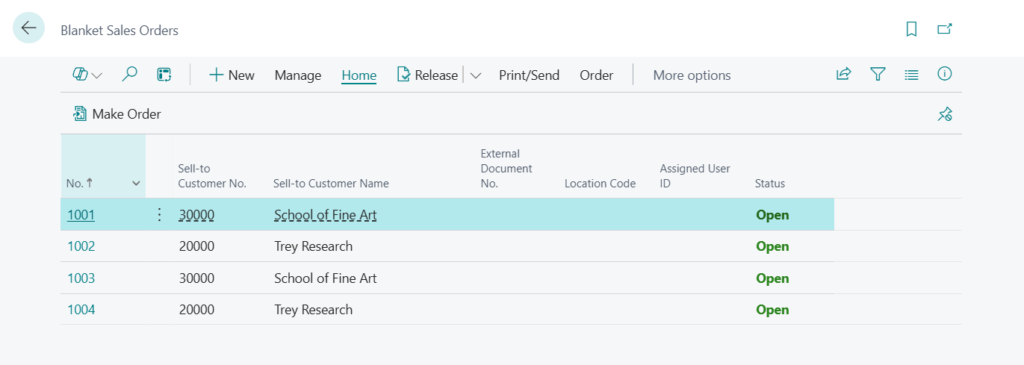
In previous versions:
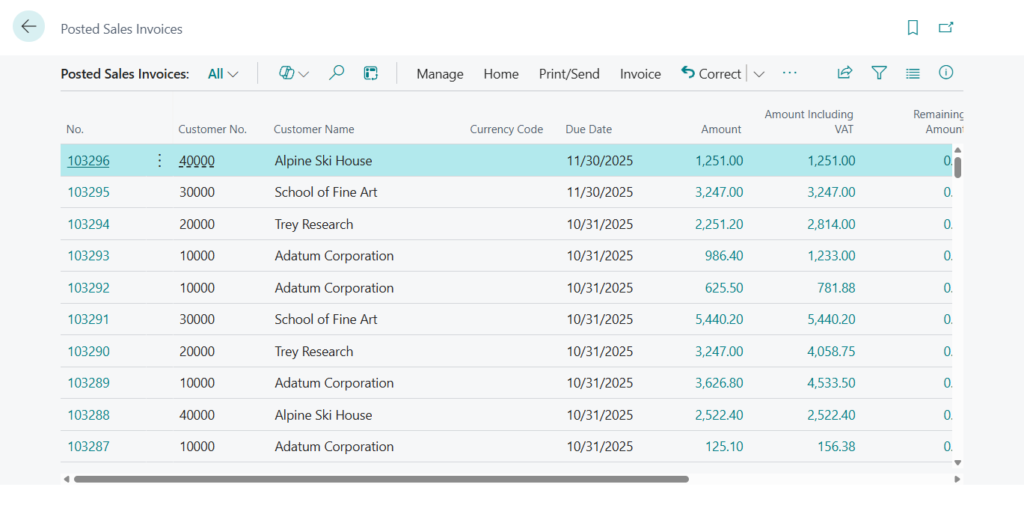
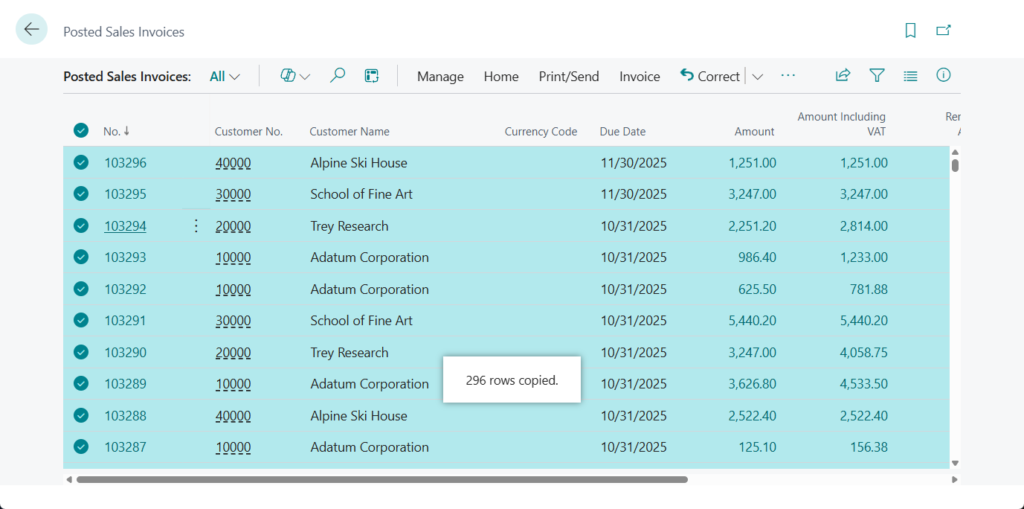
- Posted sales invoices
103001~103296: 296 invoices
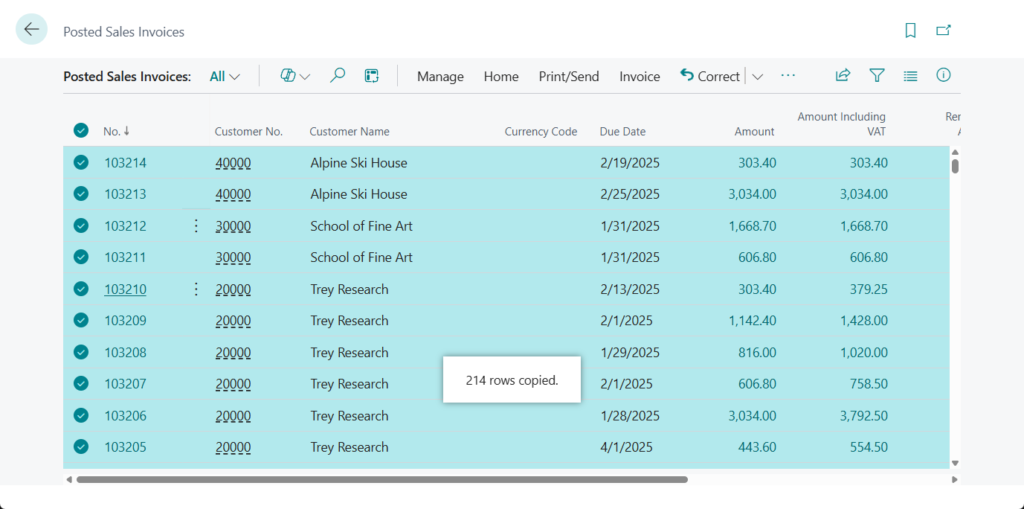
In previous versions: 103001~103214: 214 invoices
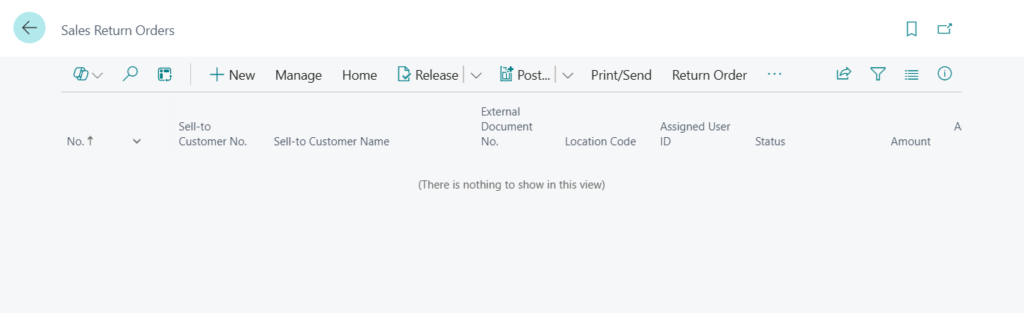
- Sales return orders
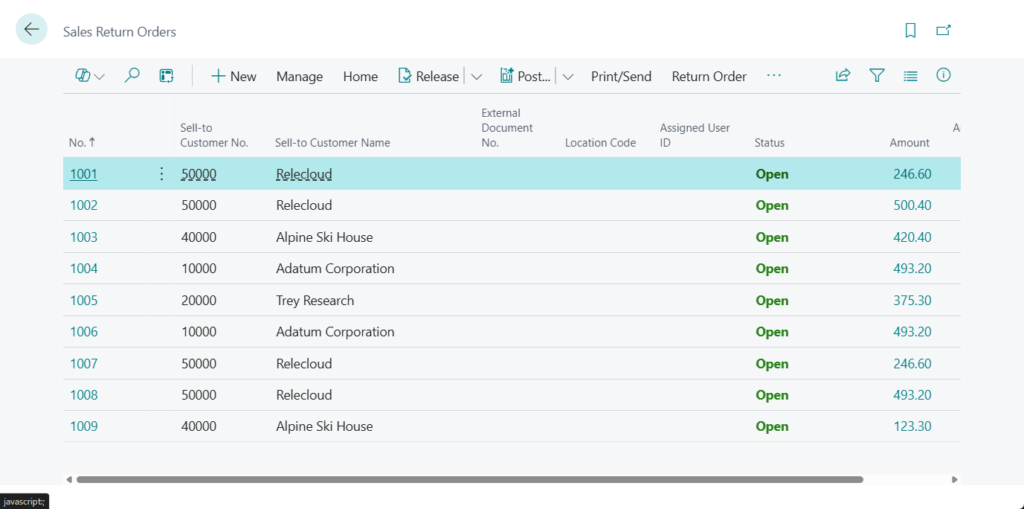
In previous versions:
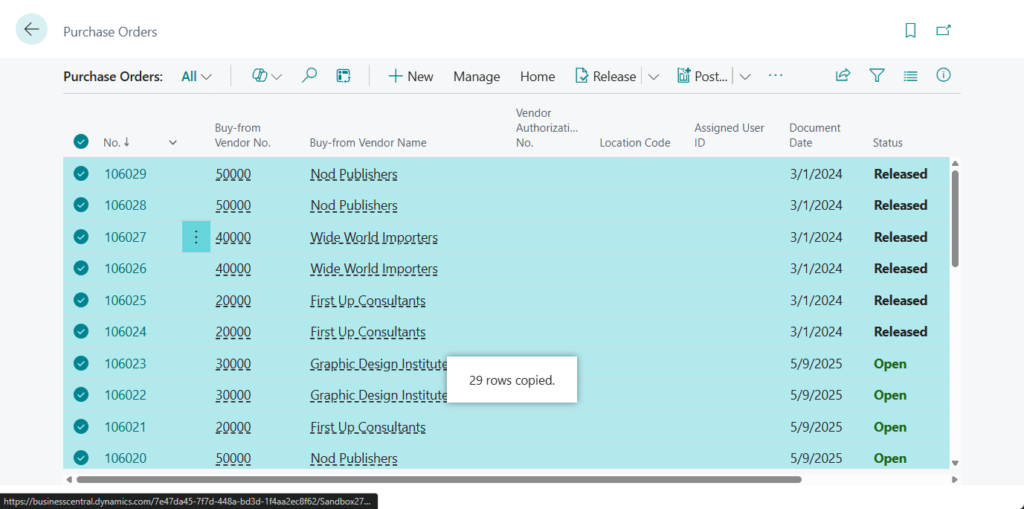
- Purchase orders
29 orders
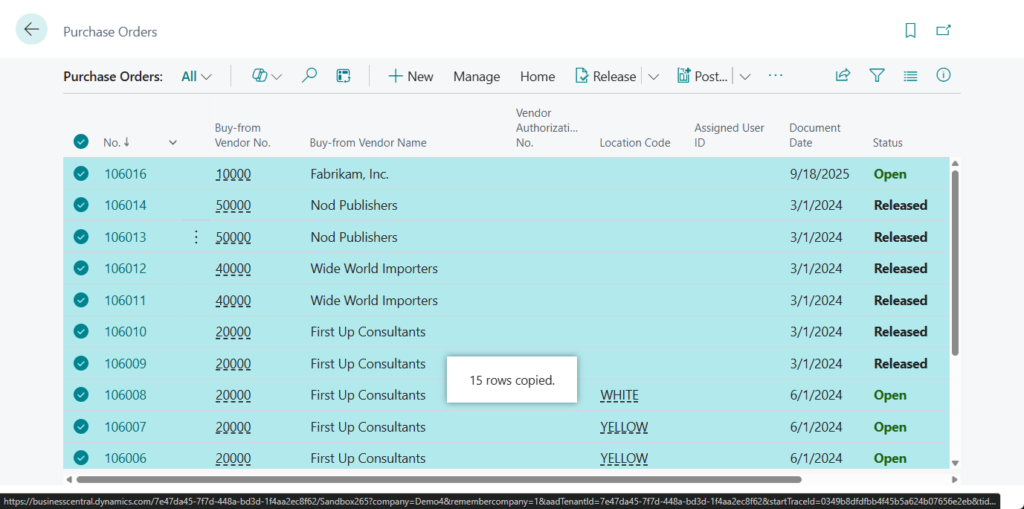
In previous versions: 15 orders
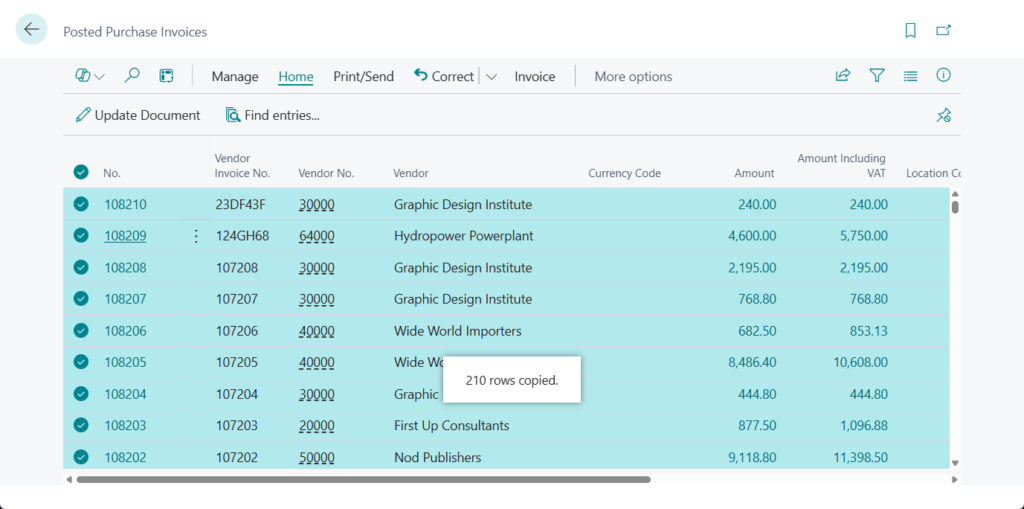
- Posted purchase invoices
296 invoices
In previous versions: 210 invoices
Great, give it a try!!!😁
END
Hope this will help.
Thanks for reading.
ZHU
コメント