

Hi, Readers.
The public preview for Dynamics 365 Business Central 2025 release wave 2 (BC27) is available. Learn more: Link.
I will continue to test and share some new features that I hope will be helpful. In this post, I would like to talk about new Database.LockTimeoutDuration Method.
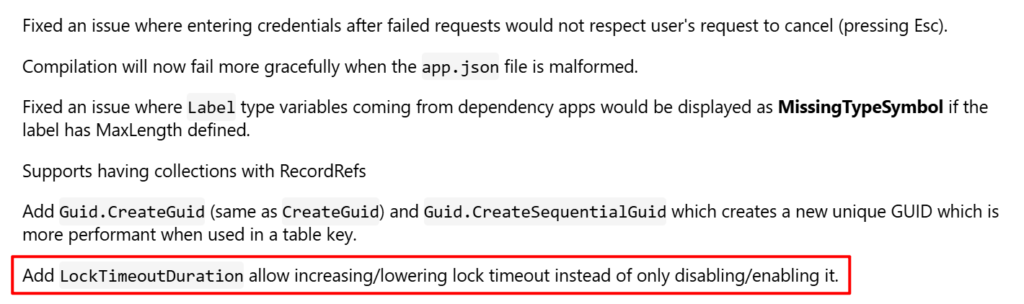
This new feature is not yet documented in the Business Central 2025 release wave 2 (BC27) release plan but is mentioned in AL Language extension changelog Version 16.0.
Add
Changelog | Visual Studio MarketplaceLockTimeoutDurationallow increasing/lowering lock timeout instead of only disabling/enabling it.
Database.LockTimeout([Boolean]) Method: Determines whether the lock time-out setting is set to On. You can also use this method to override the default setting.

This method has been designed specifically for use in long-running processes that should not be terminated because of a lock time-out, for example batch jobs that run overnight.
When the AL code has finished running, the default setting is used again. This method does not change the duration of a lock time-out.
With this wave (BC27), Microsoft added a new Database.LockTimeoutDuration Method allow increasing/lowering lock timeout instead of only disabling/enabling it.
procedure LockTimeoutDuration([LockTimeoutDuration: Integer]): Integer
Gets or sets the current lock timeout duration in seconds. Setting a lock timeout of 0 or less disables the lock timeout.

For example,
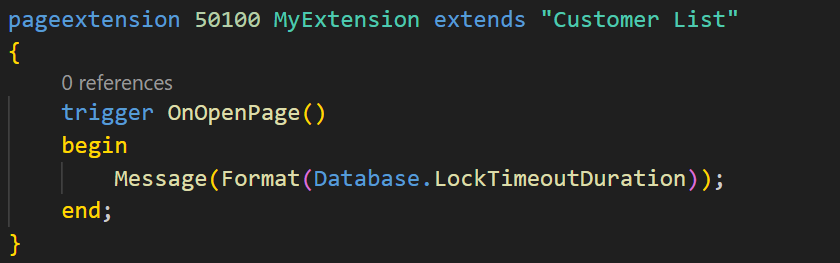
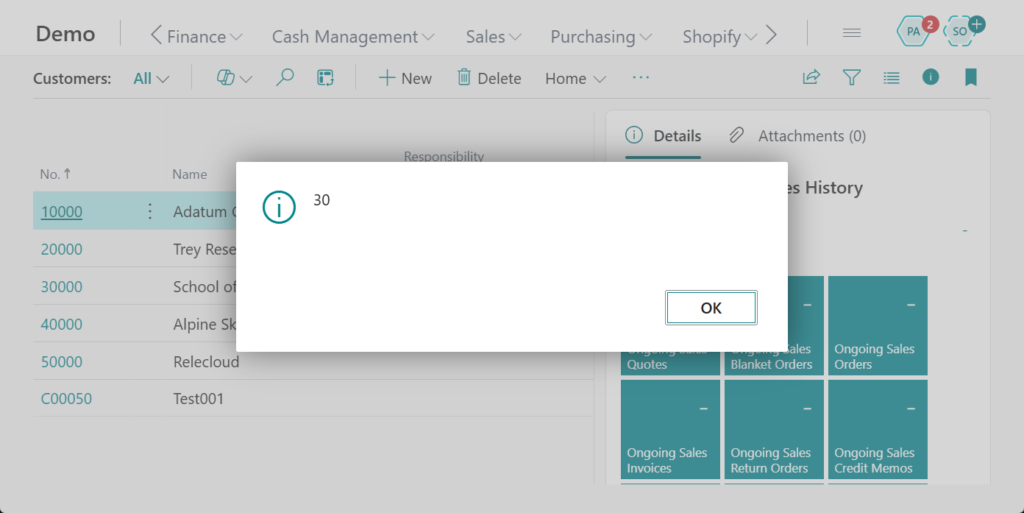
Timeout duration is 30 sec (default value).
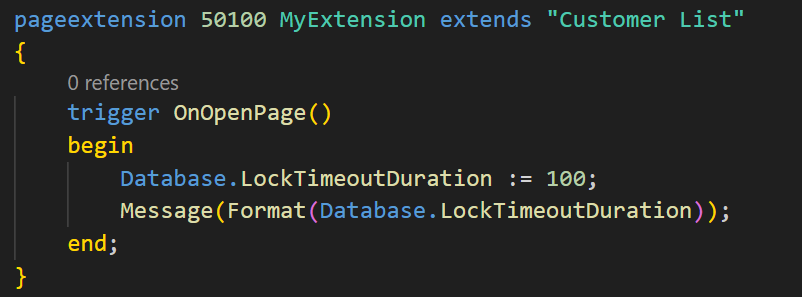
We can now increase/decrease the lock timeout.
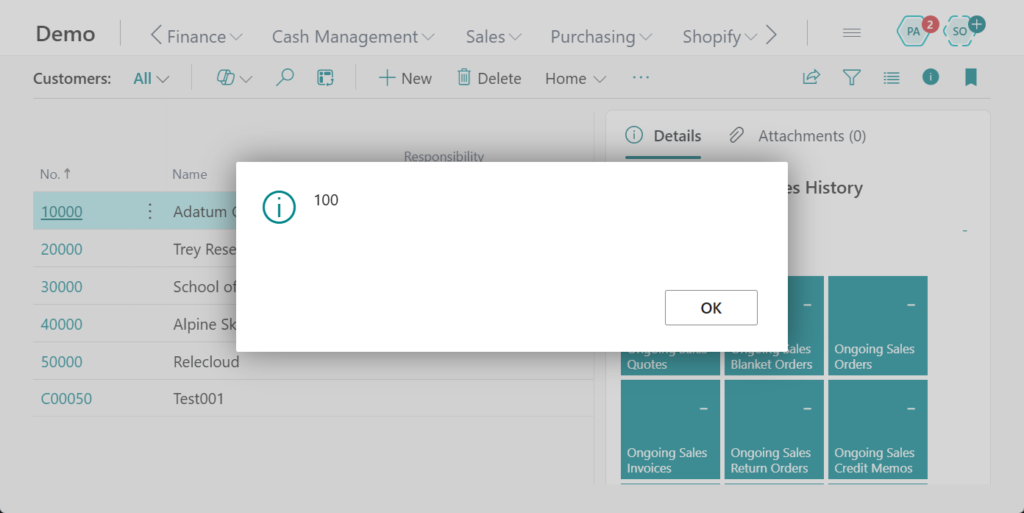
Great, give it a try!!!😁
PS:
1.
‘LockTimeoutDuration’ is not available in runtime version ‘15.0’. The supported runtime versions are: ‘16.0’ or greater. AL AL0666
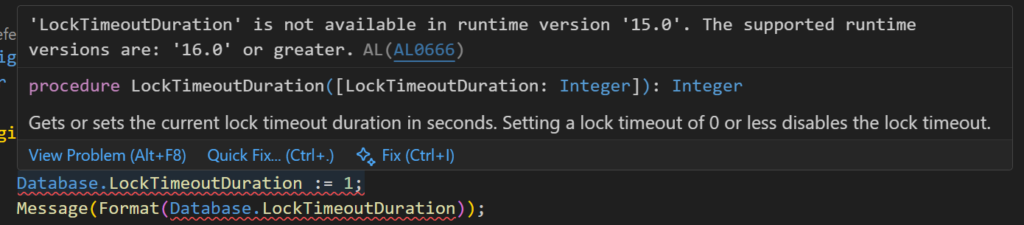
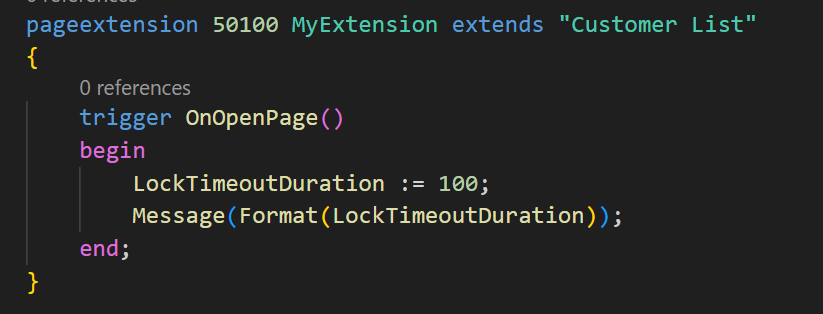
2. This method can be invoked without specifying the data type name.
3. Analyzing Database Lock Timeout Trace Telemetry
END
Hope this will help.
Thanks for reading.
ZHU
コメント