

Hi, Readers.
Today I would like to share another mini tip about Business Central, how to get the Month Name/Text from a date. For example, I have the date 14/1/2026, I would like to only show ‘January’.
This is not difficult. I will introduce two methods in this post, hoping to provide some help to everyone.
1. Using System.Format() Method
| Europe Date | Format | Example |
|---|---|---|
| <Closing><Day>. <Month Text> <Year4> | 4 | 5. April 2021 |
| <Day,2><Filler Character, >. <Month Text,3> <Year4> | 7 | 5. Apr 2021 |
So, we can just use Format(Rec.”Posting Date”, 0, ‘<Month Text>’). Let’s look at a simple example.
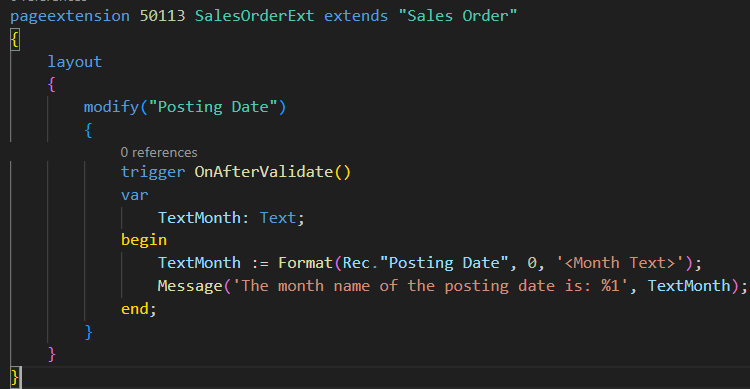
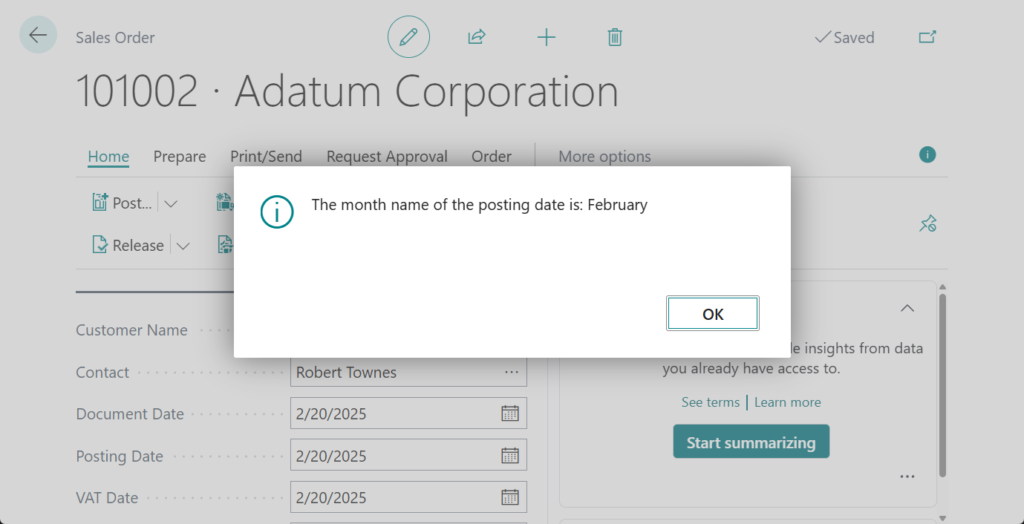
Test code:
pageextension 50113 SalesOrderExt extends "Sales Order"
{
    layout
    {
        modify("Posting Date")
        {
            trigger OnAfterValidate()
            var
                TextMonth: Text;
            begin
                TextMonth := Format(Rec."Posting Date", 0, '<Month Text>');
                Message('The month name of the posting date is: %1', TextMonth);
            end;
        }
    }
}
And with a slight modification, we can obtain a shorter Month Name.
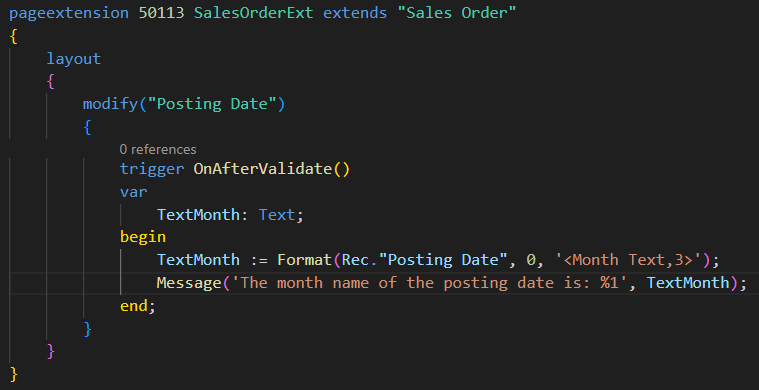
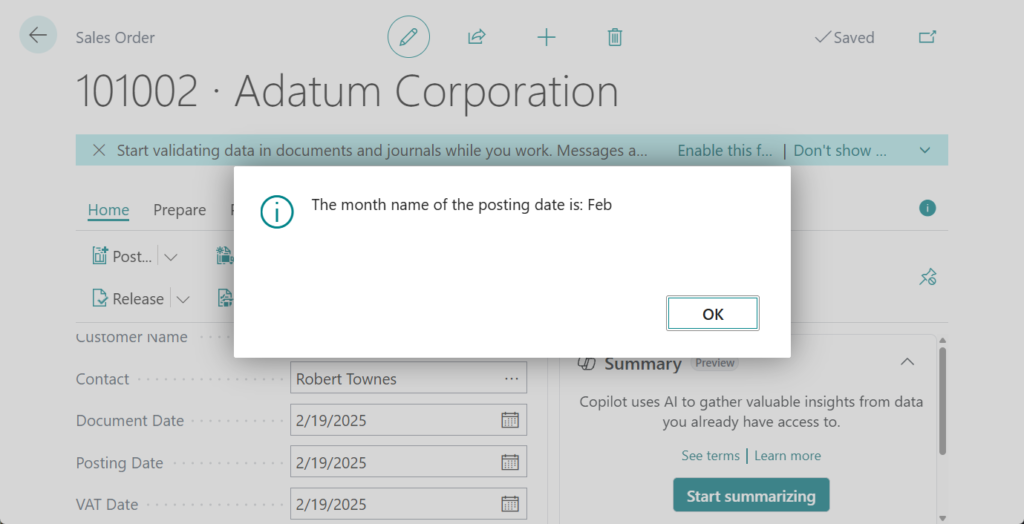
Test code:
pageextension 50113 SalesOrderExt extends "Sales Order"
{
    layout
    {
        modify("Posting Date")
        {
            trigger OnAfterValidate()
            var
                TextMonth: Text;
            begin
                TextMonth := Format(Rec."Posting Date", 0, '<Month Text,3>');
                Message('The month name of the posting date is: %1', TextMonth);
            end;
        }
    }
}
2. Using Date virtual table
This method was used when we discussed How to quickly get the day of the week from a date (Date virtual table).
This time we can aslo use the Date virtual table.
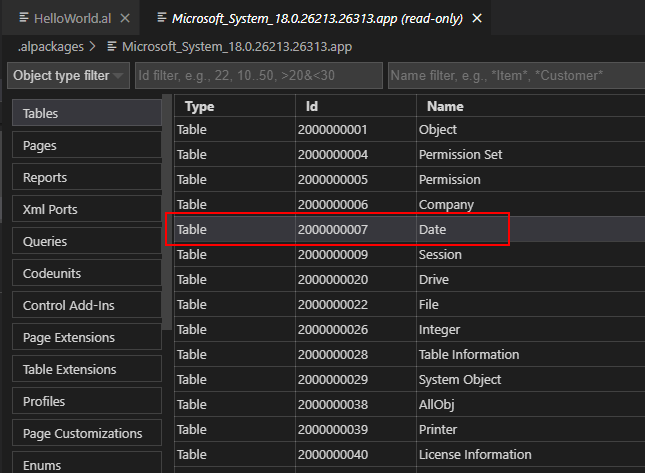
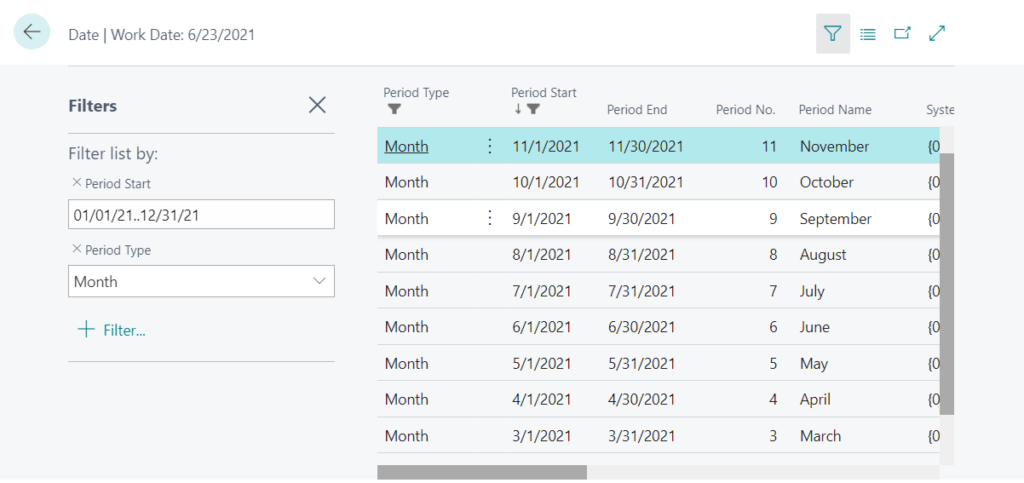
The Date virtual table (ID 2000000007) in Business Central gives you easy access to days, weeks, months, quarters, and years.
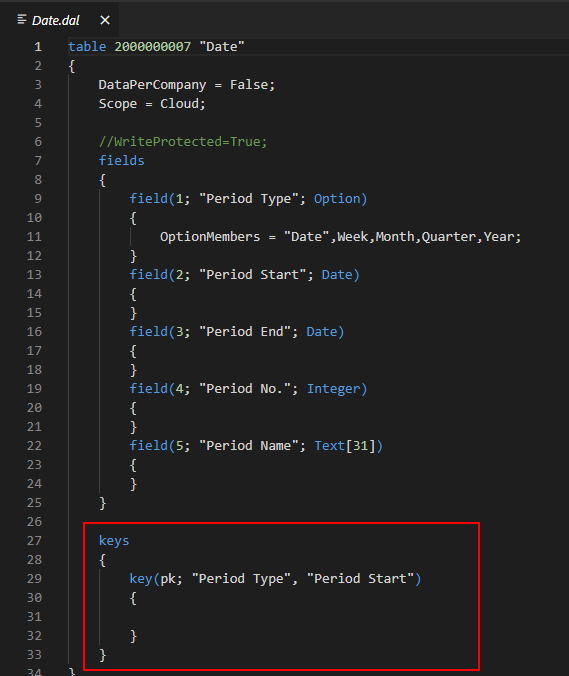
The Date virtual table has the following fields.
| Field | Description |
|---|---|
| Period Type | Days, weeks, months, quarters, or years. |
| Period Start | The date of the first day in the period. |
| Period End | The date of the last day in the period. |
| Period No. | The number of the period. |
| Period Name | The name of the period. |
And the primary key is “Period Type”, “Period Start”.
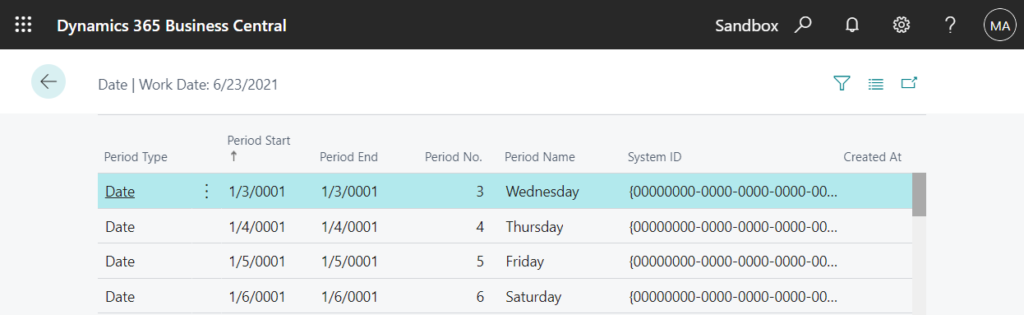
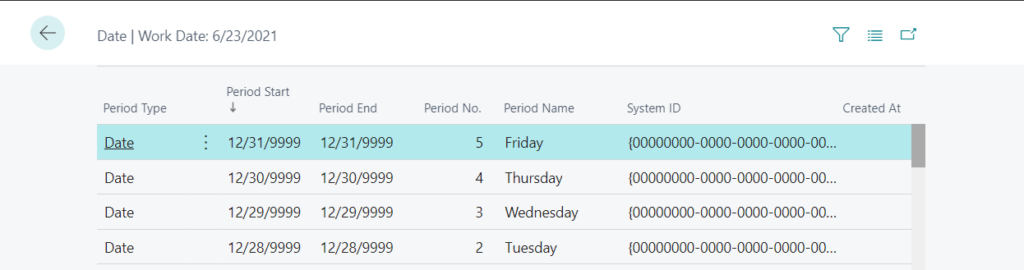
You can force Business Central to run the “Date” table by adding the ?table=2000000007 parameter to the URL, such as in the following example:
https://businesscentral.dynamics.com/d8f36038-1f93-4543-affc-5dc92b6ee871/Sandbox?table=2000000007
The dates from 01/03/0001 to 12/31/9999 will be displayed by different period types.
If Period Type is Month
Period No.: Month Number (1=Jaunary, 2=Frbruary, 3=March, etc)
Period Name: Name of the month
So, we can easily do the following.

The result is the same.
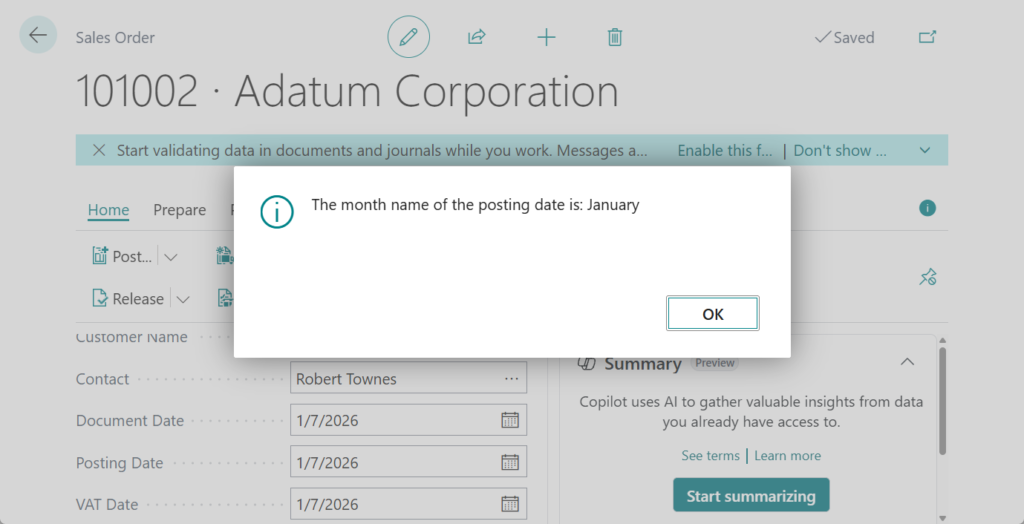
Test code:
pageextension 50113 SalesOrderExt extends "Sales Order"
{
    layout
    {
        modify("Posting Date")
        {
            trigger OnAfterValidate()
            var
                Date: Record Date;
                TextMonth: Text;
            begin
                if Date.Get(Date."Period Type"::Month, CalcDate('<-CM>', Rec."Posting Date")) then
                    TextMonth := Date."Period Name";
                Message('The month name of the posting date is: %1', TextMonth);
            end;
        }
    }
}One more: Using new New Date methods
This method can easily obtain the Month number instead of the Month name, and it is the simplest if only the number is needed.
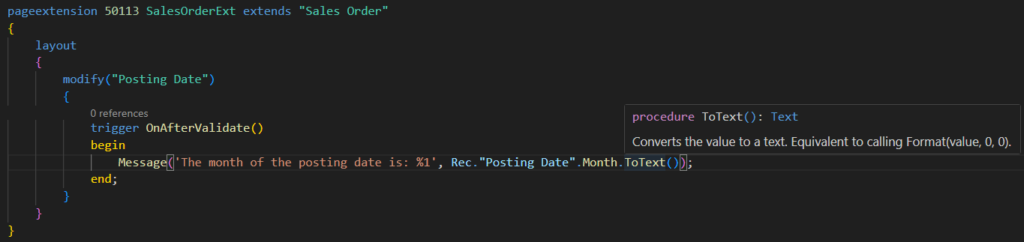
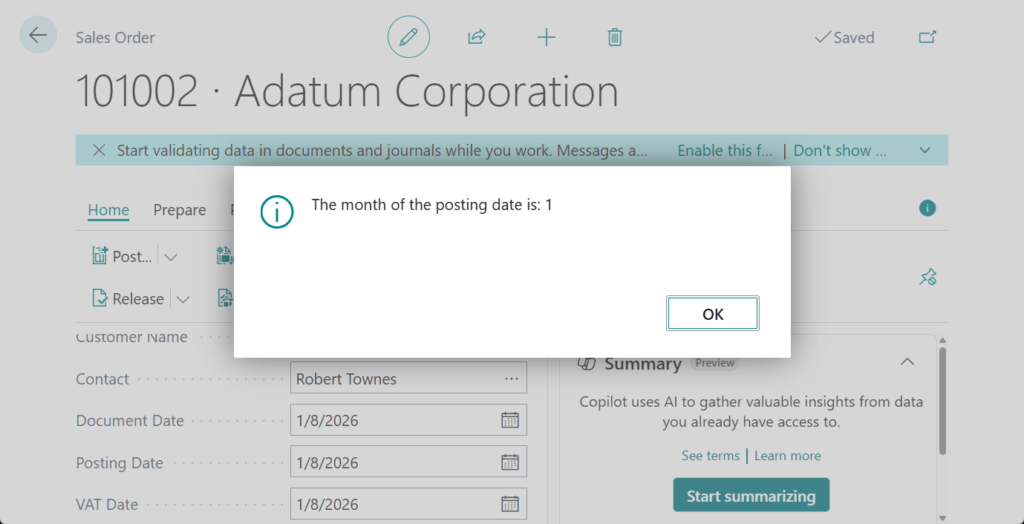
PS: Business Central 2024 wave 2 (BC25): New Date/Time/DateTime methods
Test code:
pageextension 50113 SalesOrderExt extends "Sales Order"
{
    layout
    {
        modify("Posting Date")
        {
            trigger OnAfterValidate()
            begin
                Message('The month of the posting date is: %1', Rec."Posting Date".Month.ToText());
            end;
        }
    }
}
Great. Give it a try!!!😁
END
Hope this will help.
Thanks for reading.
ZHU
コメント