

Hi, Readers.
The public preview for Dynamics 365 Business Central 2025 release wave 2 (BC27) is available. Learn more: Link.
I will continue to test and share some new features that I hope will be helpful. In this post, I would like to talk about Cancel build and publish from Visual Studio Code.
Cancel build and publish from Visual Studio Code:
Business value:
As part of developing for Business Central in Visual Studio Code, developers build the code into a packaged extension and publish it to a developer environment, whether a local server or a sandbox. Until now, developers had to wait for the build and publish processes to proceed working, even if they discover mistakes or have additions and want to quickly update the code and republish. This isn’t an issue for smaller extensions, but for very large extensions, the time to build and especially publish can be long. Therefore, to increase developer productivity and support better flexibility in the inner loop, we now support canceling both build and publish from Visual Studio Code.
https://learn.microsoft.com/en-us/dynamics365/release-plan/2025wave2/smb/dynamics365-business-central/cancel-build-publish-visual-studio-code?wt.mc_id=DX-MVP-5004336
As mentioned above, when we publish an extension to the development environment, there is no way to cancel it so far.

With this wave (BC27), developers can now cancel building and deploying an extension in Visual Studio Code🎊🎉🎆.
Canceling can be triggered manually by pressing the Cancel button or by closing Visual Studio Code. The following examples show the Cancel operation when building and publishing an extension from within Visual Studio Code.


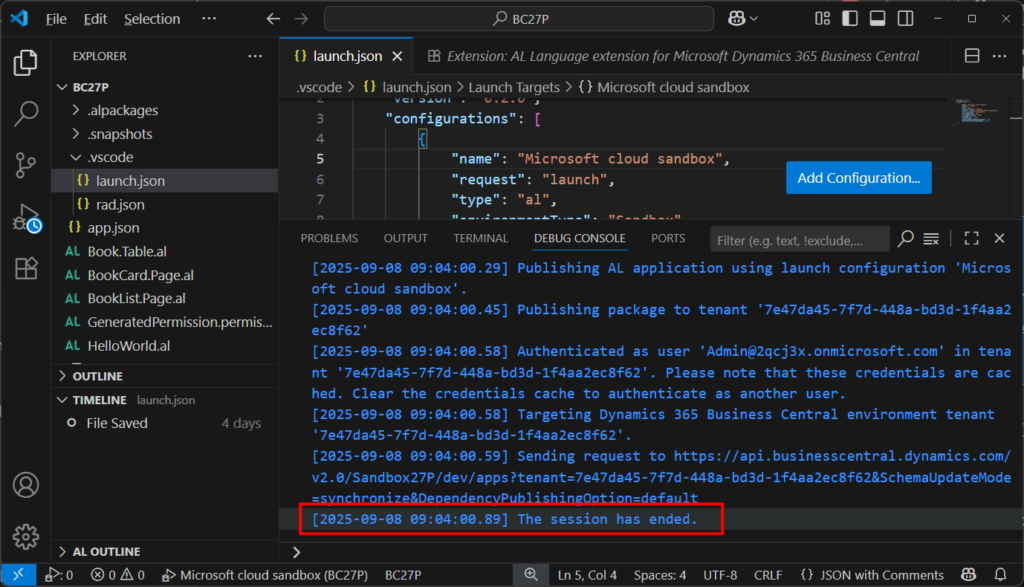
Test video:
Great, give it a try!!!😁
PS:
1. If the connection to the on-premises or sandbox developer environment is lost, publishing will also be canceled so it won’t block a new publish when the connection is re-established.
How to connect to Dynamics 365 Business Central On-Premises in VS Code (Use the On-Premises version for customization)
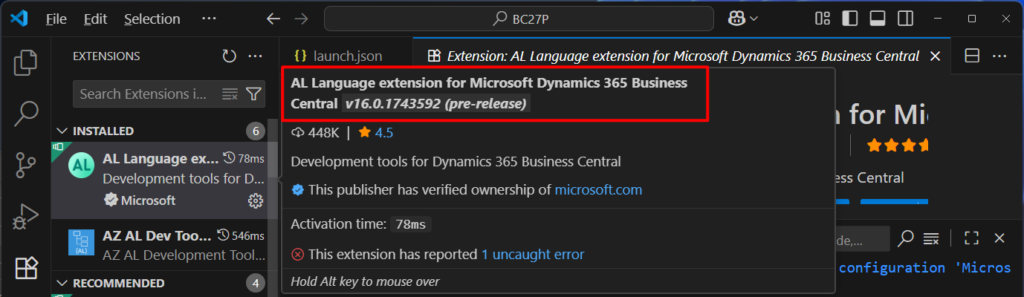
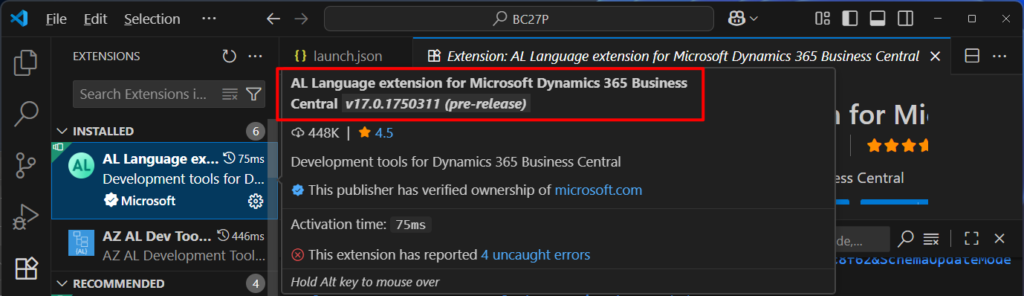
2. Currently, the following two versions of AL Language support this feature.
Pre-release version of AL Language extension
v16.0.1743592 (pre-release)
v17.0.1750311 (pre-release)
END
Hope this will help.
Thanks for reading.
ZHU
コメント