

Hi, Readers.
Microsoft released a new Business Central developer news in AL Home today.
2025-09-30 🚀 GitHub Copilot Agent Tools now available in the AL Extension (Pre-release version):
We’ve just added a set of GitHub Copilot agent tools to the AL VSIX! These tools enable the GitHub Copilot agent mode to automate and orchestrate AL workflows, making development faster, smarter, and more flexible.
https://github.com/microsoft/AL/blob/master/News.md#
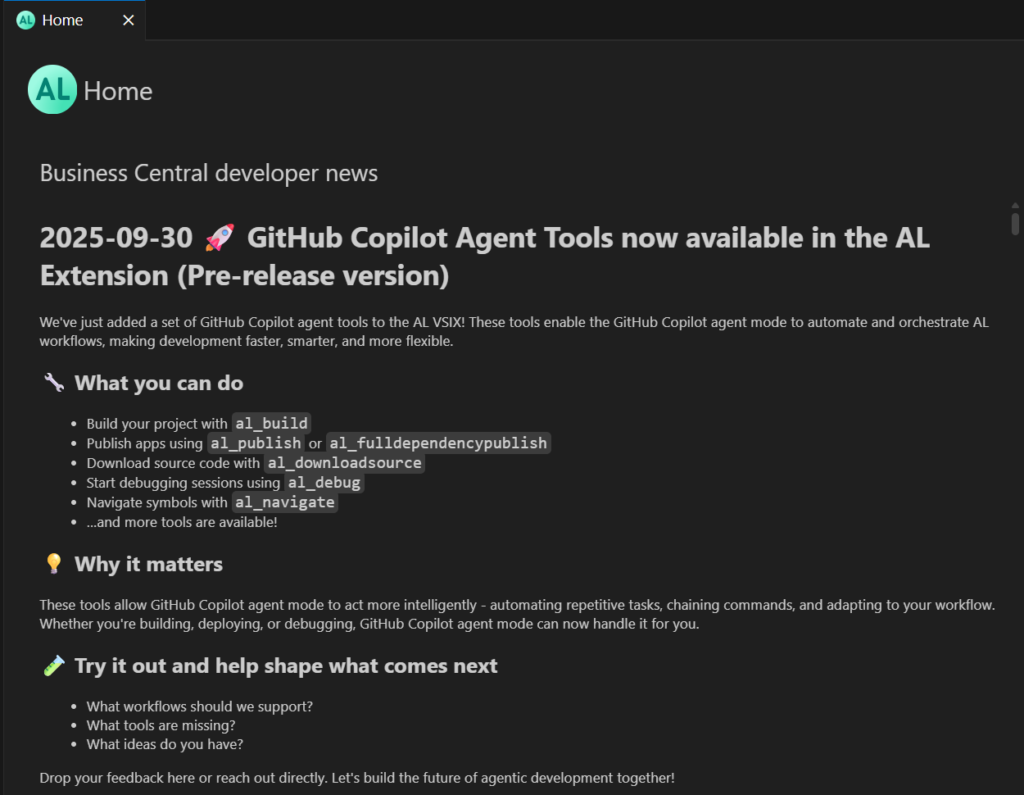
PS: AL Explorer and AL Home in Visual Studio Code AL extension
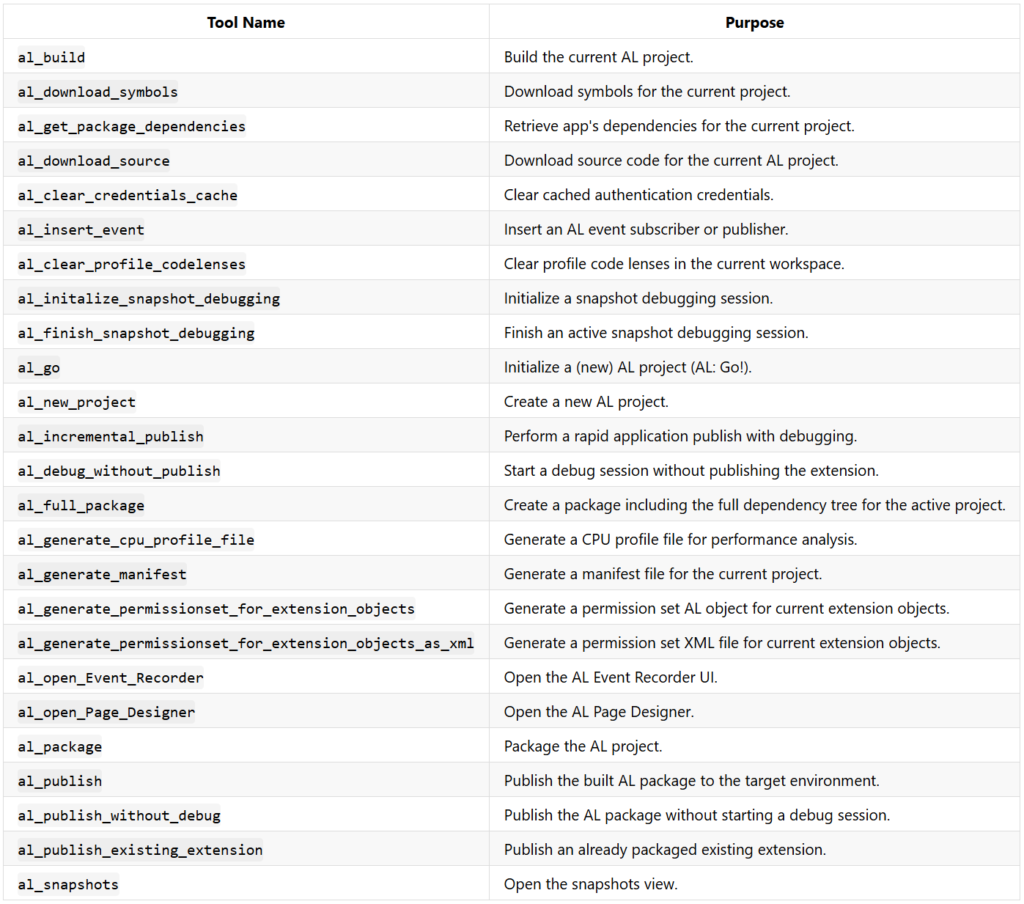
Not all tools/commands are mentioned in this news, but they are mentioned in the AL Language extension Changelog Business Central 2026 release wave 1 (Version 17.0) released a few days ago.
New AL Tools Available for Agents: The following AL development tools are now accessible to agents:
Don’t worry, this also works in the current version (runtime: 16.0). Let me do a simple test, first we need to install the latest AL Language Extension.
AL Language extension

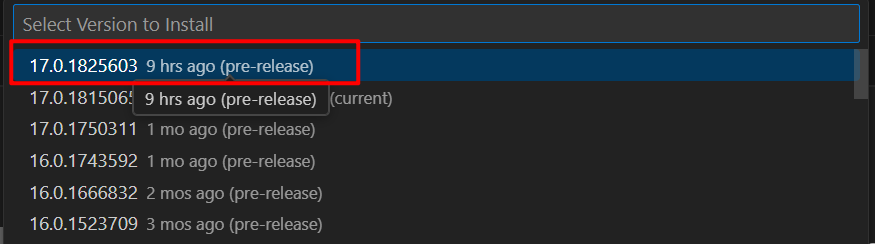
Test version: v17.0.1825603 (pre-release)
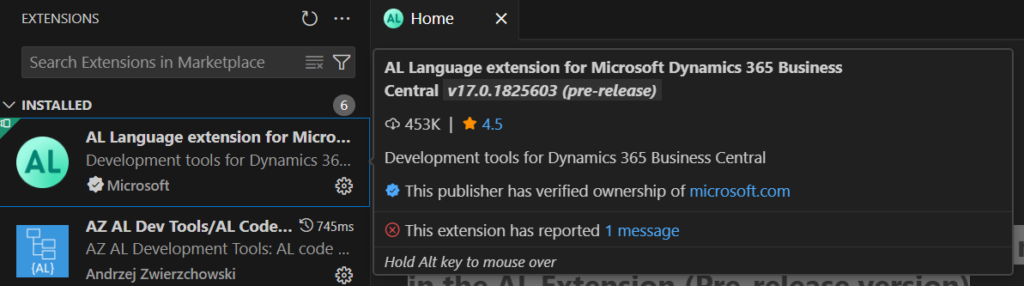
Then we need to enable agent mode in VS Code.
Use agent mode in VS Code: Agent mode is available starting from VS Code 1.99.
To enable agent mode in VS Code, enable the chat.agent.enabled setting.

Open the Chat view (Ctrl+Alt+I) and select Agent from the chat mode selector.
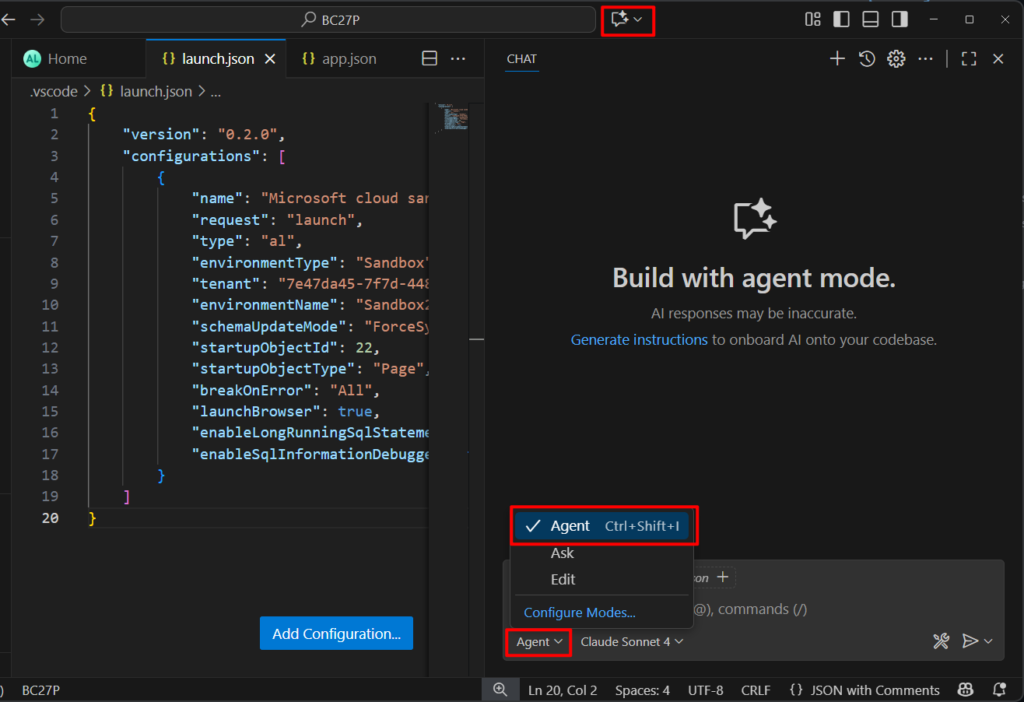
Done. Then we can try some tools provided by Microsoft.
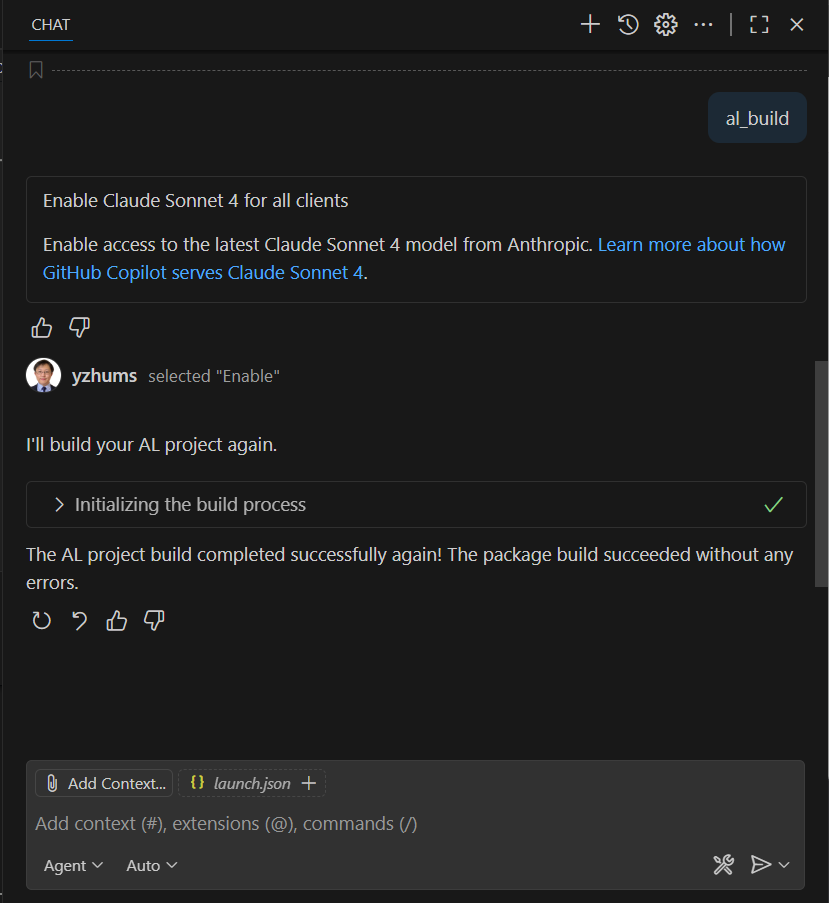
al_build:
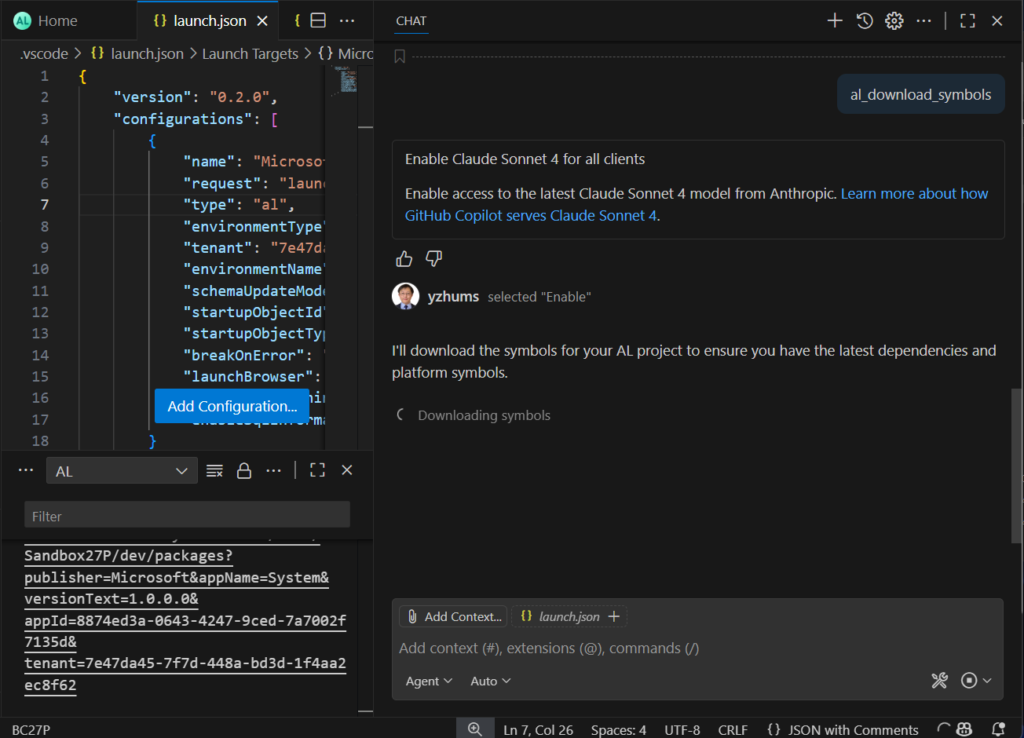
al_download_symbols:
al_publish:

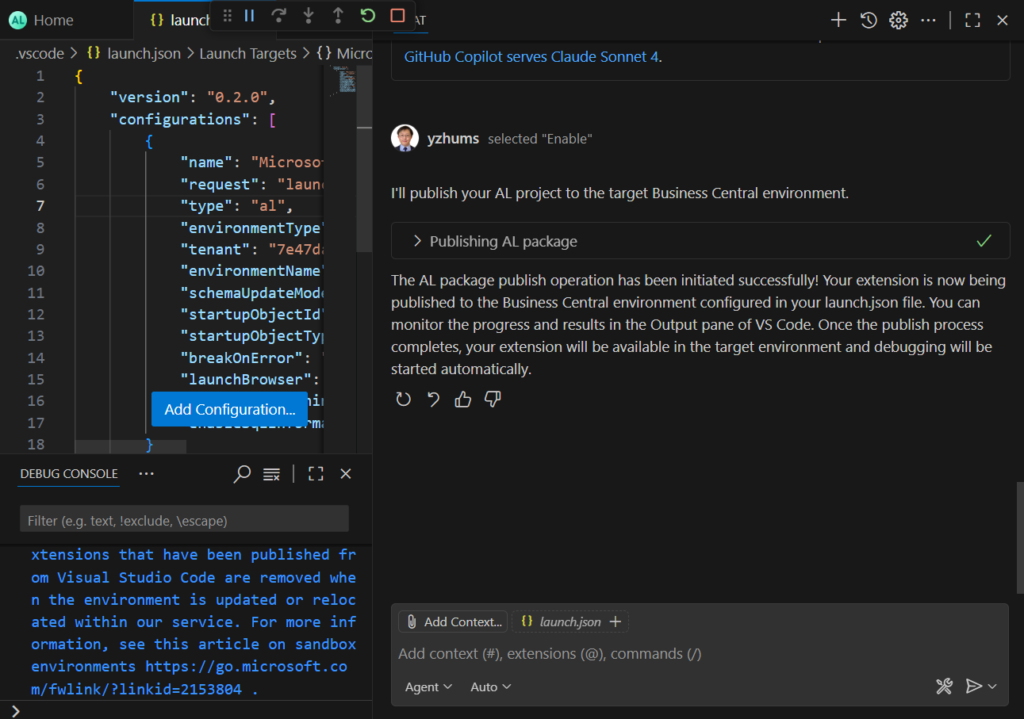
PS: If you click on a command, you can see the Input and Output details.
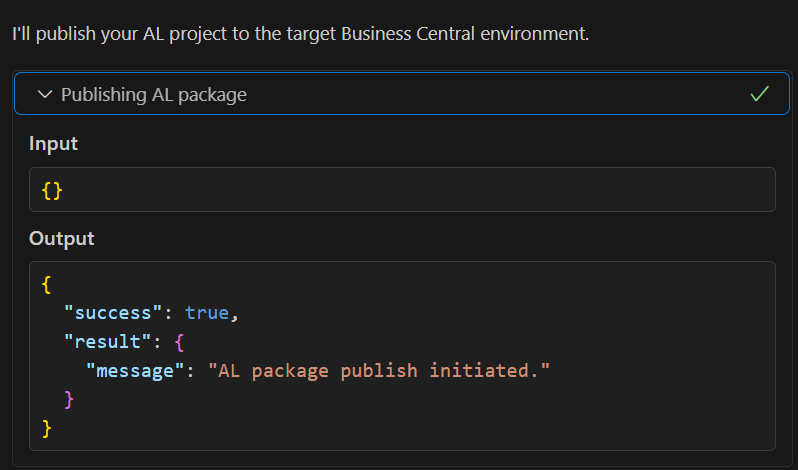
Great, give it a try!!!😁
These tools streamline common AL development workflows and improve automation capabilities for agents. Note: These tools are experimental and subject to change in future updates.
END
Hope this will help.
Thanks for reading.
ZHU
コメント