
Hi, Readers.
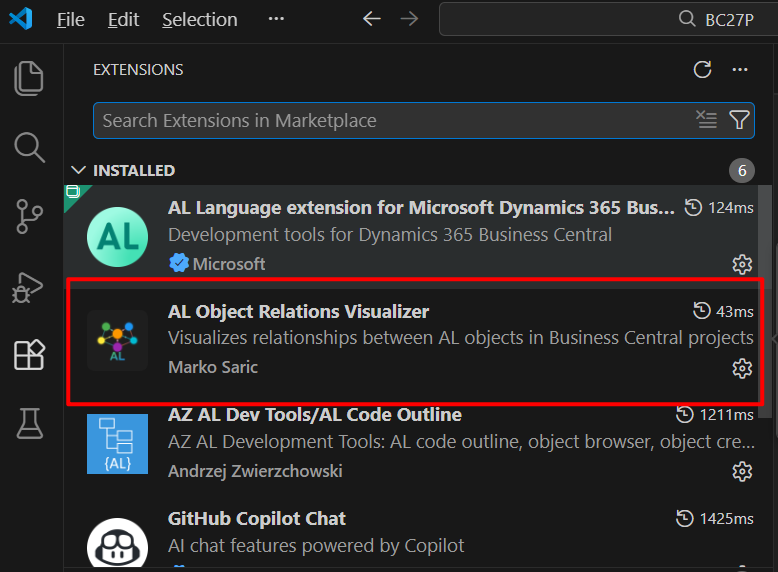
Today, I would like to share an interesting VS Code extension I recently came across: AL Object Relations Visualizer.
Credit for this information goes to Marko Sarić. More details: Link
AL Object Relations Visualizer: Visualizes relationships between AL objects in Business Central projects
Features:
- Interactive visualization – Force-directed graph with D3.js
- Automatic scanning – Finds all AL objects in your workspace
- Click to open – Direct file opening by clicking on nodes (workspace objects only)
- Detailed tooltips – Shows incoming and outgoing relations for each object with contextual information:
- Field names for TableRelation dependencies
- Variable names for Record/Codeunit/Enum declarations
- SourceTable properties for pages
- Distinction between direct calls and variable usage
- Color-coded nodes – Different colors for different object types (table, page, codeunit, etc.)
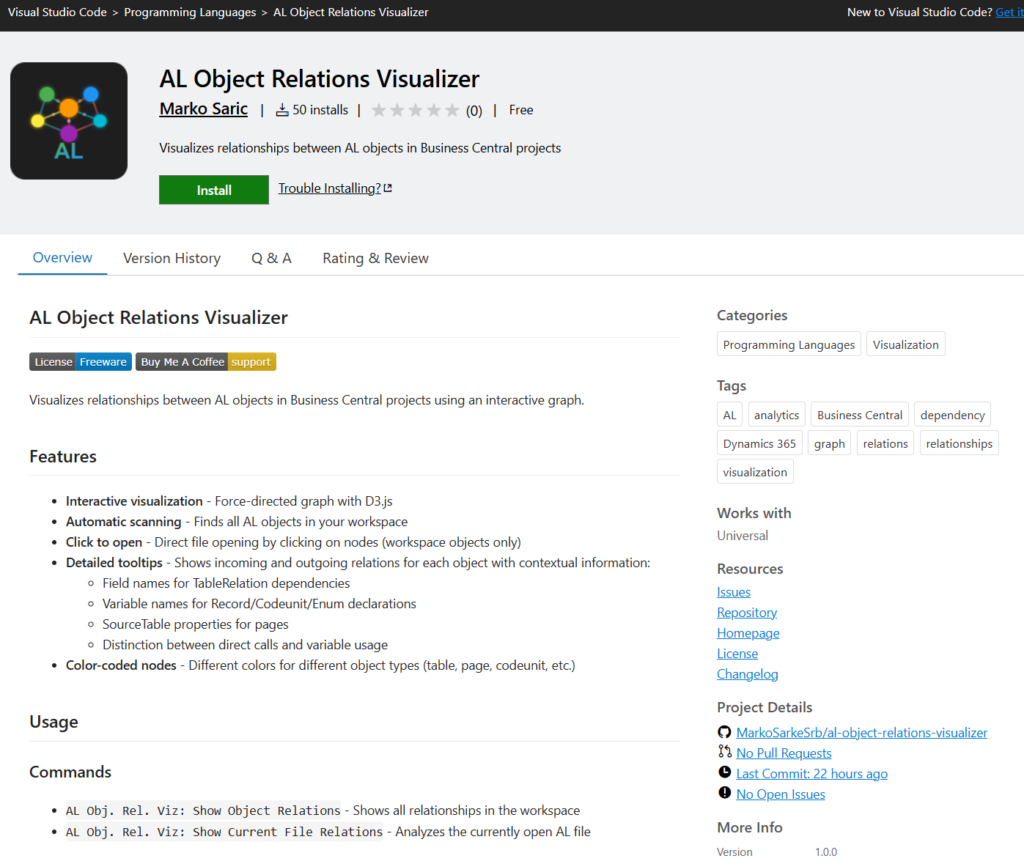
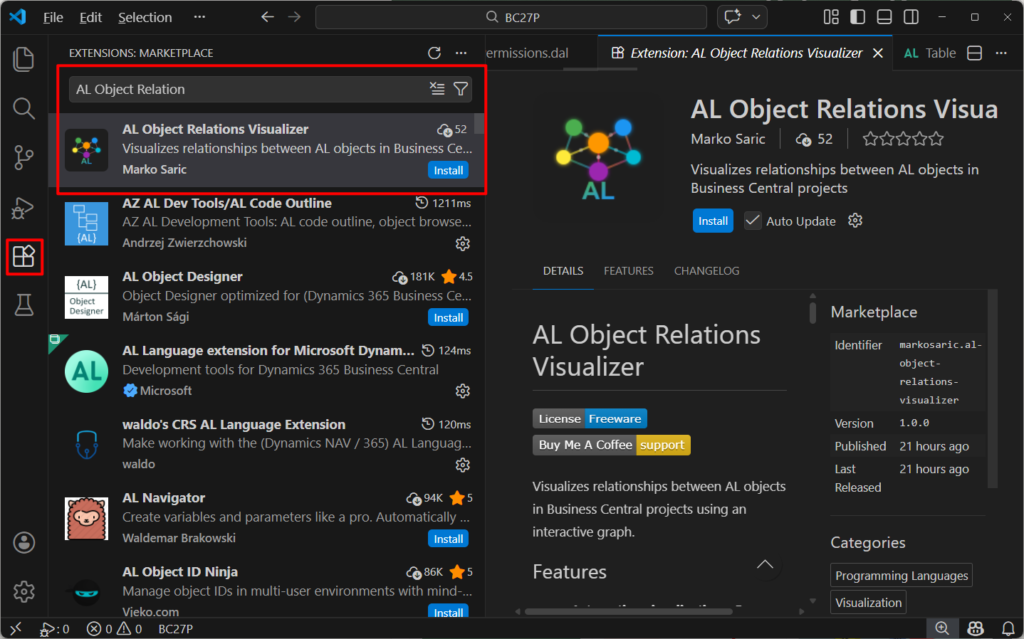
First, install the AL Object Relations Visualizer for VS Code from the Visual Studio Marketplace. For more information about how to install extensions, see Extension Marketplace.
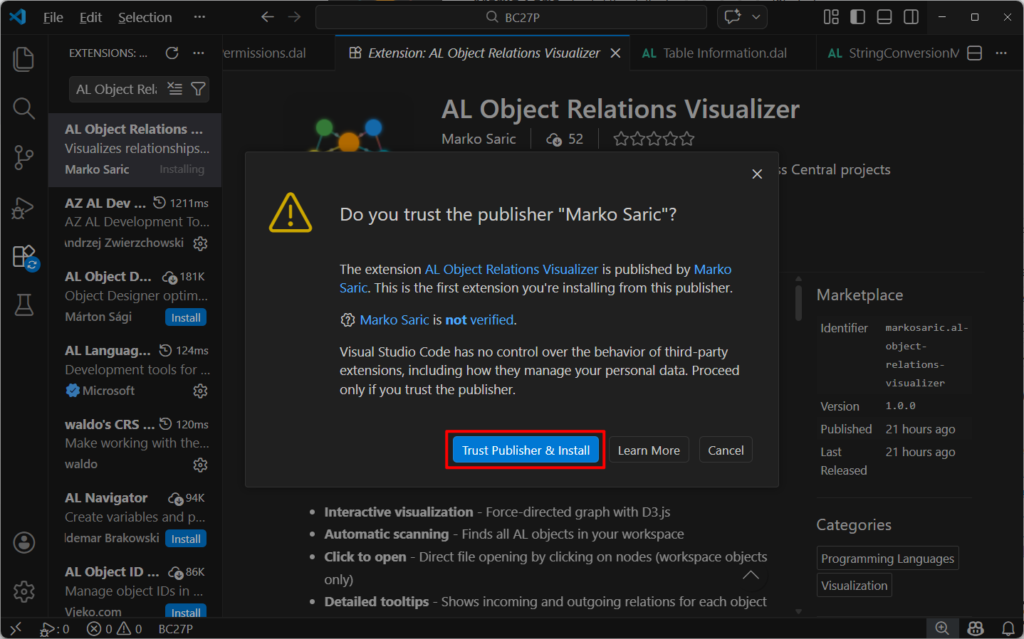
Choose Trust Publisher & Install
Done.
It’s also very easy to use.
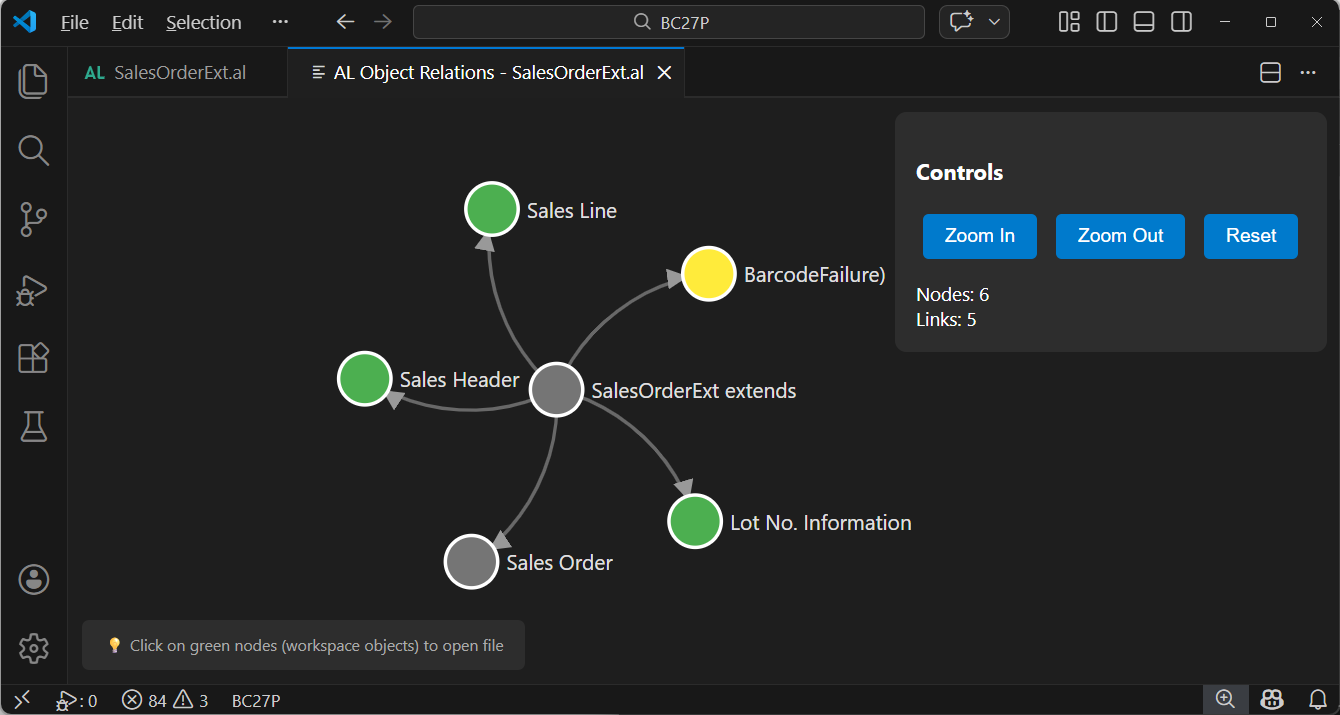
Right-click in an AL file → “AL Obj. Rel. Viz: Show Current File Relations“

Very cool.

Hovering over a node displays detailed information.

As mentioned in the features, you can click to open the workspace object.


When dealing with many related items, the display will look like this:

Great! If you have any questions or feedback, feel free to submit them to Marko Sarić, or leave a comment in the post below: Link
Enjoy it!
END
Hope this will help.
Thanks for reading.
ZHU


コメント