

Hi, Readers.
Today I would like to share another mini tip about Business Central, how to use Open in Excel in the browser/web (Excel Online).
With the Open in Excel action, you can make changes to the records in Excel, but you can’t publish the changes back to Business Central. You can only save the changes to the Excel file, without affecting data in Business Central.
For example, choose Open in Excel, and then you will be asked to save the file.
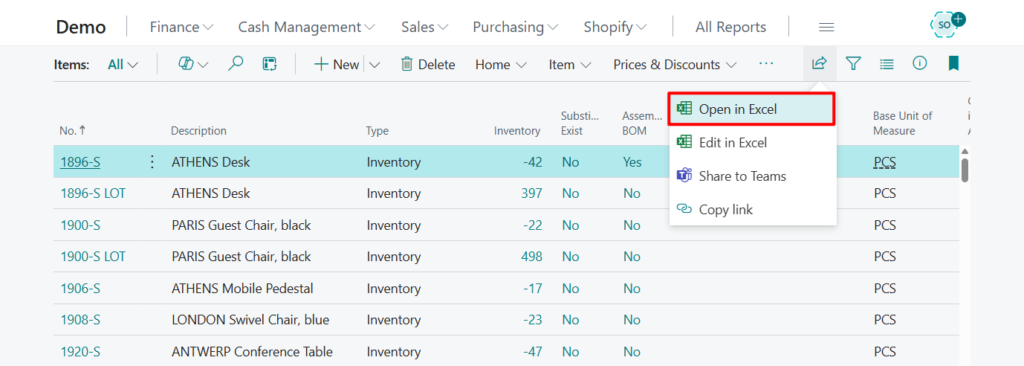
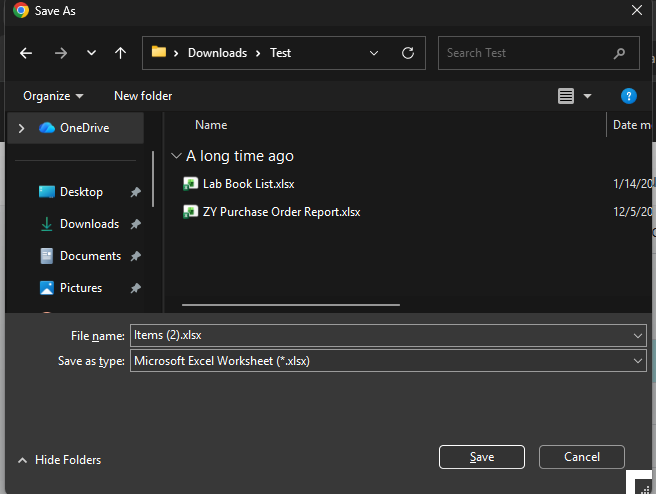
From there, you can open it using the Excel desktop app. This is a very convenient feature, and it’s not limited to list pages; it can also be used in listpart, worksheet, and other similar pages.
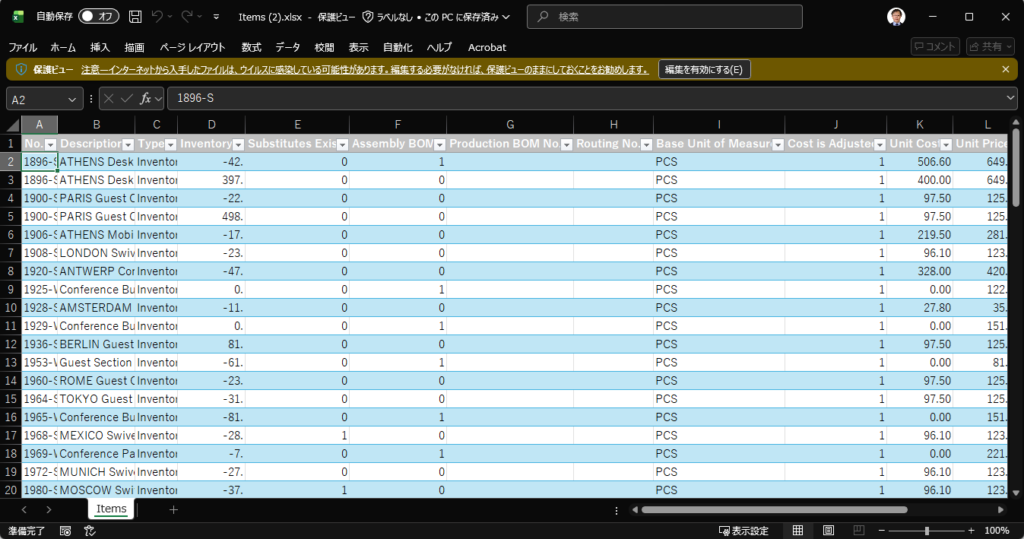
Actually, we can open it directly in Excel in the browser/web (Excel Online). Below are three points mentioned in Microsoft documentation. Let’s take a closer look at the third point. More details: Viewing and Editing in Excel From Business Central
- Excel respects filters on the page that limit the records shown. The Excel workbook has the same rows and columns that appear on the page in Business Central.
- This action works on both Windows and macOS.
- If your organization has configured OneDrive for system features, the Excel workbook is opened in your browser by using Excel for the web. If you’re not using OneDrive for system features, the workbook is downloaded to your device. From there, you can open it using either the Excel desktop app or Excel for the web, depending on what you have.
Let’s see more details.
Choose Tell Me icon, enter OneDrive Setup, and then choose the related link.

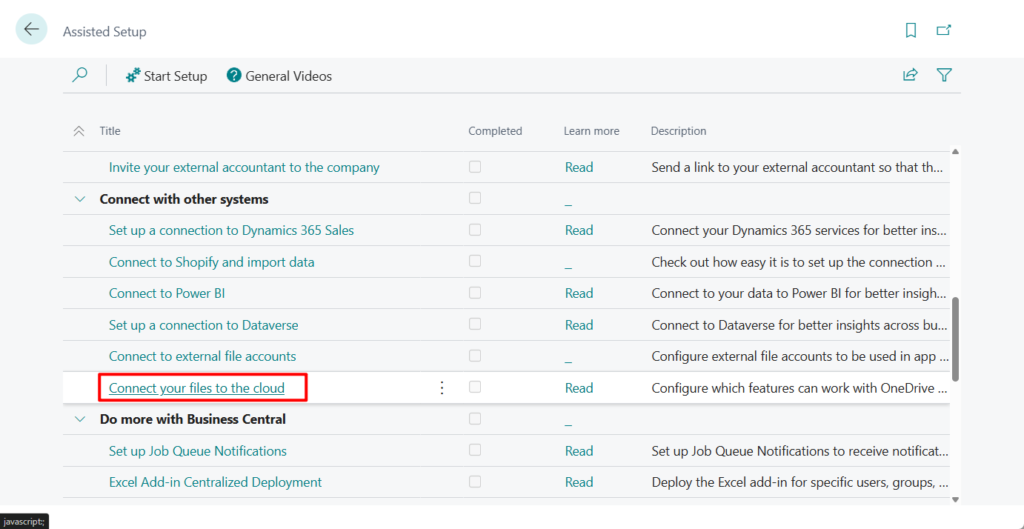
Or choose Connect your files to the cloud in Assisted Setup page.
Choose Next.
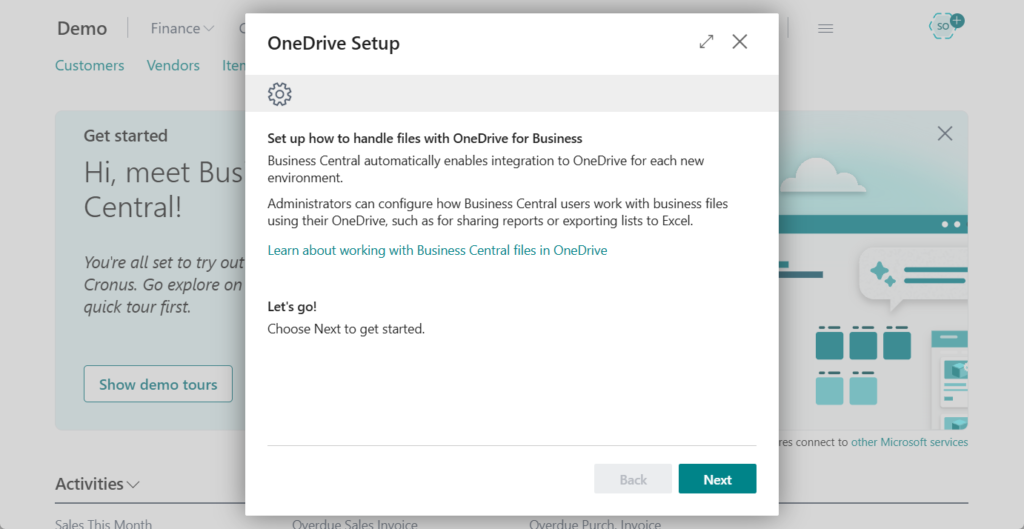
In the OneDrive Setup assisted setup guide for setting up OneDrive integration, you can turn on or off features for handling Business Central files in OneDrive. The features are divided between two options:
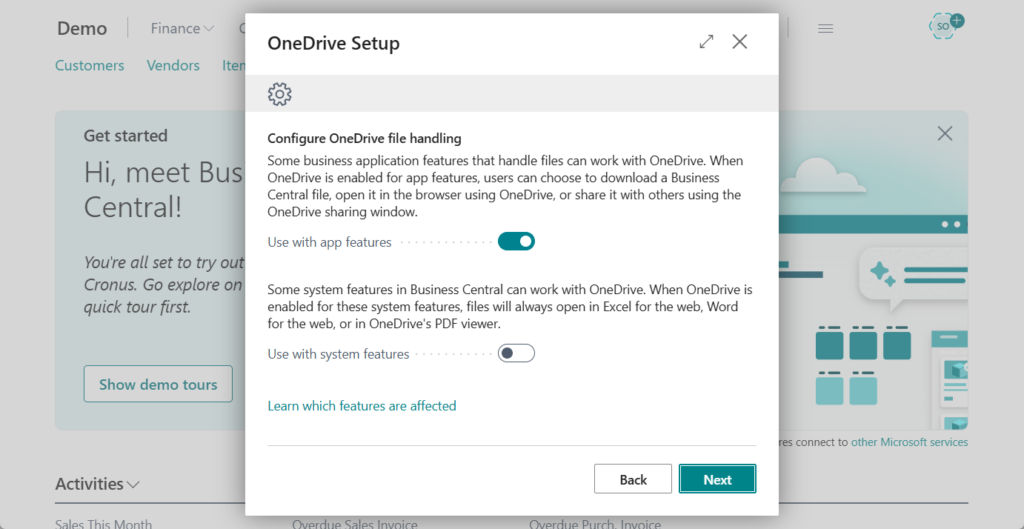
Turn on the second option.

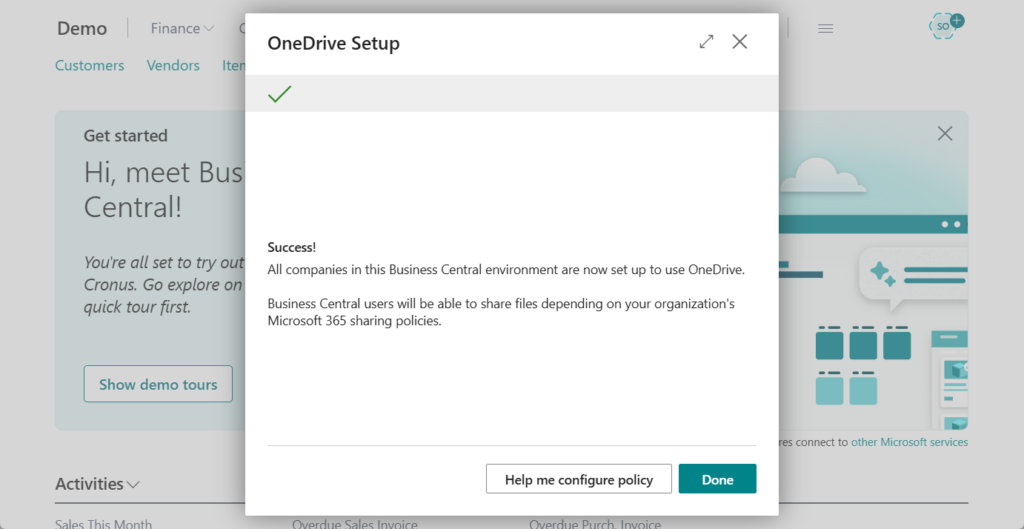
Choose Done.
Choose Open in Excel.
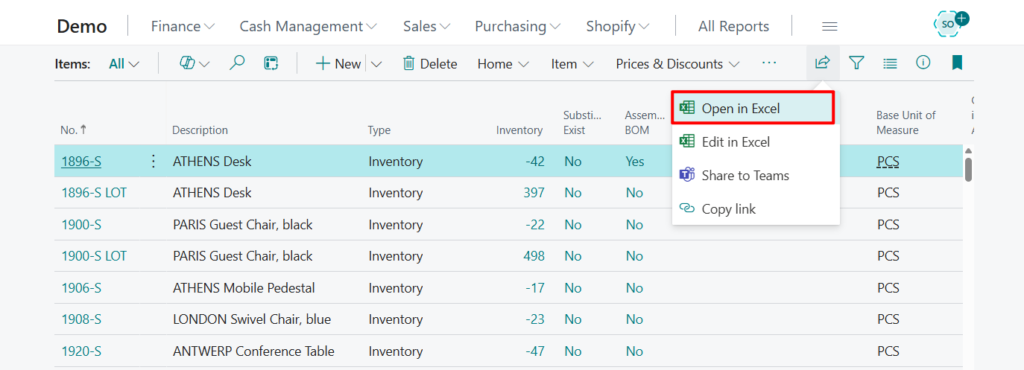
At this time, the Excel file will not be downloaded, it opened directly in the browser instead. Enjoy it 😁.
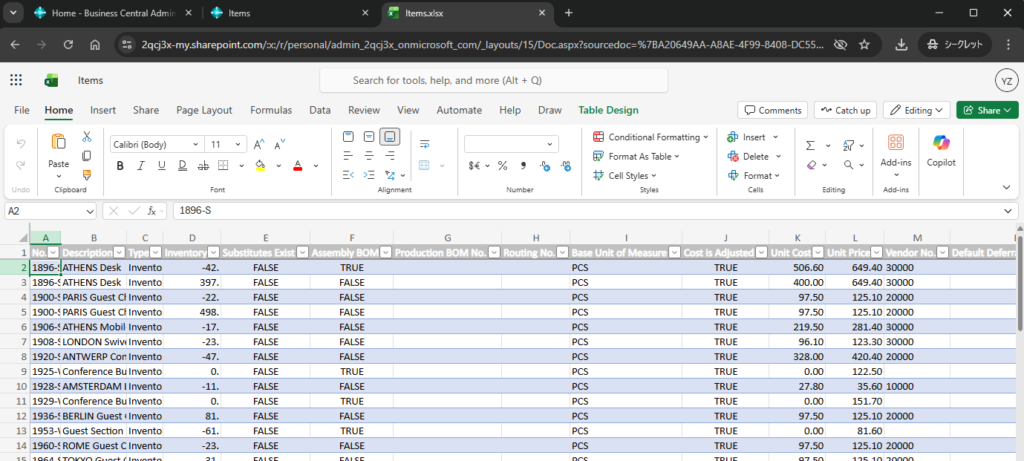
Test video:
PS: Dynamics 365 Business Central: How to use Edit in Excel in the browser/web (Excel Online)
END
Hope this will help.
Thanks for reading.
ZHU

コメント